
Last updated 08-13-2026
Category:
Reviews:
Join thousands of AI enthusiasts in the World of AI!
Shortwave
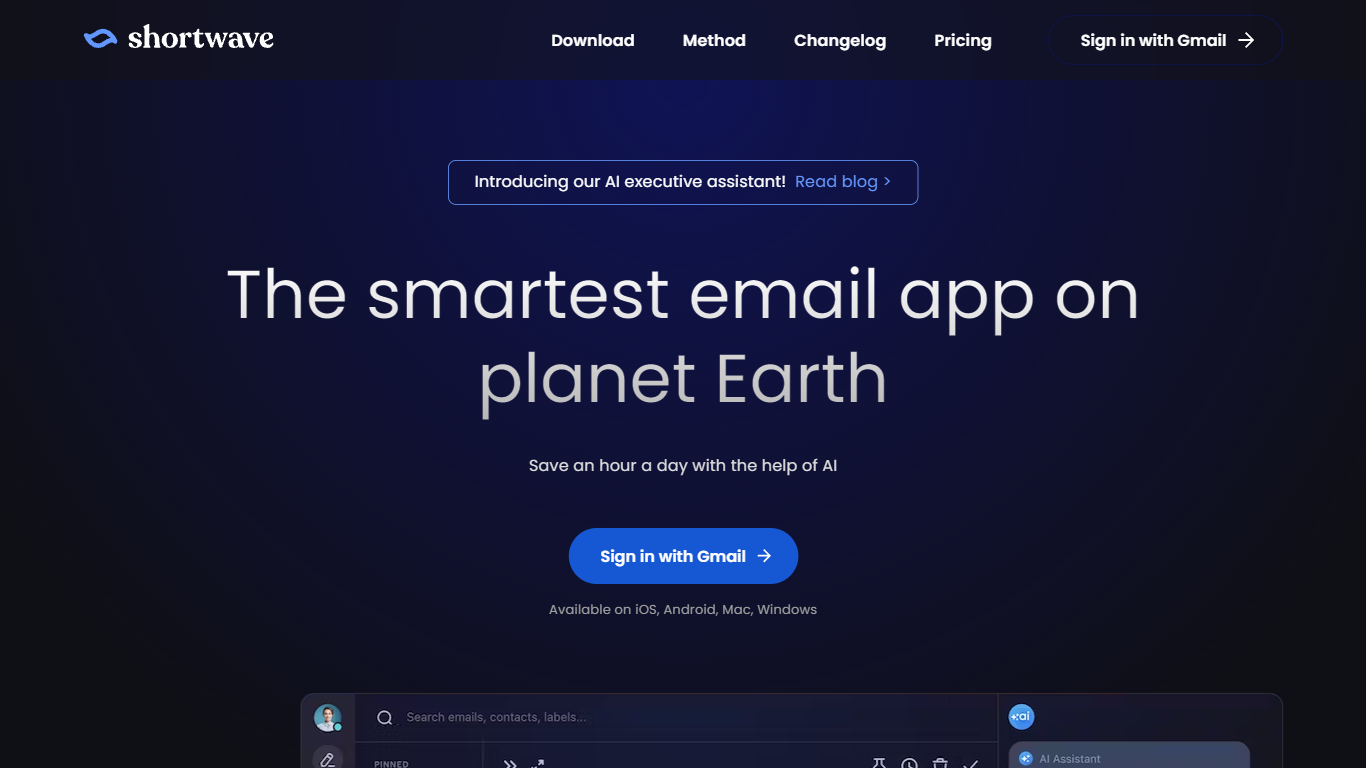
Shortwave is an AI email client built by former Google engineers that wraps Gmail with inbox organization tools and an agent you can prompt to search, write, schedule, and filter mail. It runs on iOS, Android, Mac, and Windows and syncs with Gmail accounts. The app positions itself as a spiritual successor to Google Inbox, with bundles, splits, and keyboard shortcuts at the center of daily triage.
Most Gmail add-ons bolt on one feature. Shortwave treats the whole inbox as a workflow surface: you triage with bundles and todos first, then ask the agent to draft replies, run natural language search across years of mail, or spin up filters written in plain English. That combo of Inbox-style organization plus a prompt-driven assistant sets it apart from Superhuman-style speed clients and basic AI summarizers.
Sales reps, founders, and support leads use it to split high-priority threads, track read receipts, and share live threads with teammates without pasting screenshots into Slack. Teams on Gmail who miss Inbox bundles or want calendar-aware scheduling from inside mail tend to stick with it once they adopt the Shortwave Method triage flow.
AI filters label, star, archive, or delete new mail based on prompts you write in plain English (up to 50 on Max plan)
Business plan runs roughly 150 to 300 Standard intelligence AI requests per day depending on request complexity
Natural language search spans up to 5 years of mail history on Business, unlimited on Premier and Max
Connects to Slack, Calendar, Notion, Asana, and HubSpot, plus 3,000+ apps through Tasklet integration
Bundles group promotions, newsletters, and updates so you can clear bulk mail in minutes
Shared live threads let teams comment, assign owners, and track done status inside the inbox
Bundles and splits bring back the Google Inbox triage model Gmail removed
Agent handles search, scheduling, and drafting from a single prompt bar
CASA Tier 2 audited with data encrypted on Google Cloud
Gmail only; Outlook and other providers are not supported as native accounts
Paid plans start at $30 per seat per month after a 14-day trial
Desktop requires Mac or Windows; no native Linux app listed
Is Shortwave free to use?
Yes, Shortwave is free to use with a no-credit-card signup. Paid plans add a 14-day trial and unlock higher AI usage quotas, longer search history, and more AI filters.
What email providers does Shortwave support?
Shortwave works with Gmail accounts. You can connect multiple Gmail accounts and switch between them on any device. Outlook and other providers are not supported as native accounts.
How much does Shortwave cost?
Shortwave Business costs $30 per seat per month, Premier is $45 per seat per month, and Max is $120 per seat per month. All paid plans include a 14-day free trial.
Does Shortwave work with Outlook?
No, Shortwave does not support Outlook as a native email provider. The app is built for Gmail accounts on iOS, Android, Mac, and Windows.
How does Shortwave keep data secure?
Shortwave meets CASA Tier 2 compliance with annual third-party audits. Data is stored on Google Cloud with AES256 encryption at rest and TLS 1.2+ in transit, and customer email is never used to train third-party LLMs.
What platforms does Shortwave run on?
Shortwave has native apps for iOS, Android, macOS, and Windows. You can also install it as a PWA or use the desktop download from shortwave.com/download.