Angry email translator vs Shortwave
In the battle of Angry email translator vs Shortwave, which AI Email Assistant tool comes out on top? We compare reviews, pricing, alternatives, upvotes, features, and more.
Which one is better? Angry email translator or Shortwave?
Upon comparing Angry email translator with Shortwave, which are both AI-powered email assistant tools, Both tools have received the same number of upvotes from aitools.fyi users. Since other aitools.fyi users could decide the winner, the ball is in your court now to cast your vote and help us determine the winner.
Don't agree with the result? Cast your vote and be a part of the decision-making process!
Angry email translator

What is Angry email translator?
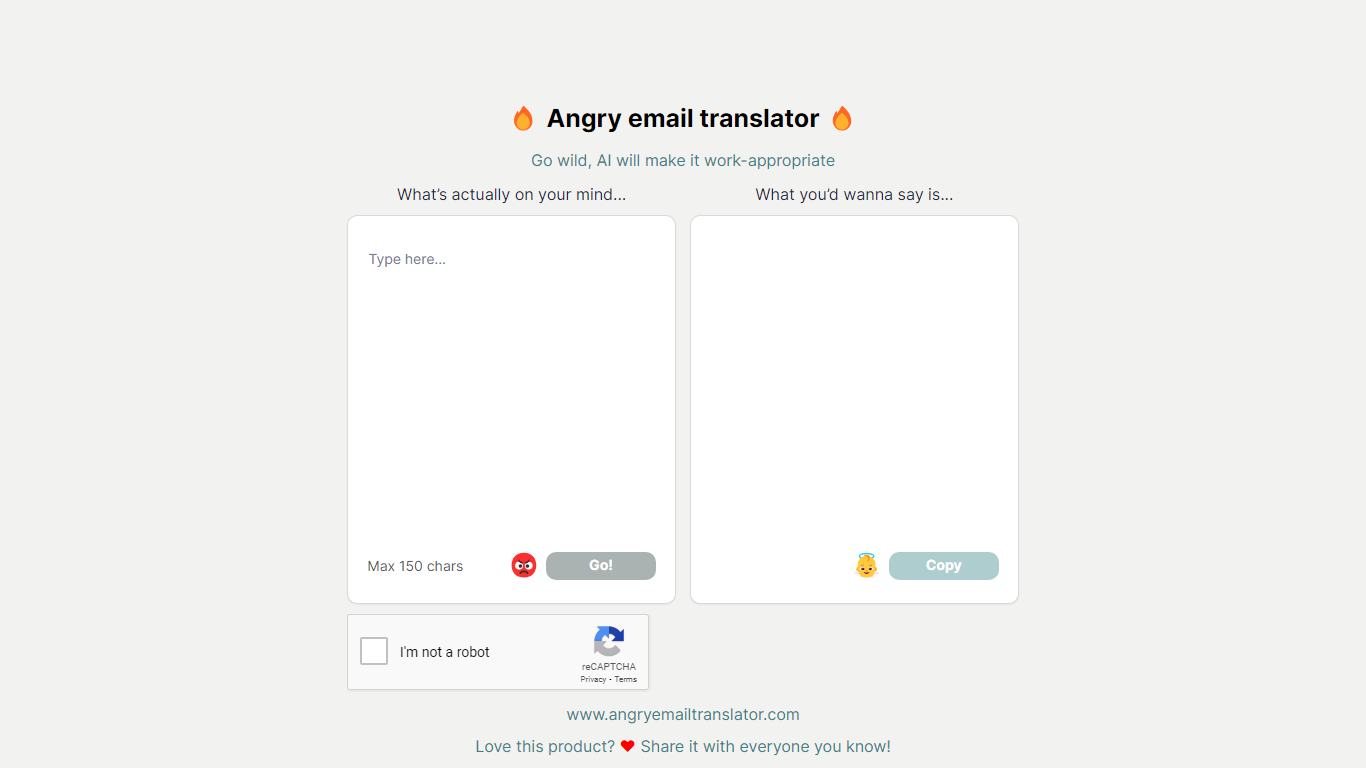
Angry email translator turns blunt, frustrated messages into polite workplace emails. You type what you actually want to say (up to 150 characters), hit Go, and get back a formal version you can copy into Gmail or Outlook. The whole flow lives on one page with no signup.
Most email assistants draft messages from scratch or polish long drafts you already wrote. Angry email translator does the opposite: it starts from venting. That 150-character cap forces you to name the grievance in a sentence, and the output leans into standard corporate phrasing ("I hope this email finds you well") rather than trying to sound clever.
Office workers use it before replying to a bad meeting invite or a lowball offer. Remote teammates reach for it when Slack frustration needs to become an email HR would not flag. Anyone who types angry first and regrets it later gets a fast tone reset without opening a full writing suite.
Shortwave
What is Shortwave?
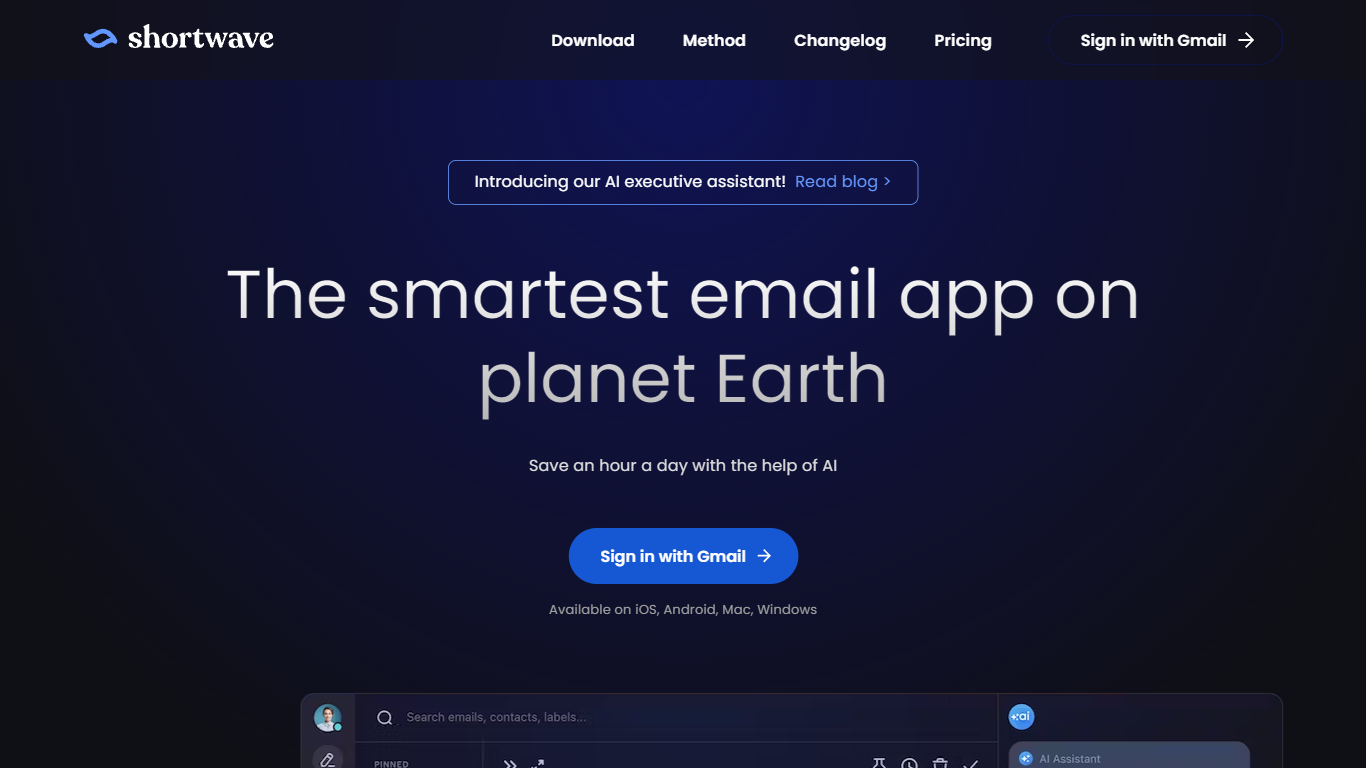
Shortwave is an AI email client built by former Google engineers that wraps Gmail with inbox organization tools and an agent you can prompt to search, write, schedule, and filter mail. It runs on iOS, Android, Mac, and Windows and syncs with Gmail accounts. The app positions itself as a spiritual successor to Google Inbox, with bundles, splits, and keyboard shortcuts at the center of daily triage.
Most Gmail add-ons bolt on one feature. Shortwave treats the whole inbox as a workflow surface: you triage with bundles and todos first, then ask the agent to draft replies, run natural language search across years of mail, or spin up filters written in plain English. That combo of Inbox-style organization plus a prompt-driven assistant sets it apart from Superhuman-style speed clients and basic AI summarizers.
Sales reps, founders, and support leads use it to split high-priority threads, track read receipts, and share live threads with teammates without pasting screenshots into Slack. Teams on Gmail who miss Inbox bundles or want calendar-aware scheduling from inside mail tend to stick with it once they adopt the Shortwave Method triage flow.
Angry email translator Upvotes
Shortwave Upvotes
Angry email translator Top Features
Converts rude input into formal email copy with one Go button
150-character input cap keeps rewrites fast and focused
One-click Copy button for the polished output
Hall of Fame shows real before-and-after translation examples
Free to use with optional donation link for compute costs
Shortwave Top Features
AI filters label, star, archive, or delete new mail based on prompts you write in plain English (up to 50 on Max plan)
Business plan runs roughly 150 to 300 Standard intelligence AI requests per day depending on request complexity
Natural language search spans up to 5 years of mail history on Business, unlimited on Premier and Max
Connects to Slack, Calendar, Notion, Asana, and HubSpot, plus 3,000+ apps through Tasklet integration
Bundles group promotions, newsletters, and updates so you can clear bulk mail in minutes
Shared live threads let teams comment, assign owners, and track done status inside the inbox
Angry email translator Category
- Email Assistant
Shortwave Category
- Email Assistant
Angry email translator Pricing Type
- Free
Shortwave Pricing Type
- Freemium