Email Bind vs Angry email translator
Dive into the comparison of Email Bind vs Angry email translator and discover which AI Email Assistant tool stands out. We examine alternatives, upvotes, features, reviews, pricing, and beyond.
When comparing Email Bind and Angry email translator, which one rises above the other?
When we compare Email Bind and Angry email translator, two exceptional email assistant tools powered by artificial intelligence, and place them side by side, several key similarities and differences come to light. The users have made their preference clear, Email Bind leads in upvotes. The number of upvotes for Email Bind stands at 7, and for Angry email translator it's 6.
You don't agree with the result? Cast your vote to help us decide!
Email Bind
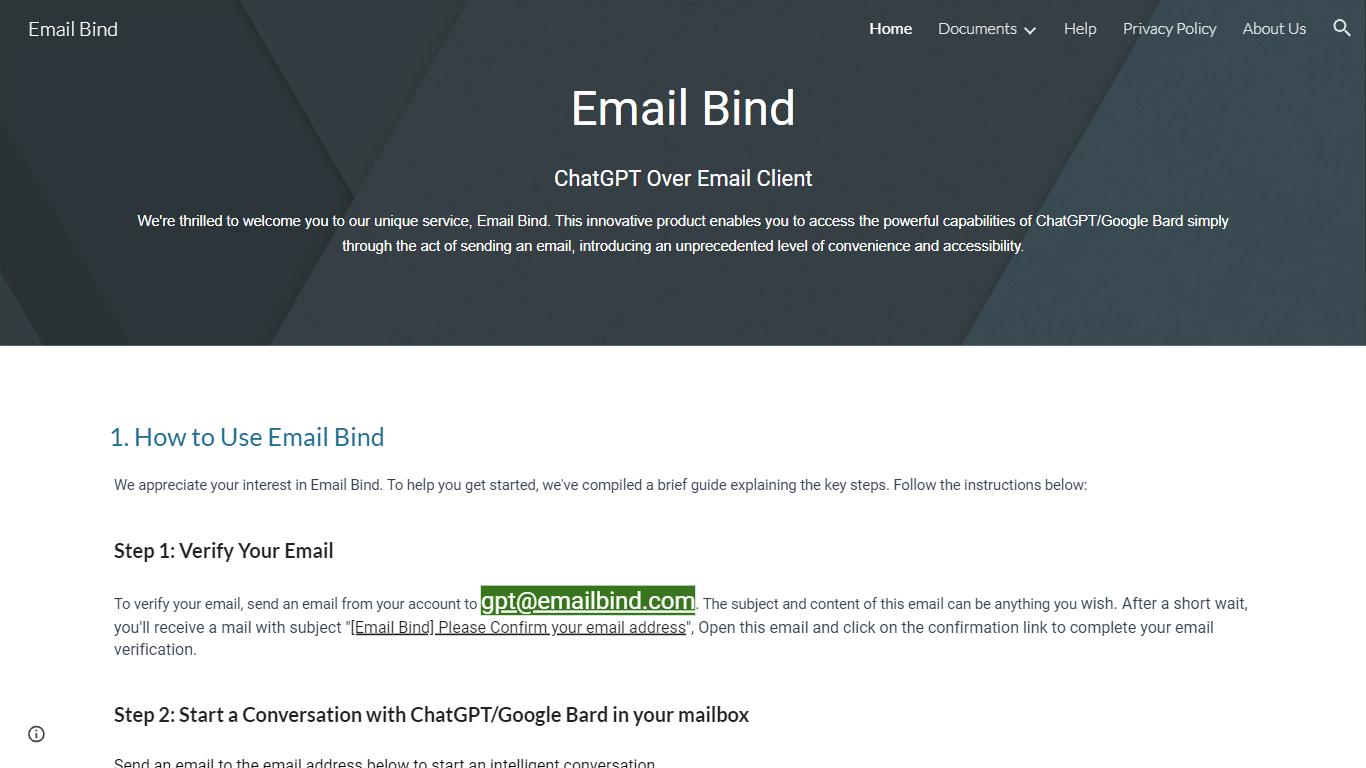

What is Email Bind?
Email Bind is an email assistant that lets you chat with ChatGPT or Google Bard by sending normal emails from any inbox. Verify your address by mailing [email protected], then email prompts to [email protected] for GPT-3.5/4 replies or [email protected] for web-connected answers. Replies land back in your mailbox, including multi-turn threads when you hit reply.
Most AI chat tools expect a browser login and a stable internet path to OpenAI or Google. Email Bind routes prompts through email instead, which helps users on restricted networks or anyone who already lives in Gmail, Outlook, or QQ Mail. Bard replies can pull newer web information, and the service documents Chinese-language support on the Bard path.
Professionals, students, and non-technical teams use Email Bind for drafts, translations, meeting summaries, and coding help without opening a separate chat UI. Early Access includes 100,000 tokens per month, caps single conversations at 2,000 words, and deletes message content from servers within minutes. The iPhone app unlocks prompt templates, GPT-4, token limits, and temperature controls through a Pro upgrade.
Angry email translator
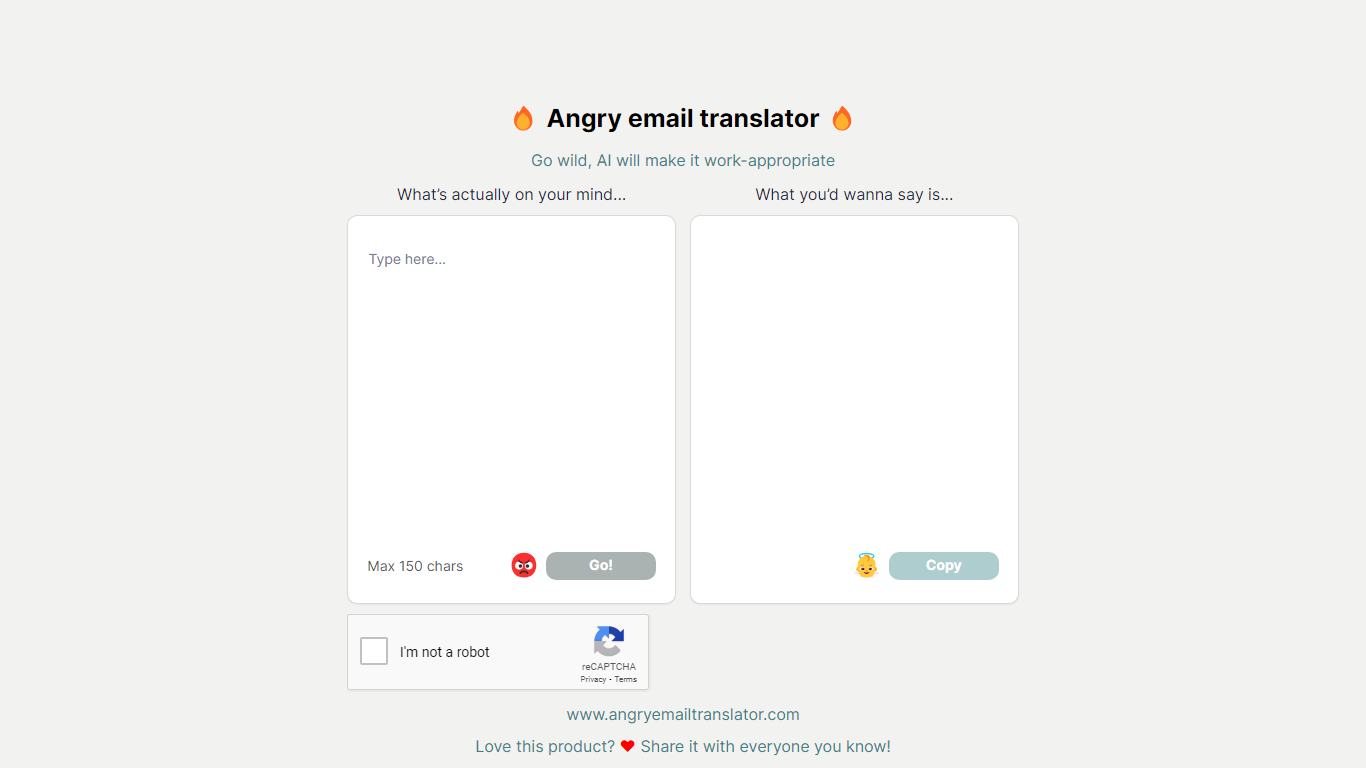
What is Angry email translator?
Angry email translator turns blunt, frustrated messages into polite workplace emails. You type what you actually want to say (up to 150 characters), hit Go, and get back a formal version you can copy into Gmail or Outlook. The whole flow lives on one page with no signup.
Most email assistants draft messages from scratch or polish long drafts you already wrote. Angry email translator does the opposite: it starts from venting. That 150-character cap forces you to name the grievance in a sentence, and the output leans into standard corporate phrasing ("I hope this email finds you well") rather than trying to sound clever.
Office workers use it before replying to a bad meeting invite or a lowball offer. Remote teammates reach for it when Slack frustration needs to become an email HR would not flag. Anyone who types angry first and regrets it later gets a fast tone reset without opening a full writing suite.
Email Bind Upvotes
Angry email translator Upvotes
Email Bind Top Features
Email [email protected] to use ChatGPT GPT-3.5 and GPT-4 models by mail
Email [email protected] for Google Bard replies with internet access
Early Access includes 100,000 tokens per month at no listed cost
Multi-turn conversations work by replying to Email Bind response messages
iPhone app adds prompt templates, GPT-4 toggles, max tokens, and temperature controls
Message content is deleted from servers within 1 to 10 minutes after processing
Angry email translator Top Features
Converts rude input into formal email copy with one Go button
150-character input cap keeps rewrites fast and focused
One-click Copy button for the polished output
Hall of Fame shows real before-and-after translation examples
Free to use with optional donation link for compute costs
Email Bind Category
- Email Assistant
Angry email translator Category
- Email Assistant
Email Bind Pricing Type
- Freemium
Angry email translator Pricing Type
- Free