IntelliMail vs Angry email translator
In the contest of IntelliMail vs Angry email translator, which AI Email Assistant tool is the champion? We evaluate pricing, alternatives, upvotes, features, reviews, and more.
If you had to choose between IntelliMail and Angry email translator, which one would you go for?
When we examine IntelliMail and Angry email translator, both of which are AI-enabled email assistant tools, what unique characteristics do we discover? There's no clear winner in terms of upvotes, as both tools have received the same number. The power is in your hands! Cast your vote and have a say in deciding the winner.
Feeling rebellious? Cast your vote and shake things up!
IntelliMail


What is IntelliMail?
IntelliMail ships as a Chrome extension that drafts full emails from the context you provide, so you skip blank-message typing in the browser. The intellimail.xyz landing page links straight to the Chrome Web Store listing and positions the tool as a personal email assistant.
Many email helpers only suggest snippets inside a web app. IntelliMail installs as a browser extension and generates complete messages after you add context, with a public pledge that the team does not read or store your data on intellimail.xyz.
Professionals who write thank-you notes, internship outreach, and routine replies in Chrome are the natural fit. The site keeps the workflow minimal: download the extension, open your mail client, add context, and generate.
The product is marketed as free on the Chrome Web Store page linked from the homepage. Optional support runs through a Buy Me a Coffee link, and feedback goes to an Airtable form also linked on the site.
IntelliMail.xyz runs on Wix with React, Chakra UI, Cloudflare, Hotjar, and Sentry detected in the page bundle. Version 1.6.9 was the last Chrome Web Store update noted on the linked listing when this page was reviewed.
Angry email translator
What is Angry email translator?
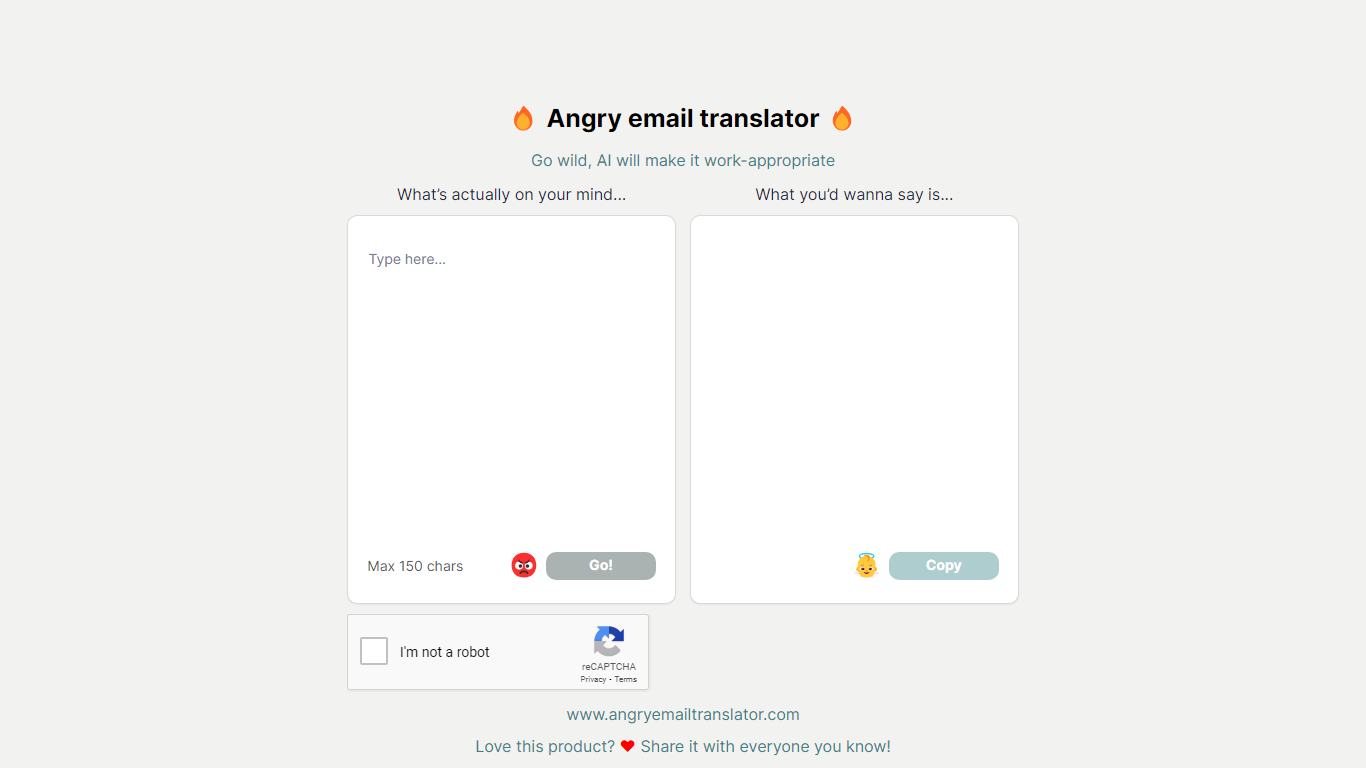
Angry email translator turns blunt, frustrated messages into polite workplace emails. You type what you actually want to say (up to 150 characters), hit Go, and get back a formal version you can copy into Gmail or Outlook. The whole flow lives on one page with no signup.
Most email assistants draft messages from scratch or polish long drafts you already wrote. Angry email translator does the opposite: it starts from venting. That 150-character cap forces you to name the grievance in a sentence, and the output leans into standard corporate phrasing ("I hope this email finds you well") rather than trying to sound clever.
Office workers use it before replying to a bad meeting invite or a lowball offer. Remote teammates reach for it when Slack frustration needs to become an email HR would not flag. Anyone who types angry first and regrets it later gets a fast tone reset without opening a full writing suite.
IntelliMail Upvotes
Angry email translator Upvotes
IntelliMail Top Features
📧 Full email drafts: Extension generates complete messages from the context you supply.
🔒 Privacy pledge: Site states IntelliMail does not read or store user data.
🧩 Chrome install: Distributed through the Chrome Web Store link on intellimail.xyz.
☕ Optional support: Buy Me a Coffee link for voluntary donations on the homepage.
📝 Feedback form: Airtable feedback link collects product input from users.
Angry email translator Top Features
Converts rude input into formal email copy with one Go button
150-character input cap keeps rewrites fast and focused
One-click Copy button for the polished output
Hall of Fame shows real before-and-after translation examples
Free to use with optional donation link for compute costs
IntelliMail Category
- Email Assistant
Angry email translator Category
- Email Assistant
IntelliMail Pricing Type
- Free
Angry email translator Pricing Type
- Free