BestRegards vs InboxPro
Explore the showdown between BestRegards vs InboxPro and find out which AI Email Assistant tool wins. We analyze upvotes, features, reviews, pricing, alternatives, and more.
In a face-off between BestRegards and InboxPro, which one takes the crown?
When we contrast BestRegards with InboxPro, both of which are exceptional AI-operated email assistant tools, and place them side by side, we can spot several crucial similarities and divergences. The upvote count reveals a draw, with both tools earning the same number of upvotes. Join the aitools.fyi users in deciding the winner by casting your vote.
You don't agree with the result? Cast your vote to help us decide!
BestRegards
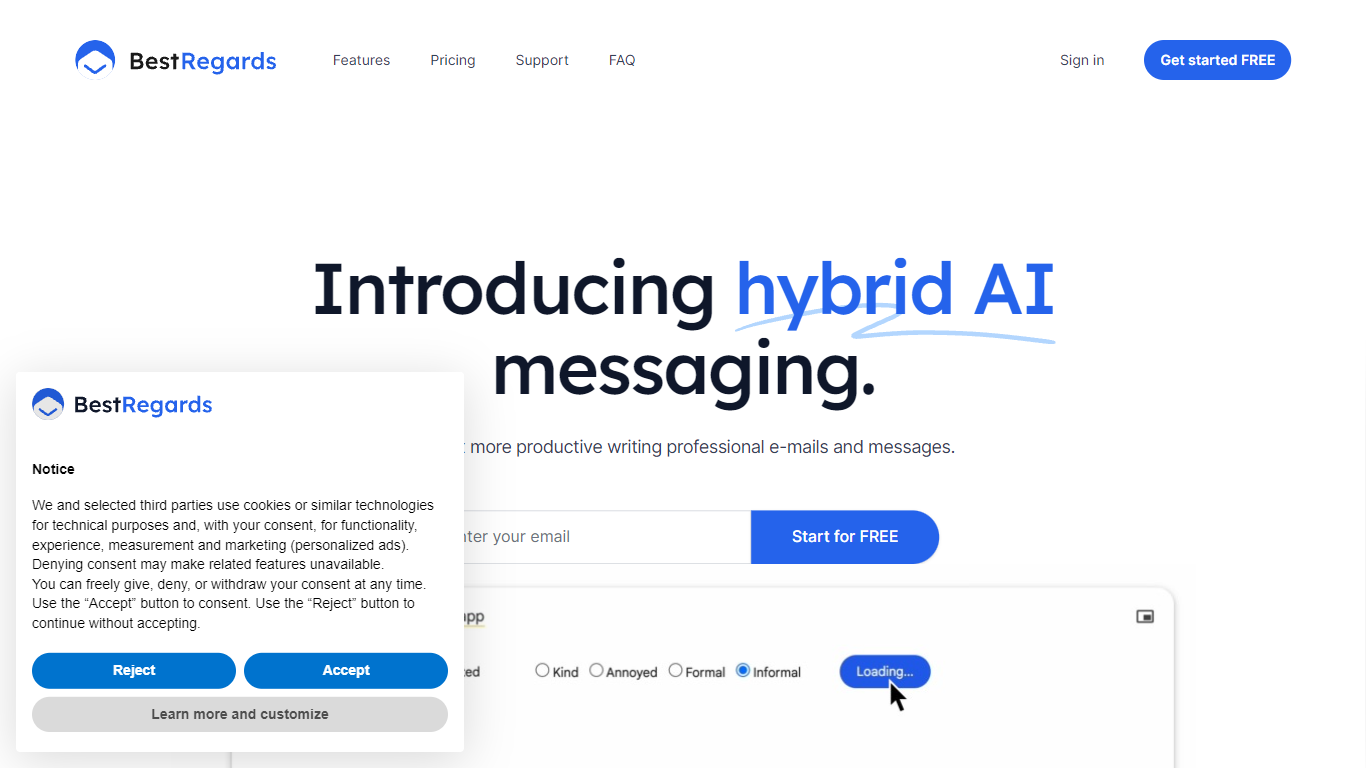

What is BestRegards?
BestRegards is an innovative Chrome extension designed to enhance your productivity by automating the process of writing emails and messages. With its advanced AI capabilities, BestRegards can understand the context of the emails you receive and generate personalized replies in seconds. Whether you're dealing with professional correspondence or casual messaging, BestRegards simplifies the task, allowing you to reply quickly and effectively. It supports all main languages and works seamlessly with any email service, particularly Gmail, where it offers enhanced context detection.
InboxPro
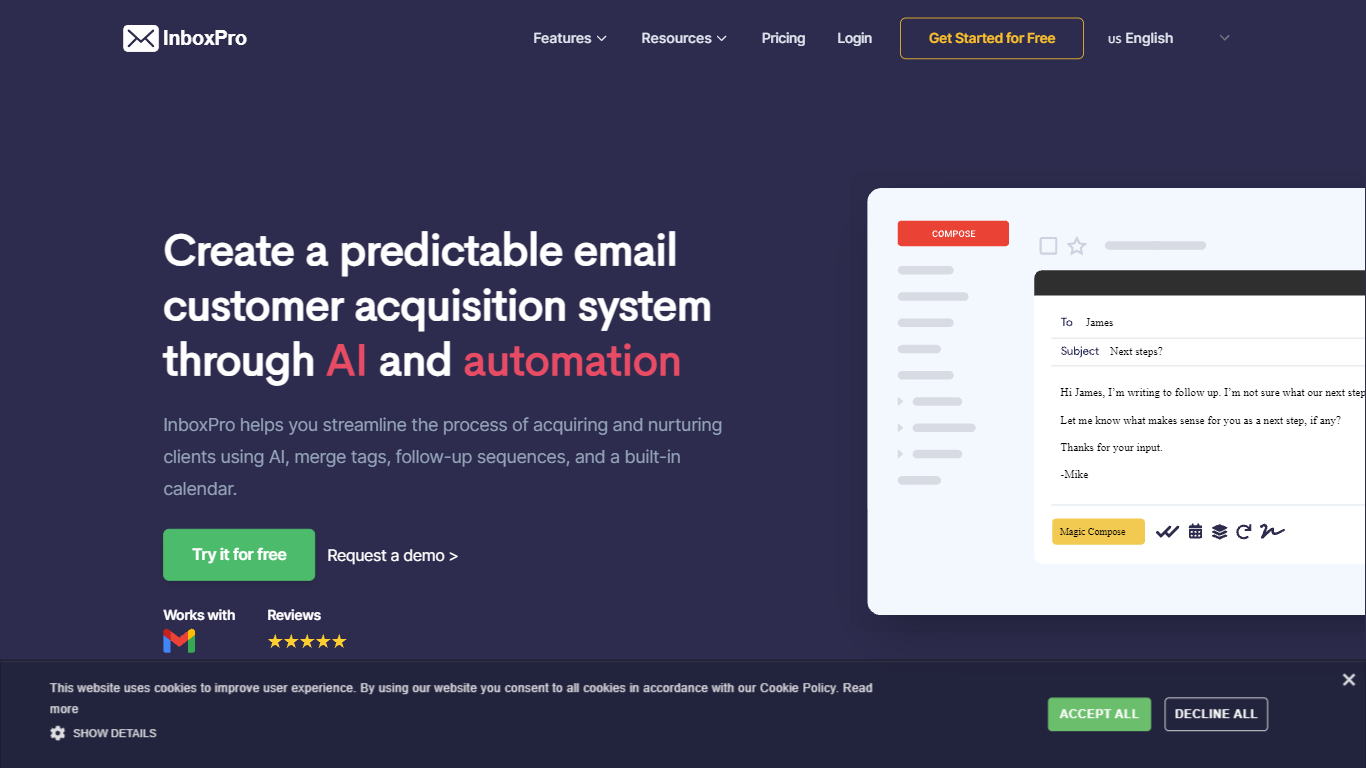
What is InboxPro?
InboxPro is an email assistant built around a Gmail browser extension that bundles outreach, scheduling, and inbox analytics in one workflow. You get GPT-3 powered Magic Compose and Summarize inside Gmail, plus follow-up sequences, merge tags, open and link tracking, saved templates, and a built-in booking calendar. The product targets sales reps and small teams who live in Gmail and want fewer tabs open.
Where most Gmail add-ons pick one job, InboxPro stacks prospecting and closing tools together. Mailtrack-style tracking, Lemlist-style sequences, and Calendly-style scheduling all sit behind the same dashboard, with a free tier that still includes limited AI writing. That breadth trades depth in any single category for a single login and one contact list.
Salespeople, founders doing outbound, and customer success reps who send repetitive follow-ups get the most from it. Import contacts from Gmail, personalize with merge tags, automate multi-step sequences, and let prospects book meetings from a public calendar page connected to Google, Office 365, Outlook, or iCloud.
BestRegards Upvotes
InboxPro Upvotes
BestRegards Top Features
Context Detection: BestRegards reads the email and understands its context to generate the most appropriate response.
Magic Composing: With minimal input BestRegards composes a full message streamlining the email writing process.
Polyglot Capability: This tool supports all main languages allowing you to respond in the same language as your interlocutor.
Use Anywhere: The extension is accessible from any website making it convenient to use across different platforms.
No Programming Skills Required: BestRegards is designed for ease of use making it accessible to users without technical backgrounds.
InboxPro Top Features
Magic Compose and Summarize run inside Gmail using GPT-3, with AI writing available even on the free plan
Free plan includes 250 monthly emails, 1 automated sequence, and a 100-email daily send cap
Paid Basic plan at $10 per month (billed yearly) unlocks 5,000 monthly emails and 10 AI-written emails per day
Follow-up sequences support play and stop controls, merge tags, and shared templates across team plans
Built-in calendar scheduling connects to Google, Office 365, Outlook, and iCloud with overlap-free booking
Email tracking sends real-time notifications when recipients open messages or click links
Email analytics reports sent and received volume, top-performing emails, and busy hours from Gmail activity
BestRegards Category
- Email Assistant
InboxPro Category
- Email Assistant
BestRegards Pricing Type
- Freemium
InboxPro Pricing Type
- Freemium