
Last updated 07-30-2026
Category:
Reviews:
Join thousands of AI enthusiasts in the World of AI!
InboxPro
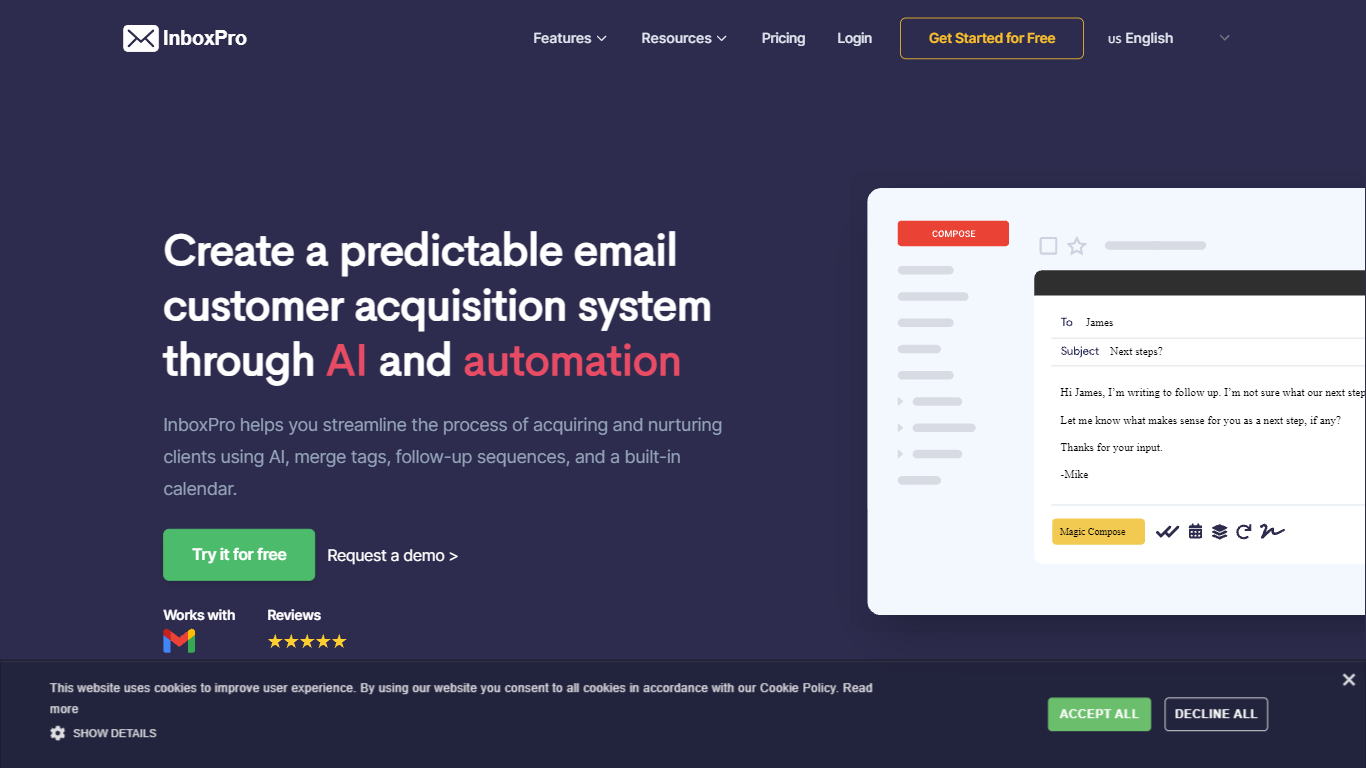
InboxPro is an email assistant built around a Gmail browser extension that bundles outreach, scheduling, and inbox analytics in one workflow. You get GPT-3 powered Magic Compose and Summarize inside Gmail, plus follow-up sequences, merge tags, open and link tracking, saved templates, and a built-in booking calendar. The product targets sales reps and small teams who live in Gmail and want fewer tabs open.
Where most Gmail add-ons pick one job, InboxPro stacks prospecting and closing tools together. Mailtrack-style tracking, Lemlist-style sequences, and Calendly-style scheduling all sit behind the same dashboard, with a free tier that still includes limited AI writing. That breadth trades depth in any single category for a single login and one contact list.
Salespeople, founders doing outbound, and customer success reps who send repetitive follow-ups get the most from it. Import contacts from Gmail, personalize with merge tags, automate multi-step sequences, and let prospects book meetings from a public calendar page connected to Google, Office 365, Outlook, or iCloud.
Magic Compose and Summarize run inside Gmail using GPT-3, with AI writing available even on the free plan
Free plan includes 250 monthly emails, 1 automated sequence, and a 100-email daily send cap
Paid Basic plan at $10 per month (billed yearly) unlocks 5,000 monthly emails and 10 AI-written emails per day
Follow-up sequences support play and stop controls, merge tags, and shared templates across team plans
Built-in calendar scheduling connects to Google, Office 365, Outlook, and iCloud with overlap-free booking
Email tracking sends real-time notifications when recipients open messages or click links
Email analytics reports sent and received volume, top-performing emails, and busy hours from Gmail activity
Bundles AI writing, sequences, tracking, templates, analytics, and calendar booking in one Gmail extension instead of juggling separate tools.
Free plan includes email tracking, calendar scheduling, and limited AI writing with no time limit.
Merge tags and multi-step sequences with play and stop controls suit repeatable sales outreach.
Paid plans scale to 25,000 monthly emails and 200 AI-written emails per day on the Growth tier.
Free plan caps you at 250 monthly emails, 1 sequence, and 100 sends per day.
Core experience depends on the Gmail browser extension rather than a standalone email client.
AI writing still runs on GPT-3, which is older than newer models some competitors offer.
Is InboxPro free to use?
Yes. InboxPro offers a free plan at $0 per month with 1 user, 250 monthly emails, limited AI writing, 1 sequence, email tracking, calendar scheduling, and the Gmail extension. Paid plans start at $10 per month when billed yearly.
Does InboxPro work with Gmail?
Yes. InboxPro ships as a Gmail browser extension with Magic Compose, Summarize, open tracking, link tracking, and templates inside the Gmail interface. The free plan integrates with Gmail and Microsoft email; paid plans support all email providers.
How many AI emails can InboxPro write per day?
InboxPro limits AI-written emails by plan. The free tier offers limited AI writing, Basic allows 10 AI emails per day, Professional allows 100 per day, and Growth allows 200 per day. Magic Compose uses GPT-3 from OpenAI.
What email tracking does InboxPro include?
InboxPro tracks email opens and link clicks from the Gmail extension, then sends real-time notifications when a recipient engages. Open and link tracking are included on the free plan alongside templates and calendar scheduling.
Can InboxPro automate follow-up emails?
Yes. InboxPro builds multi-step follow-up sequences with triggers, merge tags, and play or stop controls. The free plan allows 1 sequence; paid Basic and higher plans remove the sequence limit and add shared templates for teams.
Does InboxPro include calendar scheduling?
Yes. InboxPro includes a built-in calendar where prospects book meetings from a public page. It connects to Google, Office 365, Outlook, and iCloud calendars and prevents double-booked slots. Calendar scheduling is available on the free plan.