IntelliMail vs InboxPro
Compare IntelliMail vs InboxPro and see which AI Email Assistant tool is better when we compare features, reviews, pricing, alternatives, upvotes, etc.
Which one is better? IntelliMail or InboxPro?
When we compare IntelliMail with InboxPro, which are both AI-powered email assistant tools, Neither tool takes the lead, as they both have the same upvote count. Be a part of the decision-making process. Your vote could determine the winner.
Not your cup of tea? Upvote your preferred tool and stir things up!
IntelliMail

What is IntelliMail?
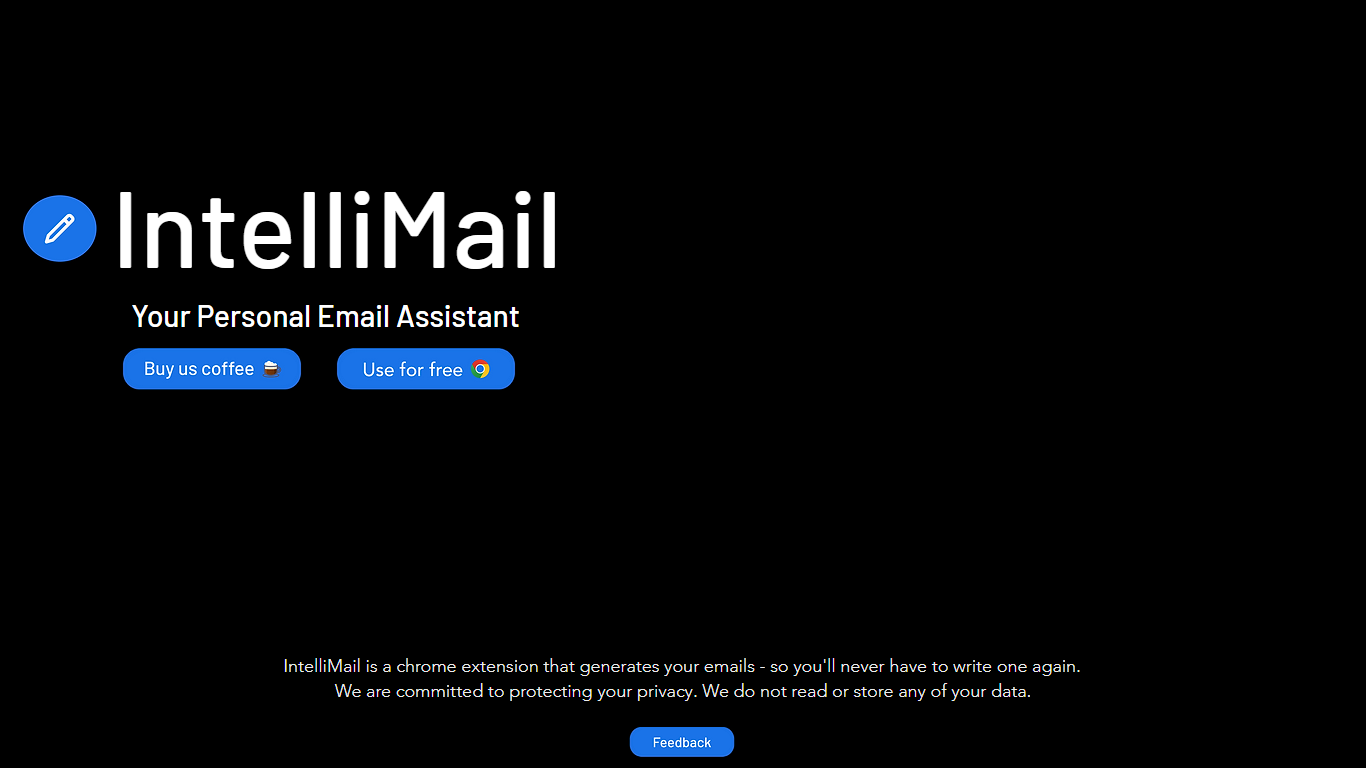
IntelliMail ships as a Chrome extension that drafts full emails from the context you provide, so you skip blank-message typing in the browser. The intellimail.xyz landing page links straight to the Chrome Web Store listing and positions the tool as a personal email assistant.
Many email helpers only suggest snippets inside a web app. IntelliMail installs as a browser extension and generates complete messages after you add context, with a public pledge that the team does not read or store your data on intellimail.xyz.
Professionals who write thank-you notes, internship outreach, and routine replies in Chrome are the natural fit. The site keeps the workflow minimal: download the extension, open your mail client, add context, and generate.
The product is marketed as free on the Chrome Web Store page linked from the homepage. Optional support runs through a Buy Me a Coffee link, and feedback goes to an Airtable form also linked on the site.
IntelliMail.xyz runs on Wix with React, Chakra UI, Cloudflare, Hotjar, and Sentry detected in the page bundle. Version 1.6.9 was the last Chrome Web Store update noted on the linked listing when this page was reviewed.
InboxPro
What is InboxPro?
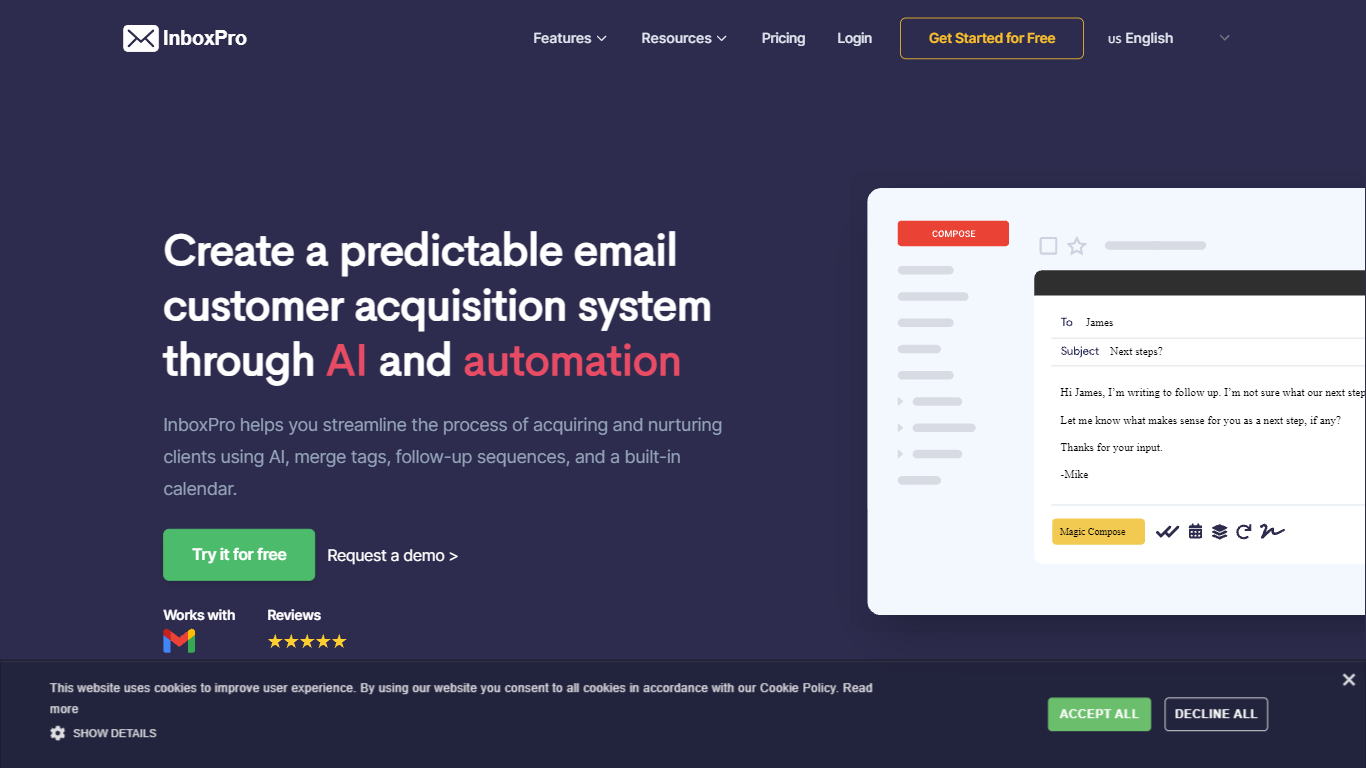
InboxPro is an email assistant built around a Gmail browser extension that bundles outreach, scheduling, and inbox analytics in one workflow. You get GPT-3 powered Magic Compose and Summarize inside Gmail, plus follow-up sequences, merge tags, open and link tracking, saved templates, and a built-in booking calendar. The product targets sales reps and small teams who live in Gmail and want fewer tabs open.
Where most Gmail add-ons pick one job, InboxPro stacks prospecting and closing tools together. Mailtrack-style tracking, Lemlist-style sequences, and Calendly-style scheduling all sit behind the same dashboard, with a free tier that still includes limited AI writing. That breadth trades depth in any single category for a single login and one contact list.
Salespeople, founders doing outbound, and customer success reps who send repetitive follow-ups get the most from it. Import contacts from Gmail, personalize with merge tags, automate multi-step sequences, and let prospects book meetings from a public calendar page connected to Google, Office 365, Outlook, or iCloud.
IntelliMail Upvotes
InboxPro Upvotes
IntelliMail Top Features
📧 Full email drafts: Extension generates complete messages from the context you supply.
🔒 Privacy pledge: Site states IntelliMail does not read or store user data.
🧩 Chrome install: Distributed through the Chrome Web Store link on intellimail.xyz.
☕ Optional support: Buy Me a Coffee link for voluntary donations on the homepage.
📝 Feedback form: Airtable feedback link collects product input from users.
InboxPro Top Features
Magic Compose and Summarize run inside Gmail using GPT-3, with AI writing available even on the free plan
Free plan includes 250 monthly emails, 1 automated sequence, and a 100-email daily send cap
Paid Basic plan at $10 per month (billed yearly) unlocks 5,000 monthly emails and 10 AI-written emails per day
Follow-up sequences support play and stop controls, merge tags, and shared templates across team plans
Built-in calendar scheduling connects to Google, Office 365, Outlook, and iCloud with overlap-free booking
Email tracking sends real-time notifications when recipients open messages or click links
Email analytics reports sent and received volume, top-performing emails, and busy hours from Gmail activity
IntelliMail Category
- Email Assistant
InboxPro Category
- Email Assistant
IntelliMail Pricing Type
- Free
InboxPro Pricing Type
- Freemium