Inbox Zero vs InboxPro
In the battle of Inbox Zero vs InboxPro, which AI Email Assistant tool comes out on top? We compare reviews, pricing, alternatives, upvotes, features, and more.
Between Inbox Zero and InboxPro, which one is superior?
Upon comparing Inbox Zero with InboxPro, which are both AI-powered email assistant tools, Inbox Zero stands out as the clear frontrunner in terms of upvotes. Inbox Zero has garnered 7 upvotes, and InboxPro has garnered 6 upvotes.
Not your cup of tea? Upvote your preferred tool and stir things up!
Inbox Zero
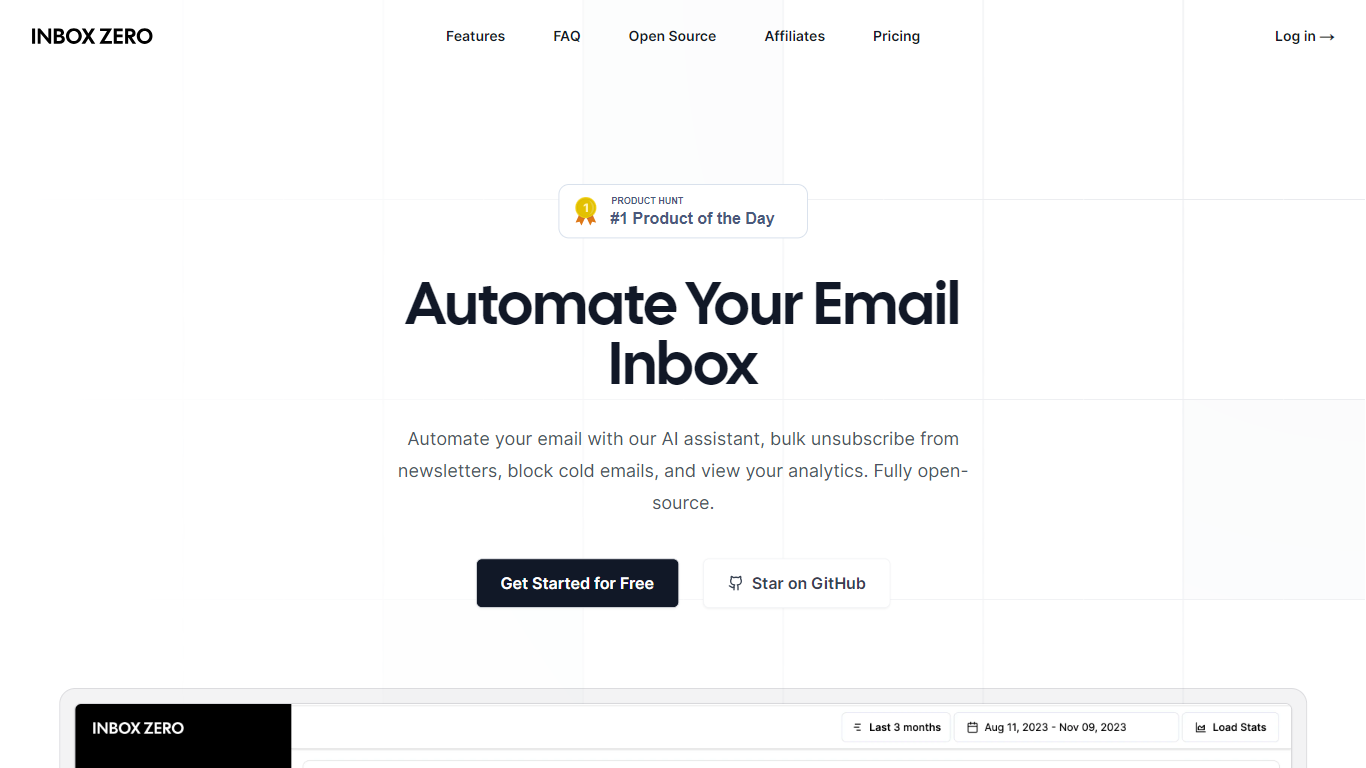

What is Inbox Zero?
Inbox Zero connects to Gmail or Outlook and uses AI to label incoming mail, draft replies in your voice, and surface what needs attention first. You get pre-written responses waiting when you open your inbox, plus bulk unsubscribe tools for newsletters you never read. The product works on web, iOS, Android, Slack, and Telegram so you can triage mail without living in your email tab.
Most email assistants stop at summarization. Inbox Zero also blocks cold emails, files attachments automatically on higher tiers, and pulls calendar and CRM context into drafts so scheduling replies match your real availability. The codebase is open source with 9k GitHub stars, SOC 2 Type 2 certification, and a self-host option for teams that want full control.
Starter plans cover solo operators who want labels, analytics, and reply drafts. Plus adds Slack, Notion, Stripe integrations, and an unlimited knowledge base. Professional adds team analytics and dedicated onboarding. Over 20,000 professionals use Inbox Zero, and every paid plan includes a 7-day free trial.
InboxPro
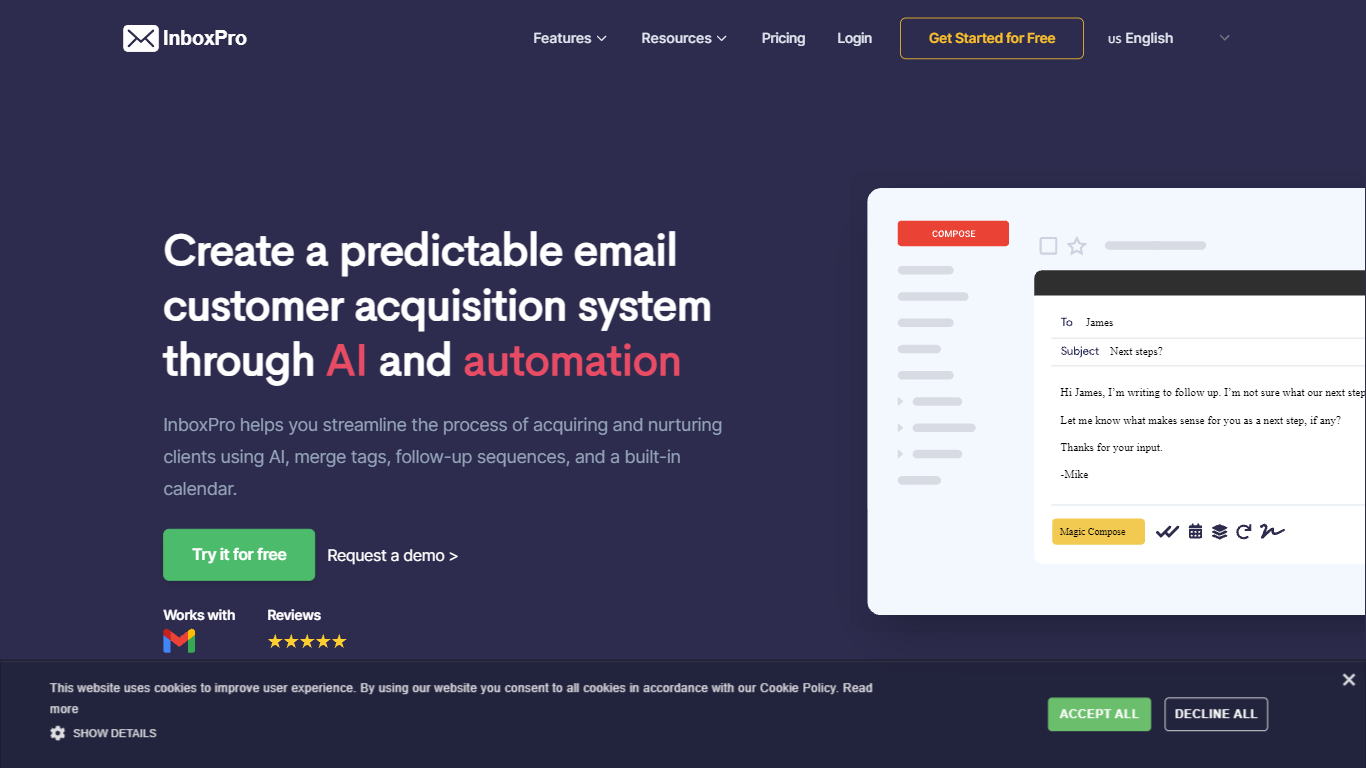
What is InboxPro?
InboxPro is an email assistant built around a Gmail browser extension that bundles outreach, scheduling, and inbox analytics in one workflow. You get GPT-3 powered Magic Compose and Summarize inside Gmail, plus follow-up sequences, merge tags, open and link tracking, saved templates, and a built-in booking calendar. The product targets sales reps and small teams who live in Gmail and want fewer tabs open.
Where most Gmail add-ons pick one job, InboxPro stacks prospecting and closing tools together. Mailtrack-style tracking, Lemlist-style sequences, and Calendly-style scheduling all sit behind the same dashboard, with a free tier that still includes limited AI writing. That breadth trades depth in any single category for a single login and one contact list.
Salespeople, founders doing outbound, and customer success reps who send repetitive follow-ups get the most from it. Import contacts from Gmail, personalize with merge tags, automate multi-step sequences, and let prospects book meetings from a public calendar page connected to Google, Office 365, Outlook, or iCloud.
Inbox Zero Upvotes
InboxPro Upvotes
Inbox Zero Top Features
Connect Gmail or Outlook in two clicks and auto-label mail into categories like To Reply, Newsletter, and Urgent
Pre-drafted replies in your tone appear for every email that needs a response
Bulk unsubscribe and archive shows newsletters you never read with one-click cleanup
Works on Slack, Telegram, iOS, Android, and web without switching apps
Starter plan at $20 per user per month includes analytics and cold email blocking
Open-source codebase with 9k GitHub stars and SOC 2 Type 2 certification
InboxPro Top Features
Magic Compose and Summarize run inside Gmail using GPT-3, with AI writing available even on the free plan
Free plan includes 250 monthly emails, 1 automated sequence, and a 100-email daily send cap
Paid Basic plan at $10 per month (billed yearly) unlocks 5,000 monthly emails and 10 AI-written emails per day
Follow-up sequences support play and stop controls, merge tags, and shared templates across team plans
Built-in calendar scheduling connects to Google, Office 365, Outlook, and iCloud with overlap-free booking
Email tracking sends real-time notifications when recipients open messages or click links
Email analytics reports sent and received volume, top-performing emails, and busy hours from Gmail activity
Inbox Zero Category
- Email Assistant
InboxPro Category
- Email Assistant
Inbox Zero Pricing Type
- Freemium
InboxPro Pricing Type
- Freemium