BestRegards vs PolitePost.net
Dive into the comparison of BestRegards vs PolitePost.net and discover which AI Email Assistant tool stands out. We examine alternatives, upvotes, features, reviews, pricing, and beyond.
When comparing BestRegards and PolitePost.net, which one rises above the other?
When we compare BestRegards and PolitePost.net, two exceptional email assistant tools powered by artificial intelligence, and place them side by side, several key similarities and differences come to light. There's no clear winner in terms of upvotes, as both tools have received the same number. Since other aitools.fyi users could decide the winner, the ball is in your court now to cast your vote and help us determine the winner.
Disagree with the result? Upvote your favorite tool and help it win!
BestRegards


What is BestRegards?
BestRegards is an innovative Chrome extension designed to enhance your productivity by automating the process of writing emails and messages. With its advanced AI capabilities, BestRegards can understand the context of the emails you receive and generate personalized replies in seconds. Whether you're dealing with professional correspondence or casual messaging, BestRegards simplifies the task, allowing you to reply quickly and effectively. It supports all main languages and works seamlessly with any email service, particularly Gmail, where it offers enhanced context detection.
PolitePost.net
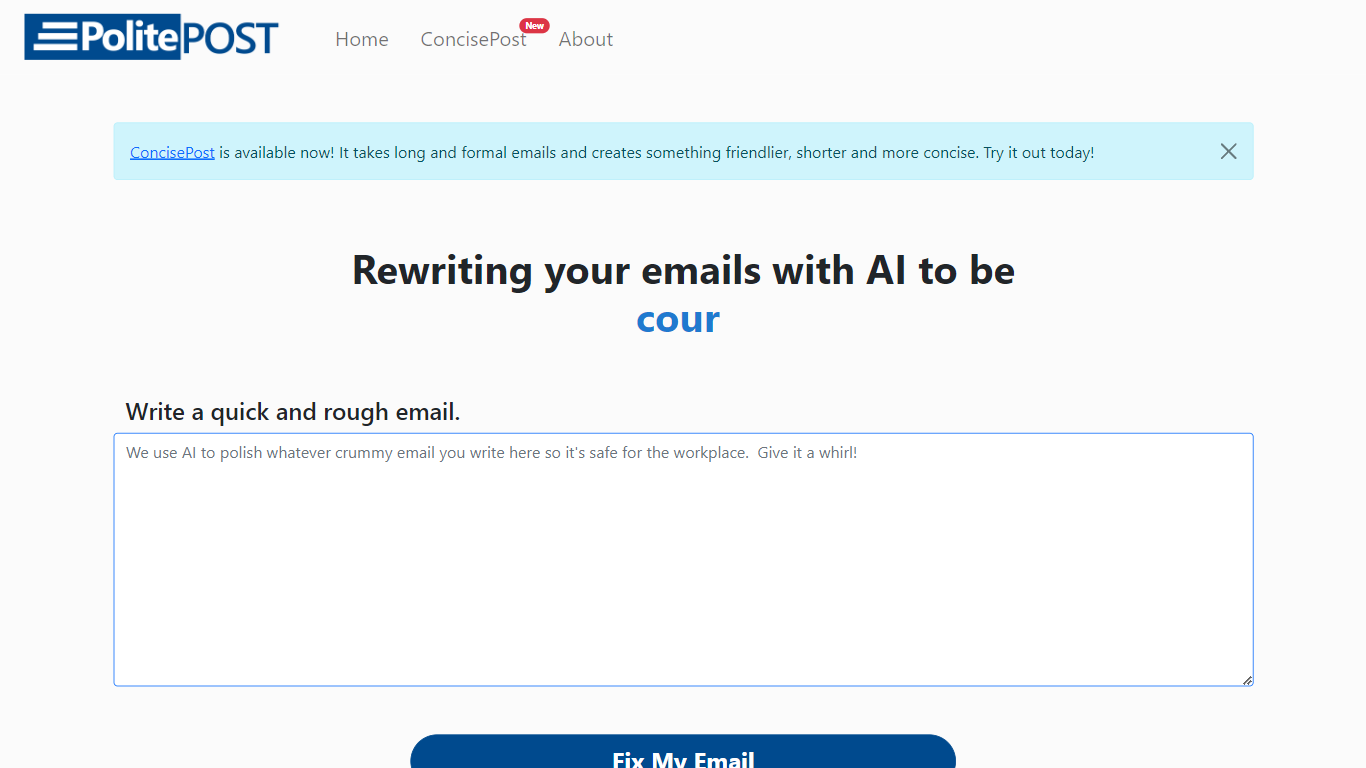
What is PolitePost.net?
PolitePost.net rewrites rough email drafts into professional workplace language using AI. You paste or type an informal message, click Fix My Email, and get a polished version suitable for colleagues, clients, or managers.
Grammar checkers fix spelling but leave tone unchanged. PolitePost specifically targets how an email reads in a professional setting, turning blunt or casual wording into courteous, clear business language. The same team also offers a Microsoft Word add-in for in-document AI editing.
Anyone who writes workplace email and wants a quick tone pass before sending is the audience. The web tool is free with no account required. Responses can take up to 20 seconds while the AI processes your draft.
BestRegards Upvotes
PolitePost.net Upvotes
BestRegards Top Features
Context Detection: BestRegards reads the email and understands its context to generate the most appropriate response.
Magic Composing: With minimal input BestRegards composes a full message streamlining the email writing process.
Polyglot Capability: This tool supports all main languages allowing you to respond in the same language as your interlocutor.
Use Anywhere: The extension is accessible from any website making it convenient to use across different platforms.
No Programming Skills Required: BestRegards is designed for ease of use making it accessible to users without technical backgrounds.
PolitePost.net Top Features
One-click email rewrite from rough draft to professional tone
Free web tool with no account signup required
Responses generated in up to 20 seconds via Together.ai
Copy polished output directly to your email client
Microsoft Word add-in available for in-document AI editing
Designed specifically for workplace-appropriate language
BestRegards Category
- Email Assistant
PolitePost.net Category
- Email Assistant
BestRegards Pricing Type
- Freemium
PolitePost.net Pricing Type
- Free