
Last updated 08-09-2026
Category:
Reviews:
Join thousands of AI enthusiasts in the World of AI!
PolitePost.net
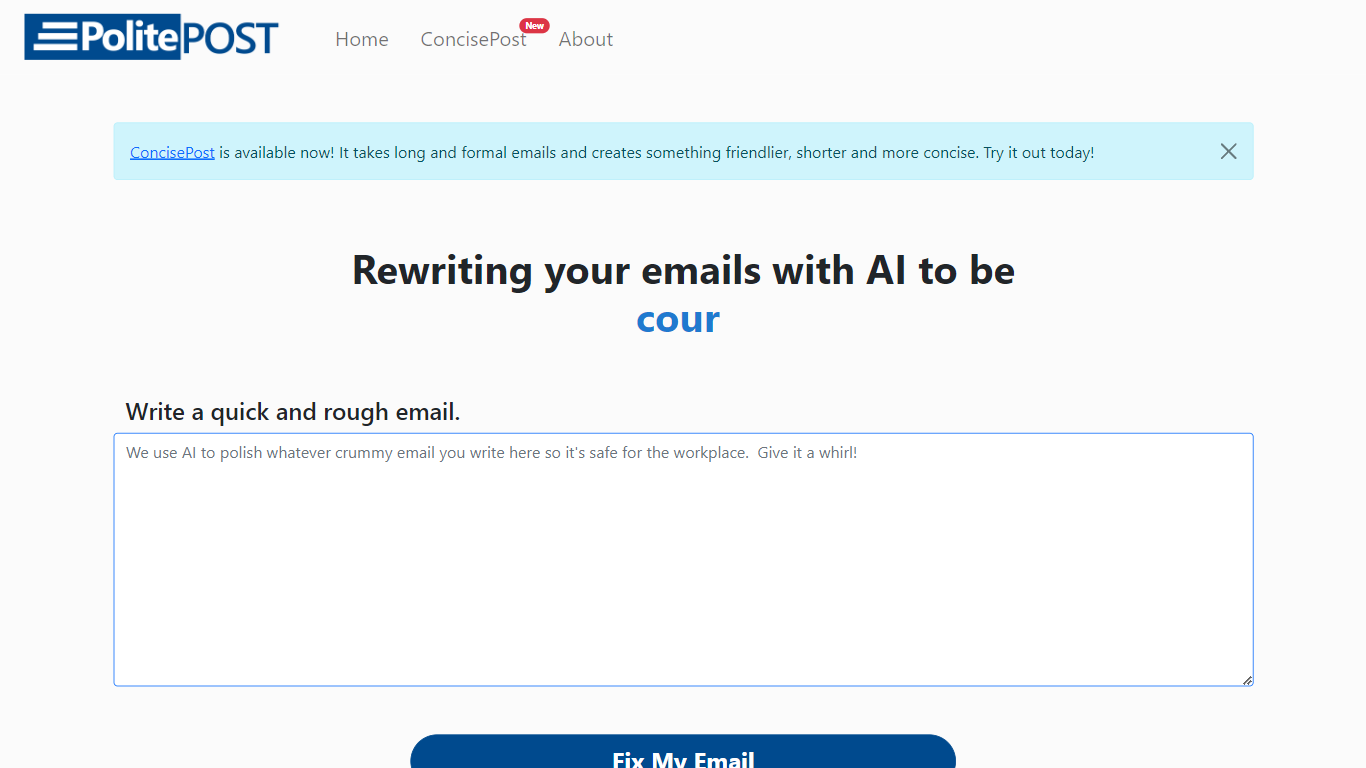
PolitePost.net rewrites rough email drafts into professional workplace language using AI. You paste or type an informal message, click Fix My Email, and get a polished version suitable for colleagues, clients, or managers.
Grammar checkers fix spelling but leave tone unchanged. PolitePost specifically targets how an email reads in a professional setting, turning blunt or casual wording into courteous, clear business language. The same team also offers a Microsoft Word add-in for in-document AI editing.
Anyone who writes workplace email and wants a quick tone pass before sending is the audience. The web tool is free with no account required. Responses can take up to 20 seconds while the AI processes your draft.
One-click email rewrite from rough draft to professional tone
Free web tool with no account signup required
Responses generated in up to 20 seconds via Together.ai
Copy polished output directly to your email client
Microsoft Word add-in available for in-document AI editing
Designed specifically for workplace-appropriate language
Completely free with no account signup required
Focused on professional tone rather than just grammar fixes
Microsoft Word add-in extends the same AI editing to documents
Simple one-page interface with copy-to-clipboard output
Responses can take up to 20 seconds per rewrite
Web tool handles email only; no integration with email clients
Limited control over rewrite style or formality level
What is PolitePost.net?
PolitePost.net is a free AI tool that rewrites informal email drafts into professional workplace language. Paste your rough email and click Fix My Email to get a polished version.
Is PolitePost.net free?
Yes. PolitePost.net is free to use on the web with no account required. You paste your email, click the button, and copy the rewritten result.
How long does PolitePost.net take?
PolitePost.net responses can take up to 20 seconds while the AI processes your draft through Together.ai's language model.
Does PolitePost.net fix grammar only?
No. PolitePost.net focuses on rewriting tone and phrasing for professional workplace communication, not just spelling and grammar corrections.
Is there a PolitePost.net Word add-in?
Yes. The makers of PolitePost.net also offer a Microsoft Word add-in that lets you use AI to edit documents directly in your regular workflow.
Do I need an account for PolitePost.net?
No. PolitePost.net works without creating an account. Write your email on the homepage, click Fix My Email, and copy the result.