IntelliMail vs PolitePost.net
In the clash of IntelliMail vs PolitePost.net, which AI Email Assistant tool emerges victorious? We assess reviews, pricing, alternatives, features, upvotes, and more.
If you had to choose between IntelliMail and PolitePost.net, which one would you go for?
Let's take a closer look at IntelliMail and PolitePost.net, both of which are AI-driven email assistant tools, and see what sets them apart. The upvote count reveals a draw, with both tools earning the same number of upvotes. You can help us determine the winner by casting your vote and tipping the scales in favor of one of the tools.
You don't agree with the result? Cast your vote to help us decide!
IntelliMail

What is IntelliMail?
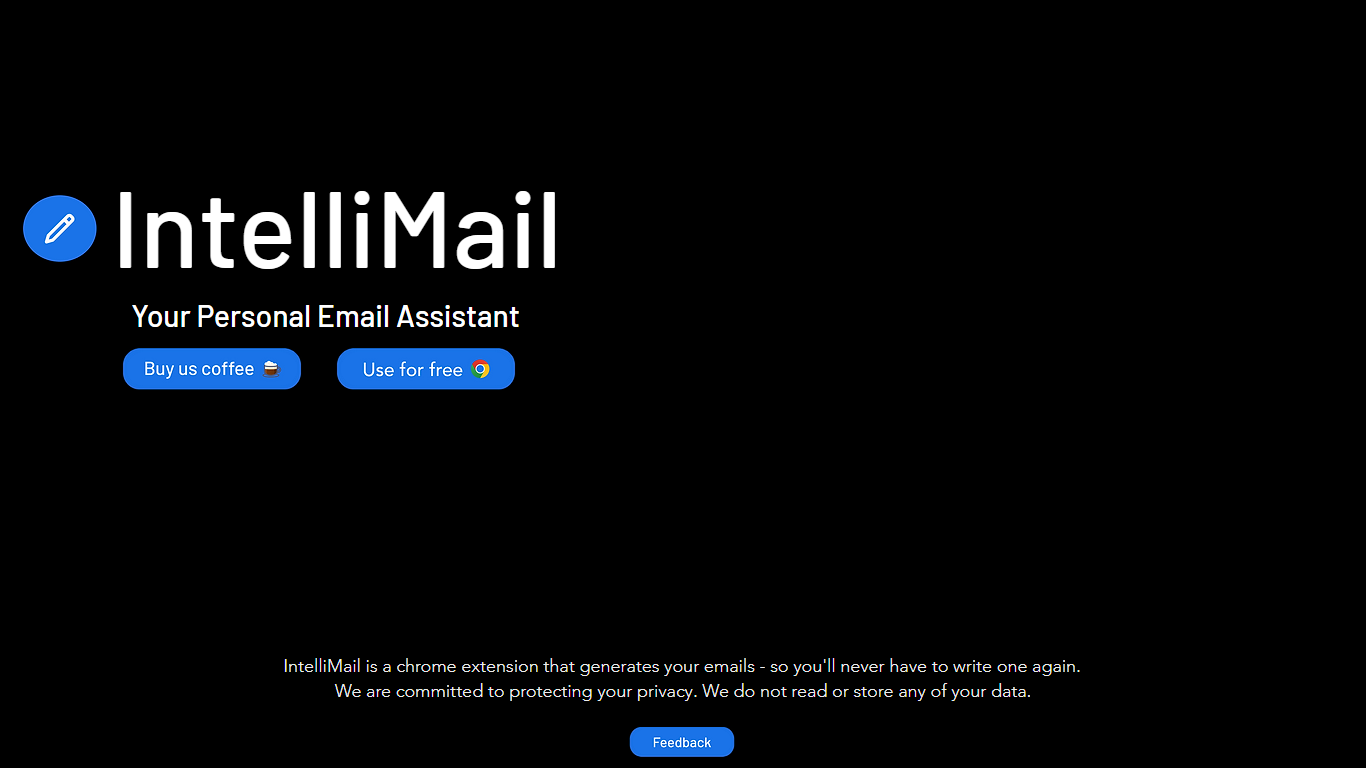
IntelliMail ships as a Chrome extension that drafts full emails from the context you provide, so you skip blank-message typing in the browser. The intellimail.xyz landing page links straight to the Chrome Web Store listing and positions the tool as a personal email assistant.
Many email helpers only suggest snippets inside a web app. IntelliMail installs as a browser extension and generates complete messages after you add context, with a public pledge that the team does not read or store your data on intellimail.xyz.
Professionals who write thank-you notes, internship outreach, and routine replies in Chrome are the natural fit. The site keeps the workflow minimal: download the extension, open your mail client, add context, and generate.
The product is marketed as free on the Chrome Web Store page linked from the homepage. Optional support runs through a Buy Me a Coffee link, and feedback goes to an Airtable form also linked on the site.
IntelliMail.xyz runs on Wix with React, Chakra UI, Cloudflare, Hotjar, and Sentry detected in the page bundle. Version 1.6.9 was the last Chrome Web Store update noted on the linked listing when this page was reviewed.
PolitePost.net
What is PolitePost.net?
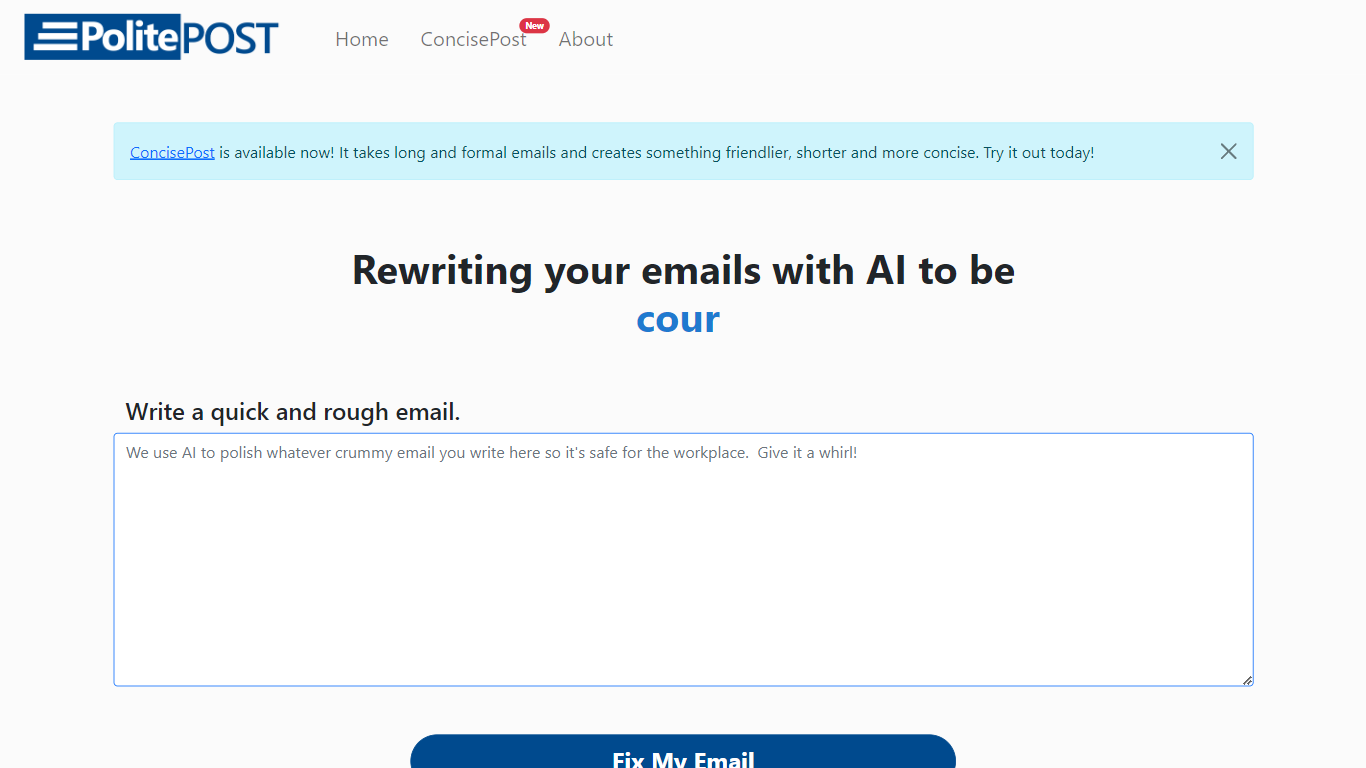
PolitePost.net rewrites rough email drafts into professional workplace language using AI. You paste or type an informal message, click Fix My Email, and get a polished version suitable for colleagues, clients, or managers.
Grammar checkers fix spelling but leave tone unchanged. PolitePost specifically targets how an email reads in a professional setting, turning blunt or casual wording into courteous, clear business language. The same team also offers a Microsoft Word add-in for in-document AI editing.
Anyone who writes workplace email and wants a quick tone pass before sending is the audience. The web tool is free with no account required. Responses can take up to 20 seconds while the AI processes your draft.
IntelliMail Upvotes
PolitePost.net Upvotes
IntelliMail Top Features
📧 Full email drafts: Extension generates complete messages from the context you supply.
🔒 Privacy pledge: Site states IntelliMail does not read or store user data.
🧩 Chrome install: Distributed through the Chrome Web Store link on intellimail.xyz.
☕ Optional support: Buy Me a Coffee link for voluntary donations on the homepage.
📝 Feedback form: Airtable feedback link collects product input from users.
PolitePost.net Top Features
One-click email rewrite from rough draft to professional tone
Free web tool with no account signup required
Responses generated in up to 20 seconds via Together.ai
Copy polished output directly to your email client
Microsoft Word add-in available for in-document AI editing
Designed specifically for workplace-appropriate language
IntelliMail Category
- Email Assistant
PolitePost.net Category
- Email Assistant
IntelliMail Pricing Type
- Free
PolitePost.net Pricing Type
- Free