BestRegards vs superReply
Dive into the comparison of BestRegards vs superReply and discover which AI Email Assistant tool stands out. We examine alternatives, upvotes, features, reviews, pricing, and beyond.
When comparing BestRegards and superReply, which one rises above the other?
When we compare BestRegards and superReply, two exceptional email assistant tools powered by artificial intelligence, and place them side by side, several key similarities and differences come to light. There's no clear winner in terms of upvotes, as both tools have received the same number. You can help us determine the winner by casting your vote and tipping the scales in favor of one of the tools.
Think we got it wrong? Cast your vote and show us who's boss!
BestRegards
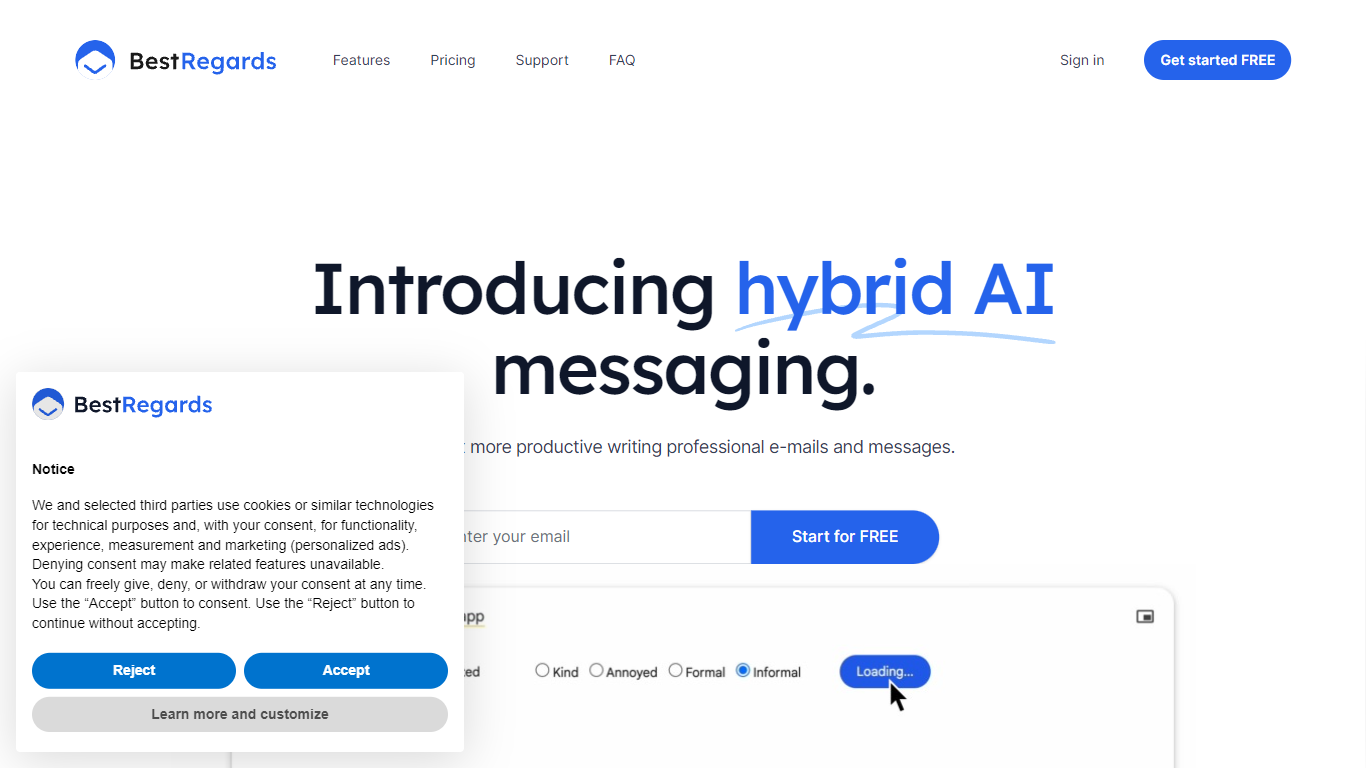

What is BestRegards?
BestRegards is an innovative Chrome extension designed to enhance your productivity by automating the process of writing emails and messages. With its advanced AI capabilities, BestRegards can understand the context of the emails you receive and generate personalized replies in seconds. Whether you're dealing with professional correspondence or casual messaging, BestRegards simplifies the task, allowing you to reply quickly and effectively. It supports all main languages and works seamlessly with any email service, particularly Gmail, where it offers enhanced context detection.
superReply
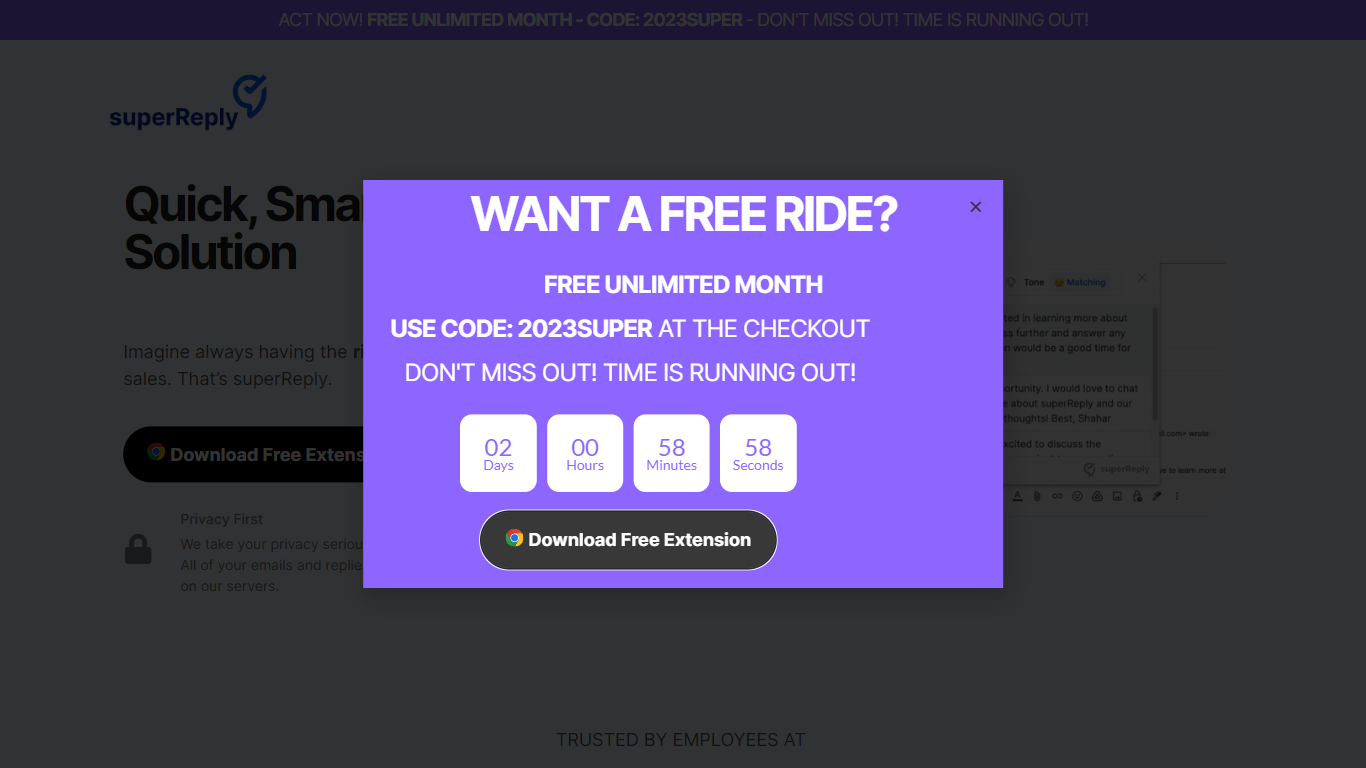
What is superReply?
superReply is a Chrome extension that drafts AI email replies inside Gmail and Outlook web inboxes. One click surfaces multiple tone-matched response options so you can answer customer care or sales threads without writing from scratch. The free tier covers up to 90 AI-powered replies each month.
Compared with standalone copy tools, superReply lives in the inbox and also lists integrations for WhatsApp, Slack, LinkedIn, Upwork, and Fiverr alongside Gmail and Outlook. Paid plans unlock unlimited replies and advanced tone controls, while the extension only reads messages you explicitly run it on and does not store automated responses on superReply servers.
Support reps, agency freelancers, and founders answering high-volume inboxes use it to clear routine threads faster. It fits teams that want personalized reply suggestions per user rather than a shared bot account, because each person installs the extension with their own login.
BestRegards Upvotes
superReply Upvotes
BestRegards Top Features
Context Detection: BestRegards reads the email and understands its context to generate the most appropriate response.
Magic Composing: With minimal input BestRegards composes a full message streamlining the email writing process.
Polyglot Capability: This tool supports all main languages allowing you to respond in the same language as your interlocutor.
Use Anywhere: The extension is accessible from any website making it convenient to use across different platforms.
No Programming Skills Required: BestRegards is designed for ease of use making it accessible to users without technical backgrounds.
superReply Top Features
Free tier includes up to 90 AI-powered email replies per month
One-click suggestions return multiple tone options for each message
Works inside Gmail and Outlook web via a Chrome Web Store extension
Integrations listed for WhatsApp, Slack, LinkedIn, Upwork, and Fiverr
Extension only accesses emails you choose and does not store replies on superReply servers
BestRegards Category
- Email Assistant
superReply Category
- Email Assistant
BestRegards Pricing Type
- Freemium
superReply Pricing Type
- Freemium