Bg Eraser vs Luminar Neo
When comparing Bg Eraser vs Luminar Neo, which AI Photo Editing tool shines brighter? We look at pricing, alternatives, upvotes, features, reviews, and more.
In a comparison between Bg Eraser and Luminar Neo, which one comes out on top?
When we put Bg Eraser and Luminar Neo side by side, both being AI-powered photo editing tools, In the race for upvotes, Luminar Neo takes the trophy. Luminar Neo has received 9 upvotes from aitools.fyi users, while Bg Eraser has received 6 upvotes.
Feeling rebellious? Cast your vote and shake things up!
Bg Eraser

What is Bg Eraser?
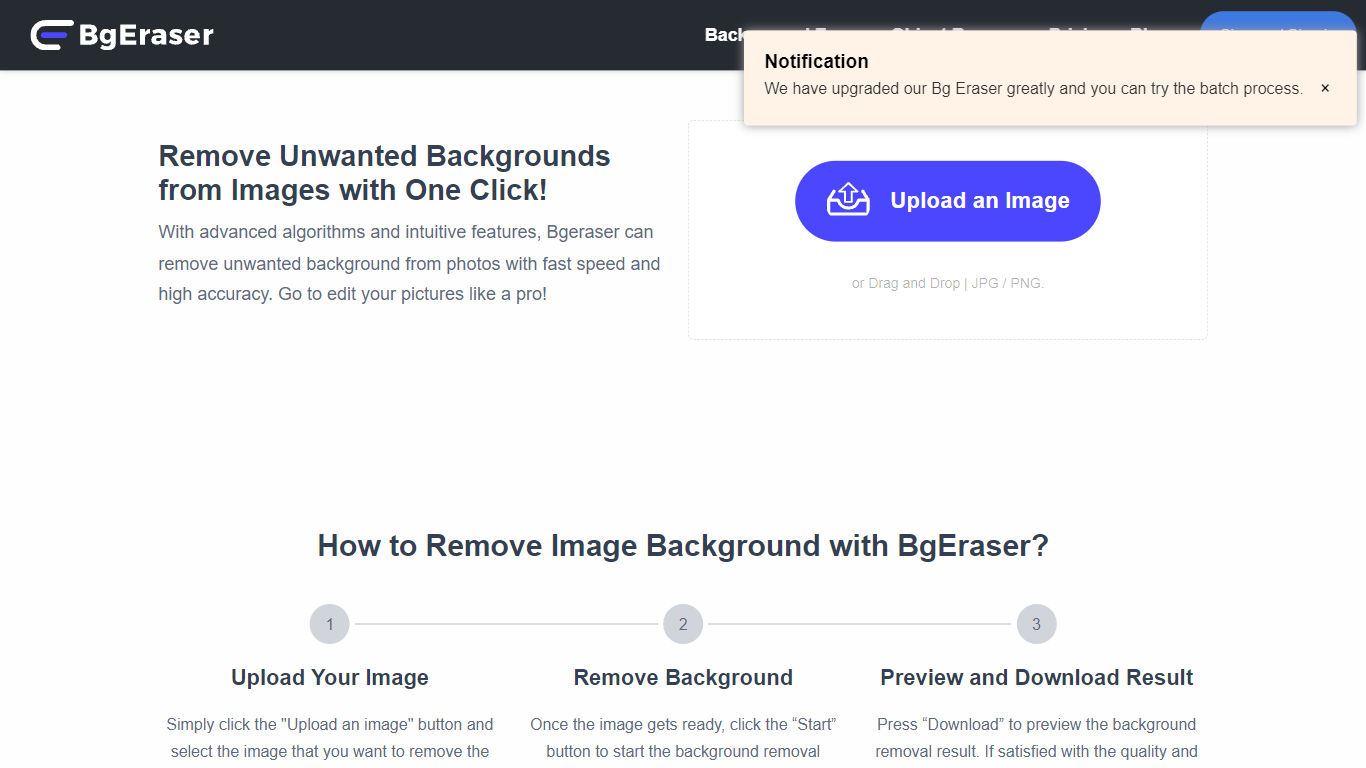
Bg Eraser strips backgrounds from product photos, portraits, and everyday images in your browser. Upload up to 20 JPG, PNG, or WebP files in one batch and download transparent PNGs without creating an account or hitting usage caps. Files are auto-deleted within two hours, which matters when you are processing client assets you do not want sitting on a server.
Most background removers charge per export or lock batch mode behind a subscription. Bg Eraser keeps the core workflow free in the browser with batch support built in, plus optional Windows and Mac downloads for offline use. The same team also runs imgupscaler.com and objectremover.com, but Bg Eraser stays focused on fast cutouts rather than full editing suites.
Bg Eraser fits ecommerce sellers prepping catalog shots, designers mocking up logos on products, and anyone who needs clean PNGs for slides or social posts without opening Photoshop. Sample images on the homepage cover portraits, pets, apparel, and product shots.
Luminar Neo

What is Luminar Neo?
Luminar Neo is a desktop photo editor for macOS and Windows that combines one-click AI adjustments with layer-based manual control. Sky replacement, portrait retouching, generative erase and expand, HDR merge, and noise reduction all live in one app, with optional Lightroom Classic and Photoshop plug-in support.
Where subscription editors lock you into monthly fees, Skylum sells Luminar as a perpetual license with 2 device activations. Generative AI tools and the asset library renew annually, but the core app stays yours after a single purchase, which suits photographers who edit in bursts rather than every day.
Landscape shooters, portrait photographers, and hobbyists use Luminar Neo for batch presets, RAW support across 1000+ cameras, and cross-device handoff from mobile to desktop on higher tiers. An AI Assistant suggests edits in 16 languages and opens the right tool when you ask how-to questions.
Bg Eraser Upvotes
Luminar Neo Upvotes
Bg Eraser Top Features
Remove backgrounds from up to 20 images in a single browser batch
Supports JPG, PNG, and WebP uploads with transparent PNG output
No account required and no stated usage limits on the web tool
Uploaded files auto-delete within 2 hours for privacy
Windows and Mac desktop downloads available alongside the web app
Sample presets let you test portraits, products, and logos before uploading
Luminar Neo Top Features
Perpetual licenses from $129 with 2 desktop activations on macOS and Windows
Generative AI tools include GenErase, GenSwap, GenExpand, and photo restoration
Supports RAW files from 1000+ cameras plus JPEG, PNG, TIFF, and major RAW formats
Pro Tools add Supersharp AI, Noiseless AI, HDR merge, focus stacking, and panorama stitch
AI Assistant suggests up to 3 edits per request in 16 languages with one-click apply
Bg Eraser Category
- Photo Editing
Luminar Neo Category
- Photo Editing
Bg Eraser Pricing Type
- Free
Luminar Neo Pricing Type
- Paid