
Last updated 07-30-2026
Category:
Reviews:
Join thousands of AI enthusiasts in the World of AI!
Bg Eraser
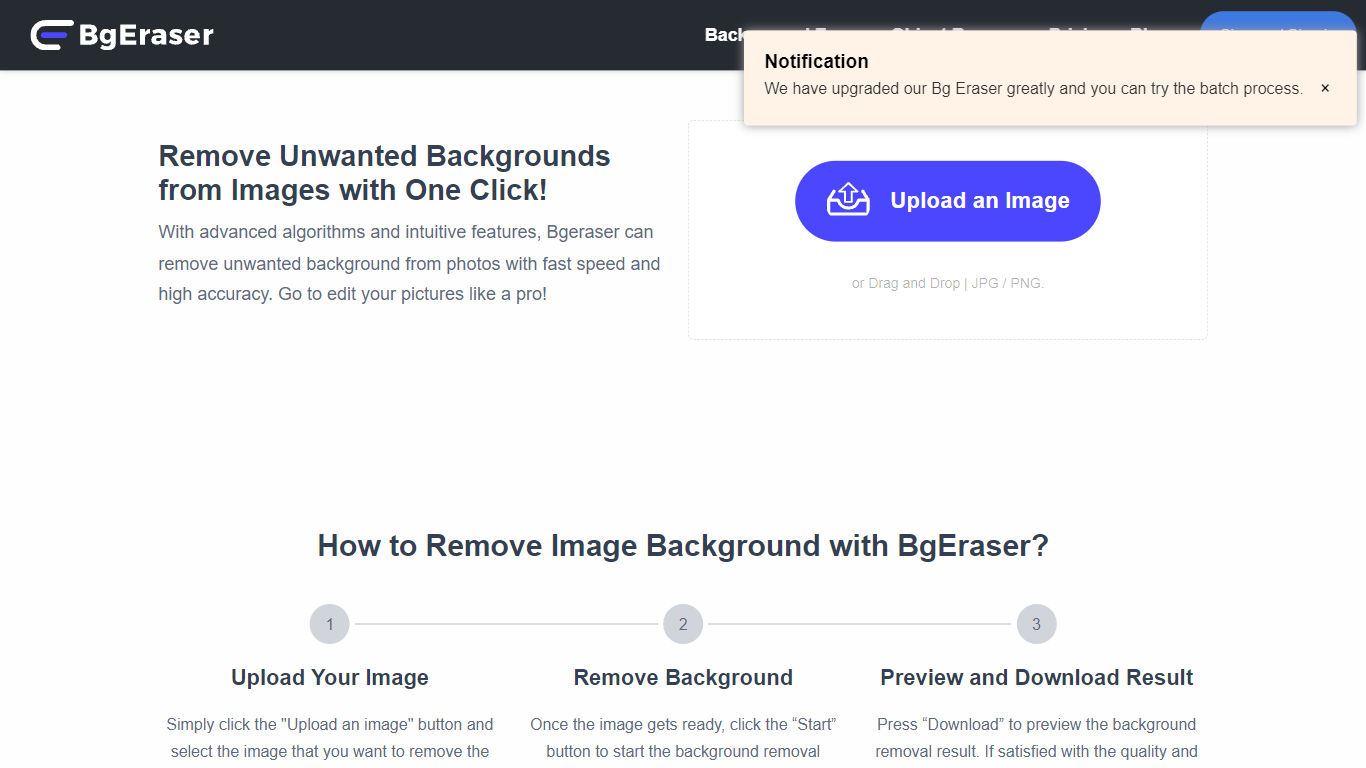
Bg Eraser strips backgrounds from product photos, portraits, and everyday images in your browser. Upload up to 20 JPG, PNG, or WebP files in one batch and download transparent PNGs without creating an account or hitting usage caps. Files are auto-deleted within two hours, which matters when you are processing client assets you do not want sitting on a server.
Most background removers charge per export or lock batch mode behind a subscription. Bg Eraser keeps the core workflow free in the browser with batch support built in, plus optional Windows and Mac downloads for offline use. The same team also runs imgupscaler.com and objectremover.com, but Bg Eraser stays focused on fast cutouts rather than full editing suites.
Bg Eraser fits ecommerce sellers prepping catalog shots, designers mocking up logos on products, and anyone who needs clean PNGs for slides or social posts without opening Photoshop. Sample images on the homepage cover portraits, pets, apparel, and product shots.
Remove backgrounds from up to 20 images in a single browser batch
Supports JPG, PNG, and WebP uploads with transparent PNG output
No account required and no stated usage limits on the web tool
Uploaded files auto-delete within 2 hours for privacy
Windows and Mac desktop downloads available alongside the web app
Sample presets let you test portraits, products, and logos before uploading
Free batch removal for up to 20 files without sign-up
2-hour auto-deletion policy for uploaded images
Handles products, portraits, logos, and pets
Desktop apps for Windows and Mac available
Transparent PNG output ready for design tools
Web tool only documents JPG, PNG, and WebP inputs
No advanced editing beyond background removal
Several sub-pages like /features and /about return errors
Relies on browser upload limits for large batches
Is Bg Eraser free to use?
Yes, Bg Eraser is free in the browser with no sign-up required. Bg Eraser does not list usage limits on the homepage, and you can process batches without creating an account.
How many images can Bg Eraser process at once?
Bg Eraser accepts up to 20 images per batch upload. Bg Eraser supports JPG, PNG, and WebP files and returns transparent PNG cutouts for each image in the batch.
Does Bg Eraser store my photos?
Bg Eraser automatically deletes uploaded images and generated results within 2 hours. Bg Eraser runs in the browser without requiring registration, which limits long-term file retention.
What file formats does Bg Eraser support?
Bg Eraser accepts JPG, PNG, and WebP uploads on the web tool. Bg Eraser exports clean transparent PNG files ready for catalogs, mockups, and social graphics.
Can I use Bg Eraser on desktop?
Yes, Bg Eraser offers downloads for Windows and Mac in addition to the browser workspace. Bg Eraser also links sister tools like imgupscaler.com and objectremover.com from the same navigation bar.
What is Bg Eraser best for?
Bg Eraser targets product photos, portraits, logos, pets, and apparel shots where you need a fast cutout. Bg Eraser emphasizes marketplace listings, profile pictures, and presentation assets over advanced retouching.