AI Image Upscaler on AI Image Enlarger vs Bg Eraser
In the contest of AI Image Upscaler on AI Image Enlarger vs Bg Eraser, which AI Photo Editing tool is the champion? We evaluate pricing, alternatives, upvotes, features, reviews, and more.
If you had to choose between AI Image Upscaler on AI Image Enlarger and Bg Eraser, which one would you go for?
When we examine AI Image Upscaler on AI Image Enlarger and Bg Eraser, both of which are AI-enabled photo editing tools, what unique characteristics do we discover? Interestingly, both tools have managed to secure the same number of upvotes. Join the aitools.fyi users in deciding the winner by casting your vote.
Think we got it wrong? Cast your vote and show us who's boss!
AI Image Upscaler on AI Image Enlarger


What is AI Image Upscaler on AI Image Enlarger?
This Imglarger photo editing tool enlarges JPG, PNG, or WebP images to 2x or 4x resolution in your browser. You upload a file up to 10 MB and 1024 px wide, pick a scale factor, and the model sharpens edges and textures for 4K screens, product catalogs, or social posts. It handles portraits, AI art, anime frames, and product shots without installing desktop software.
Standard resize tools stretch pixels and leave blurry blocks. Imglarger's upscaler rebuilds detail with a focused workflow: upload, choose 200% or 400%, preview side by side, then download. You give up local batch power on the free tier and must trust cloud processing, though files auto-delete within six hours.
E-commerce teams batch-prepare catalog assets on paid plans. Digital artists upscale Midjourney or Stable Diffusion outputs, and photographers rescue compressed client files before print runs.
Bg Eraser
What is Bg Eraser?
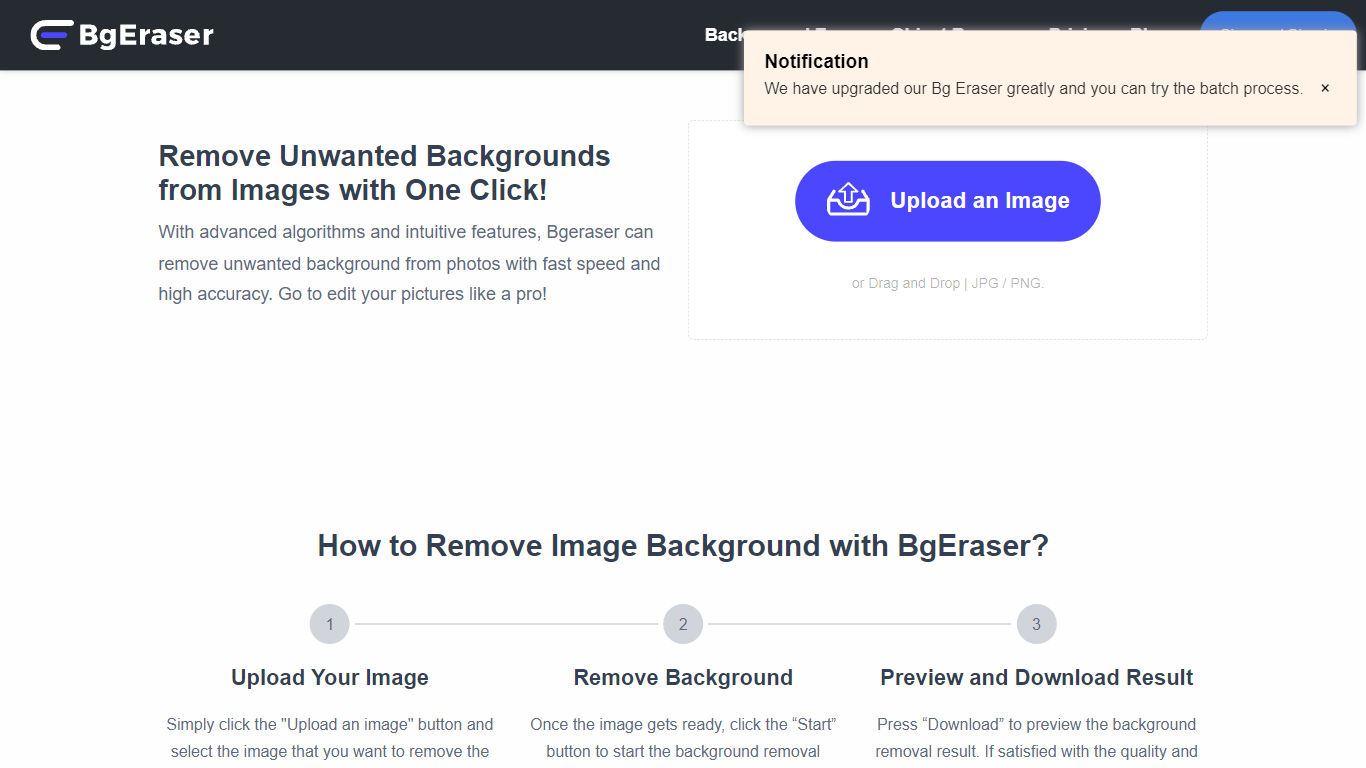
Bg Eraser strips backgrounds from product photos, portraits, and everyday images in your browser. Upload up to 20 JPG, PNG, or WebP files in one batch and download transparent PNGs without creating an account or hitting usage caps. Files are auto-deleted within two hours, which matters when you are processing client assets you do not want sitting on a server.
Most background removers charge per export or lock batch mode behind a subscription. Bg Eraser keeps the core workflow free in the browser with batch support built in, plus optional Windows and Mac downloads for offline use. The same team also runs imgupscaler.com and objectremover.com, but Bg Eraser stays focused on fast cutouts rather than full editing suites.
Bg Eraser fits ecommerce sellers prepping catalog shots, designers mocking up logos on products, and anyone who needs clean PNGs for slides or social posts without opening Photoshop. Sample images on the homepage cover portraits, pets, apparel, and product shots.
AI Image Upscaler on AI Image Enlarger Upvotes
Bg Eraser Upvotes
AI Image Upscaler on AI Image Enlarger Top Features
Upscale images to 200% or 400% with a single upload step
Accepts JPG, PNG, and WebP files up to 10 MB and 1024 px input width
Preview upscaled output beside the original before downloading
Batch upscale multiple images on paid plans starting at $4.99 per month
Processed files are automatically deleted within six hours
Dedicated anime upscaler and enlarger tools live on the same Imglarger site
Bg Eraser Top Features
Remove backgrounds from up to 20 images in a single browser batch
Supports JPG, PNG, and WebP uploads with transparent PNG output
No account required and no stated usage limits on the web tool
Uploaded files auto-delete within 2 hours for privacy
Windows and Mac desktop downloads available alongside the web app
Sample presets let you test portraits, products, and logos before uploading
AI Image Upscaler on AI Image Enlarger Category
- Photo Editing
Bg Eraser Category
- Photo Editing
AI Image Upscaler on AI Image Enlarger Pricing Type
- Freemium
Bg Eraser Pricing Type
- Free