BgSub vs Palette.fm
Explore the showdown between BgSub vs Palette.fm and find out which AI Photo Editing tool wins. We analyze upvotes, features, reviews, pricing, alternatives, and more.
In a face-off between BgSub and Palette.fm, which one takes the crown?
When we contrast BgSub with Palette.fm, both of which are exceptional AI-operated photo editing tools, and place them side by side, we can spot several crucial similarities and divergences. The upvote count favors Palette.fm, making it the clear winner. Palette.fm has 33 upvotes, and BgSub has 7 upvotes.
You don't agree with the result? Cast your vote to help us decide!
BgSub


What is BgSub?
BgSub removes or replaces photo backgrounds inside your browser without uploading files to a server. The marketing site promises results in about 5 seconds, with one-click cutouts, replacement fills using color, gradients, or images, and an AI coloring pass for quick color tweaks. Processing stays local enough that BgSub highlights a no-upload privacy story on the homepage.
Most background removers send every image to the cloud by default. BgSub leans on in-browser processing and calls out that images are not uploaded during editing, which matters when you are working with client product shots or personal portraits. It also bundles artistic effects plus free adjustment controls for size, position, and mirroring instead of stopping at a plain transparent PNG.
The tool targets individuals polishing social photos, e-commerce sellers refreshing product shots, photographers swapping backgrounds without a green screen, and marketers testing ad creatives. Sample galleries on bgsub.com show people, products, animals, clothes, and plants, and the FAQ notes commercial use is allowed on processed images.
Palette.fm
What is Palette.fm?
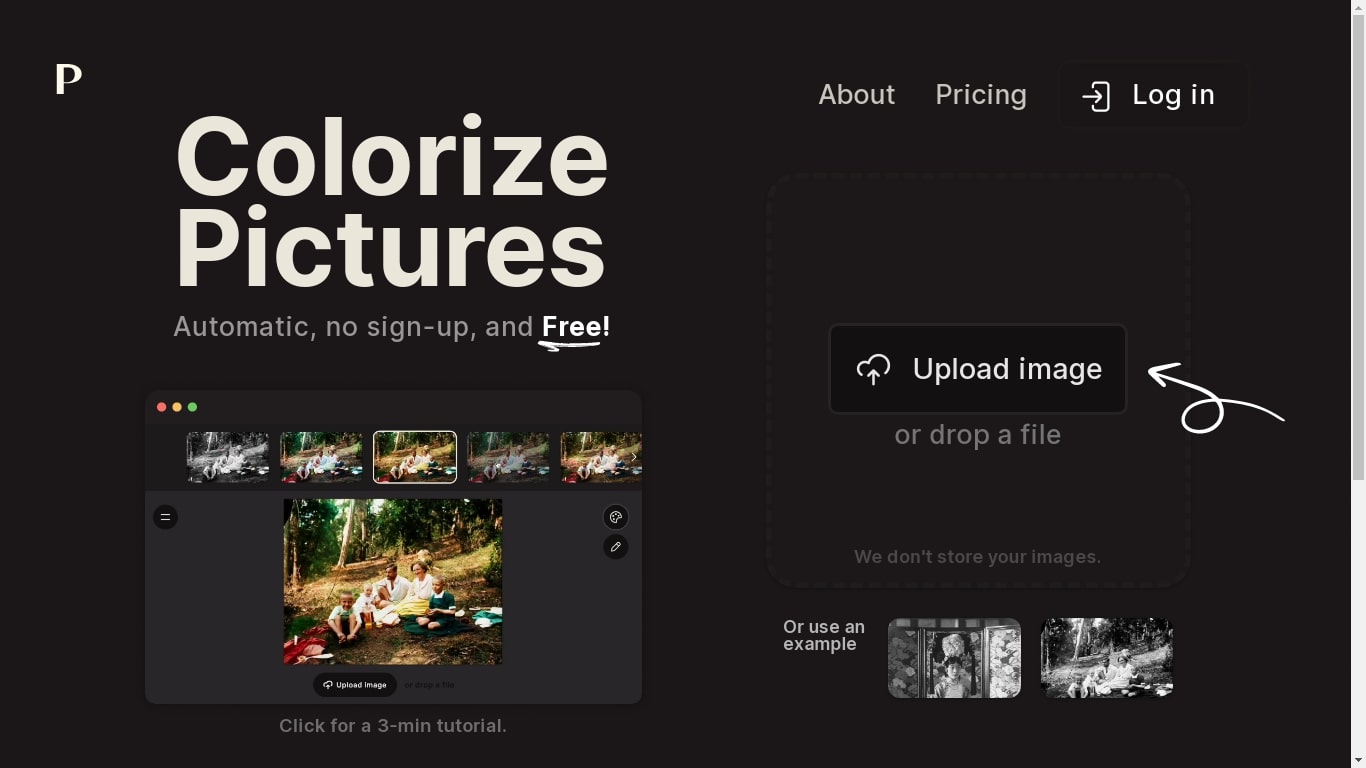
Palette.fm colorizes black-and-white photos through a browser upload flow with 21+ filter presets and keyword-based color tweaks. Upload an image, pick a filter, adjust descriptive keywords if needed, then download a full-resolution result or keep iterating on previews. The photo editing workflow targets family historians, photographers, and creators restoring old prints without opening Photoshop.
Most colorizers lean on heavy sepia and purple casts with little room to steer skin tones or fabric colors. Palette.fm lets you click a filter then fine-tune hues through plain-language keywords, and it sells one-time credit packs alongside subscriptions. Free previews cap at 500x500 pixels with a watermark, while paid credits remove the logo and support files up to 5000x5000 pixels.
Genealogy researchers, photo archivists, and YouTube educators use Palette.fm to batch-test color looks before committing credits. The site reports 54 million photos colorized and 6.6 million registered users, with an API option for teams that want programmatic access.
BgSub Upvotes
Palette.fm Upvotes
BgSub Top Features
Homepage meta promises background removal or replacement in about 5 seconds in the browser
Processing runs without uploading images, according to the privacy FAQ answer
Replace backgrounds with solid color, gradients, or custom image fills
AI Coloring offers one-click automatic color adjustment on cutout subjects
Free adjustment controls cover size, position, and mirroring after the cutout
Supports images up to 4096 x 4096 resolution per the FAQ
Artistic effects layer on top of the base cutout for quick creative variants
Palette.fm Top Features
21+ color filters with before-and-after previews on sample photos
Free plan includes unlimited 500x500 previews with Palette watermark
Paid credits export up to 5000x5000 pixels without the logo
Keyword adjustment panel fine-tunes colors after picking a filter
Annual subscription is $72 per year for 480 credits ($0.15 each)
One-time pack is $49 for 75 credits valid for 2 years
API and video integration options listed in the site footer
BgSub Category
- Photo Editing
Palette.fm Category
- Photo Editing
BgSub Pricing Type
- Free
Palette.fm Pricing Type
- Freemium