
Last updated 08-10-2026
Category:
Reviews:
Join thousands of AI enthusiasts in the World of AI!
BgSub
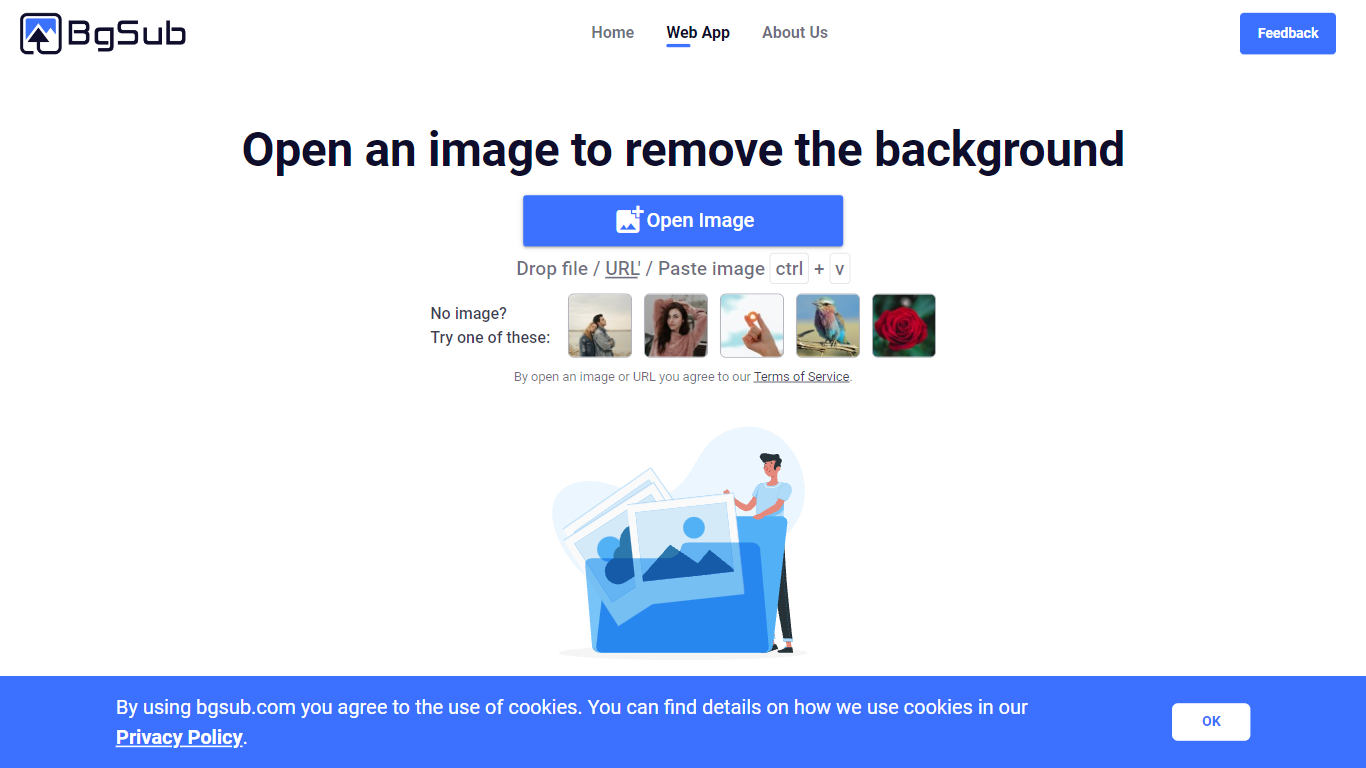
BgSub removes or replaces photo backgrounds inside your browser without uploading files to a server. The marketing site promises results in about 5 seconds, with one-click cutouts, replacement fills using color, gradients, or images, and an AI coloring pass for quick color tweaks. Processing stays local enough that BgSub highlights a no-upload privacy story on the homepage.
Most background removers send every image to the cloud by default. BgSub leans on in-browser processing and calls out that images are not uploaded during editing, which matters when you are working with client product shots or personal portraits. It also bundles artistic effects plus free adjustment controls for size, position, and mirroring instead of stopping at a plain transparent PNG.
The tool targets individuals polishing social photos, e-commerce sellers refreshing product shots, photographers swapping backgrounds without a green screen, and marketers testing ad creatives. Sample galleries on bgsub.com show people, products, animals, clothes, and plants, and the FAQ notes commercial use is allowed on processed images.
Homepage meta promises background removal or replacement in about 5 seconds in the browser
Processing runs without uploading images, according to the privacy FAQ answer
Replace backgrounds with solid color, gradients, or custom image fills
AI Coloring offers one-click automatic color adjustment on cutout subjects
Free adjustment controls cover size, position, and mirroring after the cutout
Supports images up to 4096 x 4096 resolution per the FAQ
Artistic effects layer on top of the base cutout for quick creative variants
FAQ confirms processed images are free to use commercially with rights retained by the user.
Privacy messaging emphasizes no uploads during editing, which suits sensitive client assets.
Replacement options include color, gradient, and image fills plus AI coloring in one web app.
4096 x 4096 resolution support covers most ecommerce and social deliverables.
Sample galleries show people, products, animals, clothes, and plant cutouts on the marketing site.
API and batch processing are marked coming soon, so high-volume automation still needs manual contact.
The editor is browser-only with no desktop app mentioned on fetched pages.
Advanced retouching beyond background swap and color tweaks is outside the stated feature set.
Is BgSub free to use?
BgSub is free, and the FAQ states you own all rights to images processed by BgSub. The homepage tagline also lists Automatically, Free, Privacy Protection as core selling points.
Can I use BgSub images commercially?
BgSub's FAQ answer to commercial availability says yes, you own all rights to images processed by BgSub and the service is free. That covers commercial use of exported cutouts.
What is BgSub's maximum image resolution?
BgSub supports images up to 4096 x 4096 resolution according to its FAQ. That cap applies to files you open inside the web app.
How does BgSub handle privacy?
BgSub says it does not upload images during processing, which removes cloud storage risk while you edit. The homepage also promotes privacy protection alongside automatic background removal.
Does BgSub offer an API?
BgSub lists API and batch processing as coming soon in its FAQ. For large volume needs, the same FAQ suggests emailing the team about commercial development.
What can BgSub replace backgrounds with?
BgSub can remove backgrounds or replace them with color, gradient, or image fills. The features grid on bgsub.com also highlights AI coloring and artistic effects on top of the cutout.