bigmp4 vs AI Portrait in Filmora
Explore the showdown between bigmp4 vs AI Portrait in Filmora and find out which AI Video Editing tool wins. We analyze upvotes, features, reviews, pricing, alternatives, and more.
In a face-off between bigmp4 and AI Portrait in Filmora, which one takes the crown?
When we contrast bigmp4 with AI Portrait in Filmora, both of which are exceptional AI-operated video editing tools, and place them side by side, we can spot several crucial similarities and divergences. The upvote count reveals a draw, with both tools earning the same number of upvotes. Be a part of the decision-making process. Your vote could determine the winner.
Don't agree with the result? Cast your vote and be a part of the decision-making process!
bigmp4
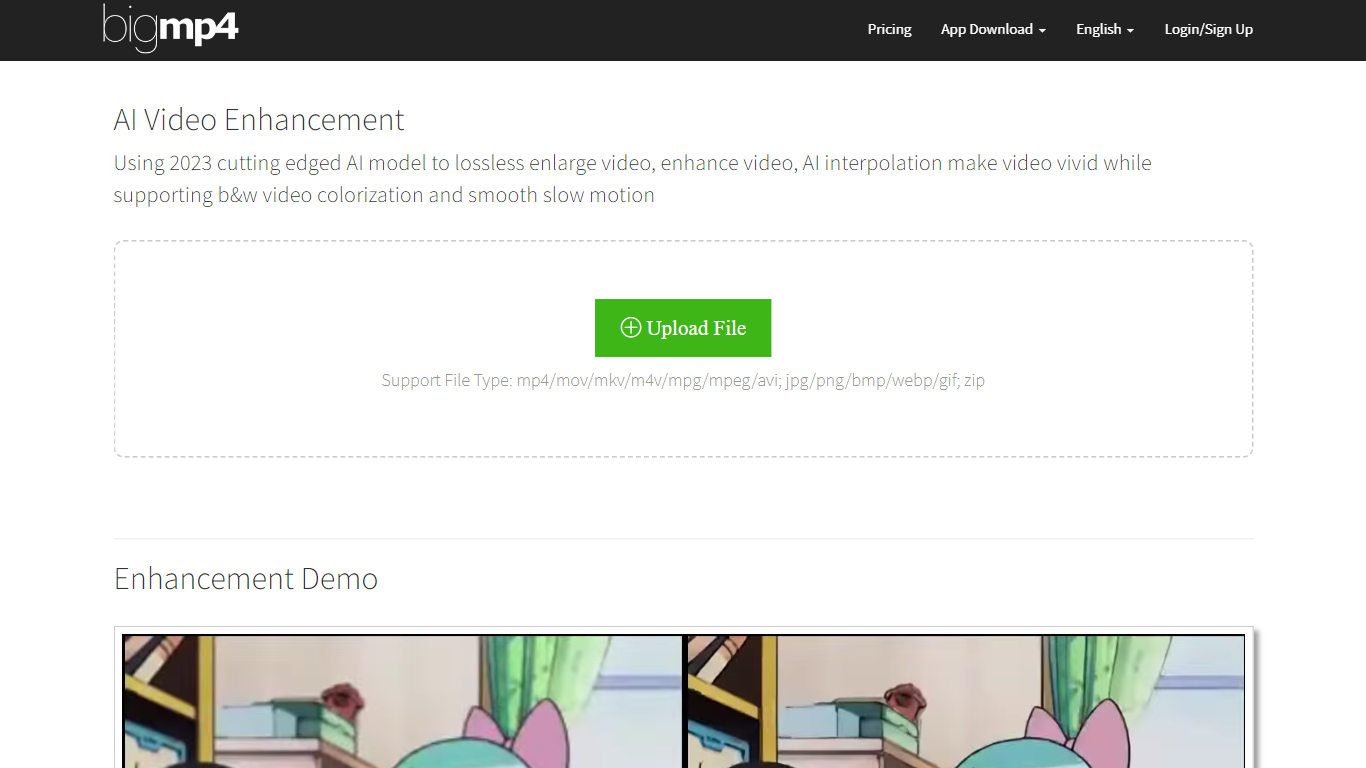

What is bigmp4?
bigmp4 harnesses the power of 2023's cutting-edge AI technology to transform video content with exceptional enhancement features. The AI Video Enhancement tool offers a lossless video enlargement service that can scale up videos to 2k, 4k, and 8k resolutions while enhancing video quality and reducing noise. In addition to upsizing video resolution, the tool brings life to black and white footage through effective AI colorization, providing a natural and vibrant color output. A standout feature is the AI interpolation system which can increase video frame rates to 60, 120, or even 240 fps, lending a vivid, smooth, and lifelike quality to the visual experience. The video slow motion feature is particularly impressive, maintaining the original fps after interpolation to achieve silky smooth slow-motion effects.
For efficient processing, bigmp4 supports batch mode, allowing users to upload multiple images in a zip file for AI lossless HD enlargement or AI colorization. It also supports a range of file types including but not limited to mp4, mov, mkv, avi for videos, and jpg, png, bmp, webp, and gif for images. bigmp4 cares about user privacy, ensuring that uploaded files and processed results are automatically deleted within a week to protect user data.
AI Portrait in Filmora
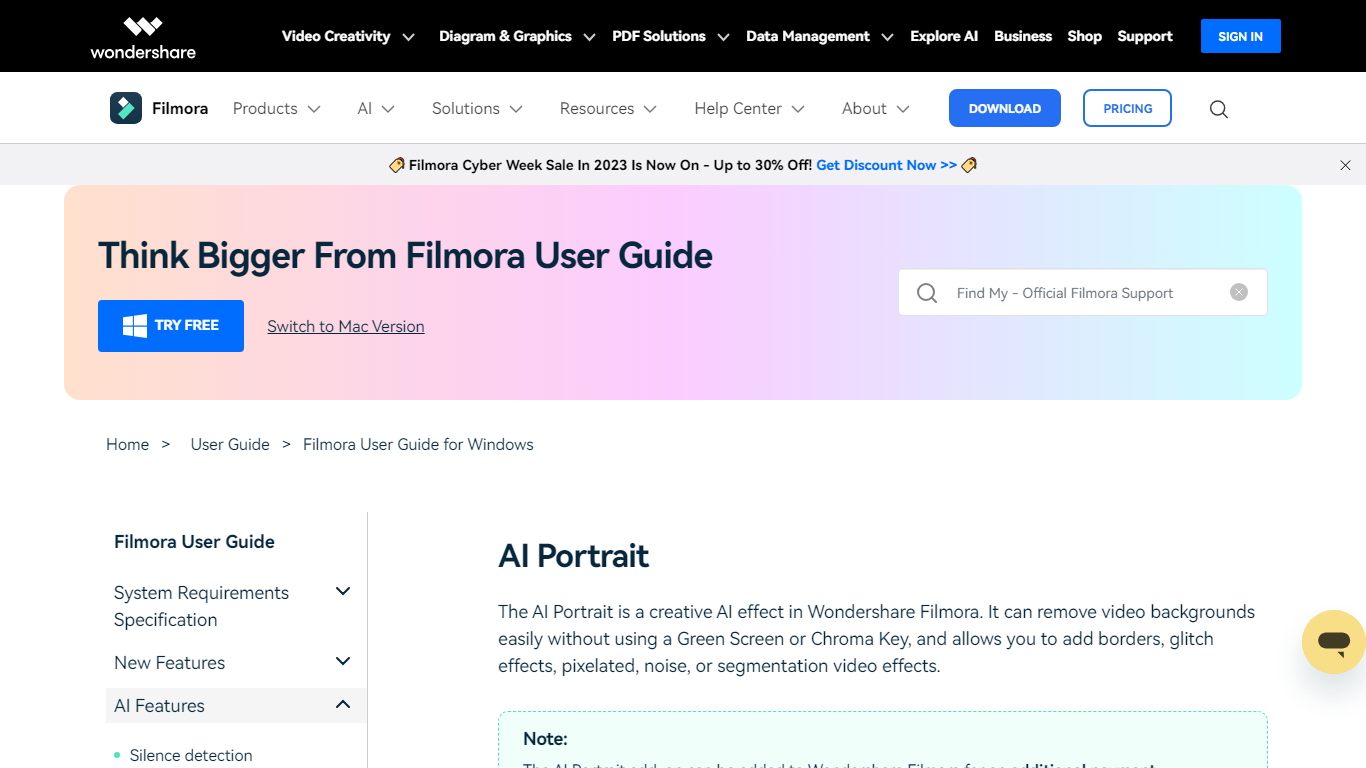
What is AI Portrait in Filmora?
Elevate your video editing experience with Filmora—a comprehensive and user-friendly AI Video Editor designed to cater to your creative vision. Whether you're an amateur filmmaker or a seasoned professional, Filmora empowers you with the tools to edit faster, smarter, and easier. Harness the power of AI portrait effects to transform your footage with a touch of artistry.
Discover a suite of Video Creativity Products that include Filmora, your complete video editing tool; DemoCreator for efficient tutorial video making; UniConverter for high-speed media conversion; Virbo for AI-driven video generation; and Presentory for creating AI-powered video presentations.
Filmora is not just a video editing software; it's part of a larger ecosystem of creative tools that also brings you Diagram & Graphics Products, PDF Solutions, and Data Management products to enhance your workflow in every aspect. With intuitive interfaces and seamless integration, these products work in harmony to support your multimedia projects.
Whether you are looking to recover lost files with Recoverit, design with Mockitt, manage PDFs with PDFelement or protect your family with FamiSafe, Filmora's suite has something for every need. Maximize your creativity and efficiency with Filmora—where powerful technology meets user-friendly design.
bigmp4 Upvotes
AI Portrait in Filmora Upvotes
bigmp4 Top Features
Lossless Video Enlargement: Enhance the resolution of videos to 2k/4k/8k without losing quality.
Black & White Video Colorization: Transform black & white videos into full vibrant color using AI technology.
AI Video Interpolation: Increase video frame rates to make footage appear smoother and more lifelike.
Smooth Slow Motion: Apply slow motion to videos while maintaining original frame rates for seamless playback.
Batch Mode Support: Upload and process multiple images at once via zip file for efficient lossless HD enhancements.
AI Portrait in Filmora Top Features
Complete Video Editing Tool: Provides a comprehensive range of editing capabilities for video projects.
AI Portrait Effects: Enhance videos with advanced artificial intelligence portrait effects.
High-Speed Media Conversion: Utilize UniConverter for quick file format changes.
AI Video Generation: Create videos effortlessly with Virbo the robust AI video generator.
Creative Tool Ecosystem: Access a collection of tools for graphics PDF solutions and data management.
bigmp4 Category
- Video Editing
AI Portrait in Filmora Category
- Video Editing
bigmp4 Pricing Type
- Freemium
AI Portrait in Filmora Pricing Type
- Freemium