Bing Microsoft AI Translator vs ChatPDF
Explore the showdown between Bing Microsoft AI Translator vs ChatPDF and find out which AI tool wins. We analyze upvotes, features, reviews, pricing, alternatives, and more.
In a face-off between Bing Microsoft AI Translator and ChatPDF, which one takes the crown?
When we contrast Bing Microsoft AI Translator with ChatPDF, both of which are exceptional AI-operated tools, and place them side by side, we can spot several crucial similarities and divergences. The upvote count shows a clear preference for ChatPDF. The upvote count for ChatPDF is 19, and for Bing Microsoft AI Translator it's 10.
Want to flip the script? Upvote your favorite tool and change the game!
Bing Microsoft AI Translator


What is Bing Microsoft AI Translator?
Microsoft Translator on Bing is a free web translator for turning words and phrases between English and more than 100 languages. Paste text, pick languages from long dropdown lists, or let the page auto-detect the source language before you translate.
The Bing interface adds practical extras beyond basic text swap. You can listen to a translation, open an on-screen keyboard, capture or upload an image to translate text in photos, and regenerate results in Standard, Casual, or Formal tone. A phrase helper surfaces common expressions grouped by topics like travel, dining, and emergencies.
It fits travelers, students, and anyone who needs a quick translation in the browser without installing software. Navigation on the page also points to separate Microsoft Translator experiences for live conversation, mobile apps, and business use.
ChatPDF
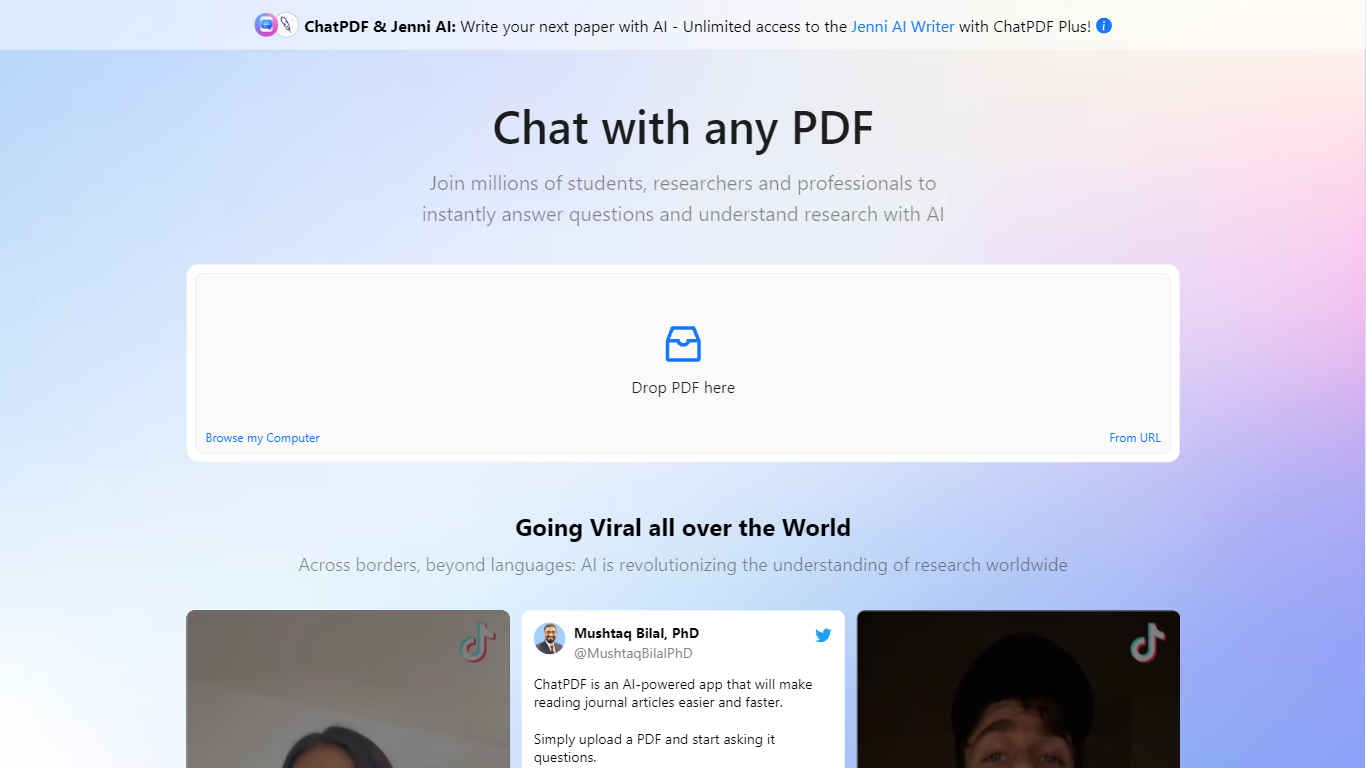
What is ChatPDF?
Upload a PDF and ask questions in plain language; ChatPDF maps every answer back to the page where it found the evidence. You can also paste YouTube links, website URLs, or plain text to start a chat without uploading a file. Supported uploads include PDF, Word, PowerPoint, Markdown, and plain text.
Unlike standalone PDF chat apps, ChatPDF bundles document chat with AI Research, AI Writer, AI Detector, YouTube chat, flashcards, and slides under one account. The side-by-side layout keeps your source open next to the chat, and citations jump straight to the referenced passage. General chatbots can summarize pasted text, but they do not map answers back to page numbers across multiple files in a folder.
Students use it to study for exams, summarize lecture notes, and work through homework faster. Researchers run literature reviews, chat with open-access papers in AI Research, and draft cite-ready text in AI Writer. Professionals turn to it for contracts, manuals, financial reports, and training materials.
The site cites more than 10 million users and over one million questions answered daily. ChatPDF routes queries between GPT-4o and GPT-4o-mini, and the free tier covers two documents per day with no account required.
Bing Microsoft AI Translator Upvotes
ChatPDF Upvotes
Bing Microsoft AI Translator Top Features
Auto-detect source language across more than 100 listed language options
Each translation request accepts up to 1,000 characters of input text
Regenerate results in Standard, Casual, or Formal tone with one click
Capture or upload an image to translate text found in photos
Speak to translate when typing is awkward on mobile or desktop
Listen to translations read aloud from the results panel
Browse common phrase sets for travel, dining, and emergencies
ChatPDF Top Features
Free tier analyzes up to 2 documents per day with no account required
Supports PDF, Word (.doc/.docx), PowerPoint (.ppt/.pptx), Markdown, and .txt uploads
Answers include clickable citations that jump to the exact page in your document
Multi-file folders let you query and compare several documents in one conversation
Routes queries between GPT-4o and GPT-4o-mini for speed and answer quality
AI Research searches academic papers and chats with open-access PDFs
YouTube chat returns answers with timestamp links to relevant video moments
Bing Microsoft AI Translator Category
- Translation
ChatPDF Category
- PDF
Bing Microsoft AI Translator Pricing Type
- Free
ChatPDF Pricing Type
- Freemium