Bing Microsoft AI Translator vs GhostCut
In the clash of Bing Microsoft AI Translator vs GhostCut, which AI Translation tool emerges victorious? We assess reviews, pricing, alternatives, features, upvotes, and more.
When we put Bing Microsoft AI Translator and GhostCut head to head, which one emerges as the victor?
Let's take a closer look at Bing Microsoft AI Translator and GhostCut, both of which are AI-driven translation tools, and see what sets them apart. With more upvotes, Bing Microsoft AI Translator is the preferred choice. Bing Microsoft AI Translator has attracted 10 upvotes from aitools.fyi users, and GhostCut has attracted 7 upvotes.
You don't agree with the result? Cast your vote to help us decide!
Bing Microsoft AI Translator


What is Bing Microsoft AI Translator?
Microsoft Translator on Bing is a free web translator for turning words and phrases between English and more than 100 languages. Paste text, pick languages from long dropdown lists, or let the page auto-detect the source language before you translate.
The Bing interface adds practical extras beyond basic text swap. You can listen to a translation, open an on-screen keyboard, capture or upload an image to translate text in photos, and regenerate results in Standard, Casual, or Formal tone. A phrase helper surfaces common expressions grouped by topics like travel, dining, and emergencies.
It fits travelers, students, and anyone who needs a quick translation in the browser without installing software. Navigation on the page also points to separate Microsoft Translator experiences for live conversation, mobile apps, and business use.
GhostCut
What is GhostCut?
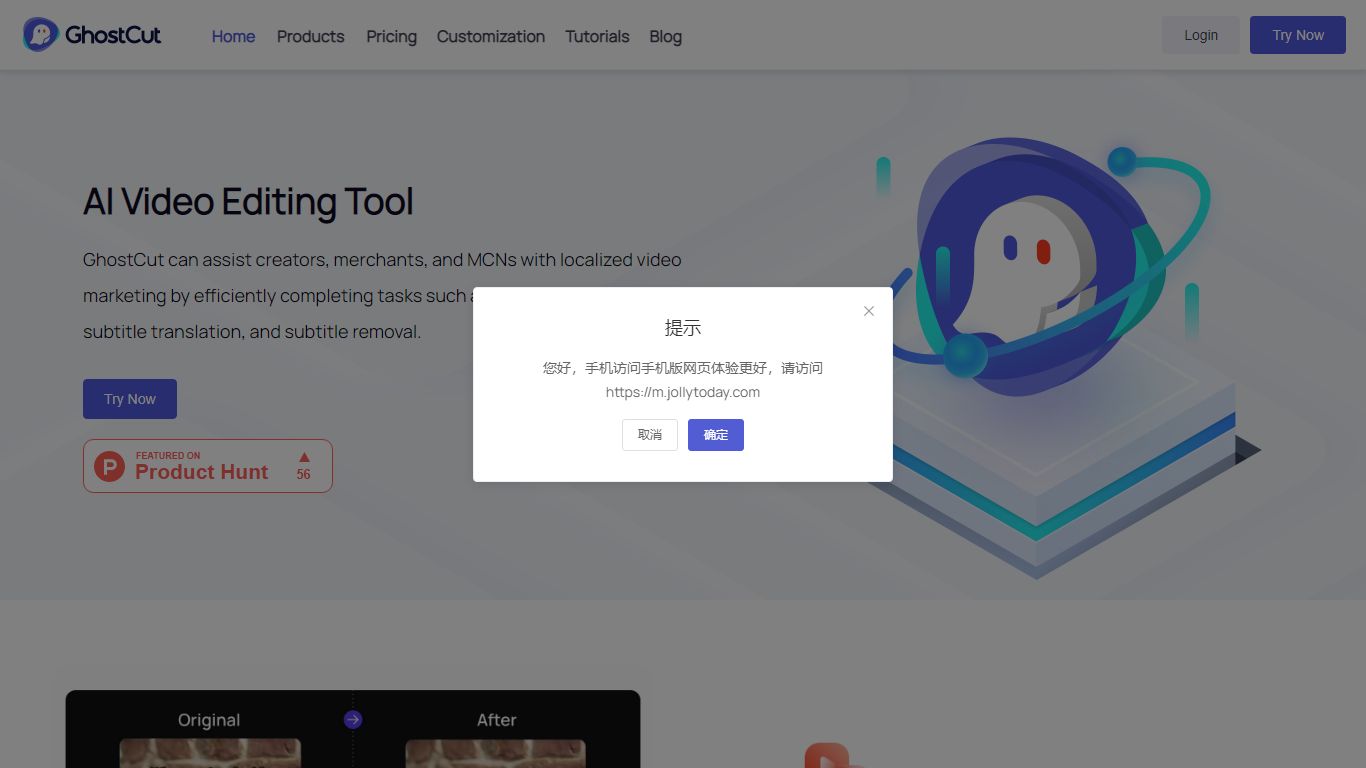
GhostCut localizes videos with a translation workflow that covers subtitle generation, hardcoded text removal, AI translation, voice cloning, and dubbing from one dashboard on jollytoday.com. You can batch upload MP4, MOV, and other formats up to 1 GB, run ASR and OCR on 100+ languages, and export synced subtitles, dubbed audio, and project files. It targets creators who need end-to-end localization rather than a single subtitle editor.
Most video translators stop at text conversion. GhostCut also erases on-screen subtitles and lower thirds, clones speaker voices with emotion controls, and replaces background music to reduce copyright risk. Credit billing is per 30-second blocks across services, and published rates start around $0.10 per minute, which is cheaper than many enterprise localization suites.
Short-drama producers, e-commerce sellers, educators, and social creators running TikTok or YouTube channels are the core audience. Teams that only need occasional SRT files may prefer a lighter translator. GhostCut fits high-volume localization where removal, dubbing, and batch APIs matter.
Bing Microsoft AI Translator Upvotes
GhostCut Upvotes
Bing Microsoft AI Translator Top Features
Auto-detect source language across more than 100 listed language options
Each translation request accepts up to 1,000 characters of input text
Regenerate results in Standard, Casual, or Formal tone with one click
Capture or upload an image to translate text found in photos
Speak to translate when typing is awkward on mobile or desktop
Listen to translations read aloud from the results panel
Browse common phrase sets for travel, dining, and emergencies
GhostCut Top Features
Dual ASR and OCR subtitle generation across 100+ source languages
Video translator supports 40+ target languages with batch uploads up to 1 GB
Traceless removal of hardcoded subtitles, lower thirds, and watermarks
Hyper-realistic AI dubbing with multi-speaker detection and voice cloning
Credit packs from 70 credits for ¥28 up to 250,000 credits for ¥30,000
Free tier limits single videos to 15 seconds and 720P export quality
API access mirrors web billing for subtitle removal, translation, and image tools
Bing Microsoft AI Translator Category
- Translation
GhostCut Category
- Translation
Bing Microsoft AI Translator Pricing Type
- Free
GhostCut Pricing Type
- Freemium