Bing Microsoft AI Translator vs OpenL Translate
In the contest of Bing Microsoft AI Translator vs OpenL Translate, which AI Translation tool is the champion? We evaluate pricing, alternatives, upvotes, features, reviews, and more.
If you had to choose between Bing Microsoft AI Translator and OpenL Translate, which one would you go for?
When we examine Bing Microsoft AI Translator and OpenL Translate, both of which are AI-enabled translation tools, what unique characteristics do we discover? In the race for upvotes, Bing Microsoft AI Translator takes the trophy. Bing Microsoft AI Translator has attracted 10 upvotes from aitools.fyi users, and OpenL Translate has attracted 7 upvotes.
Don't agree with the result? Cast your vote and be a part of the decision-making process!
Bing Microsoft AI Translator


What is Bing Microsoft AI Translator?
Microsoft Translator on Bing is a free web translator for turning words and phrases between English and more than 100 languages. Paste text, pick languages from long dropdown lists, or let the page auto-detect the source language before you translate.
The Bing interface adds practical extras beyond basic text swap. You can listen to a translation, open an on-screen keyboard, capture or upload an image to translate text in photos, and regenerate results in Standard, Casual, or Formal tone. A phrase helper surfaces common expressions grouped by topics like travel, dining, and emergencies.
It fits travelers, students, and anyone who needs a quick translation in the browser without installing software. Navigation on the page also points to separate Microsoft Translator experiences for live conversation, mobile apps, and business use.
OpenL Translate
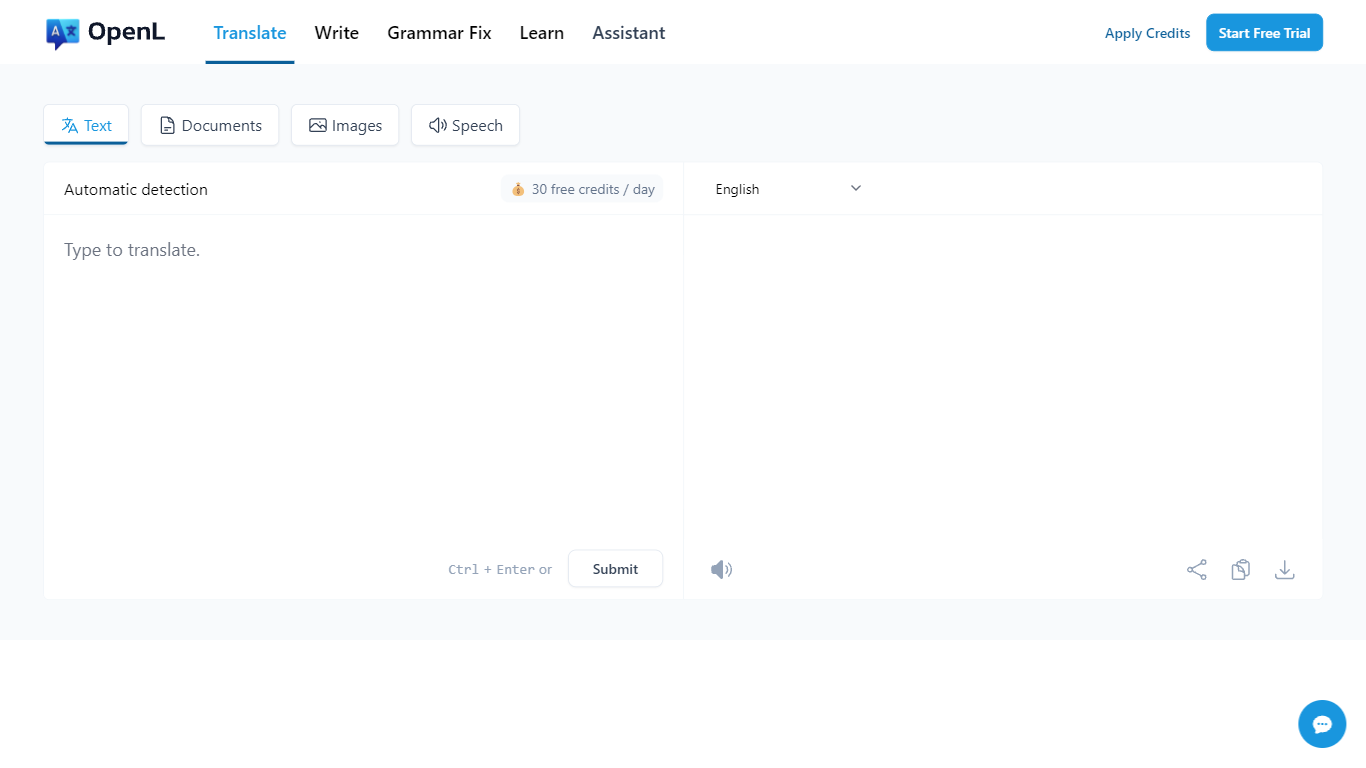
What is OpenL Translate?
OpenL Translate turns pasted text, uploaded files, screenshots, and audio into fluent output across 100+ languages. Separate tabs handle documents, images, speech, and live websites, so you can move from a PDF contract to a menu photo without switching tools.
Where Google Translate often stays literal on idioms and long files, OpenL pushes natural phrasing and bundles document OCR, scanned PDF handling, and writing helpers in one account. Paid tiers add Advanced Credits, Translate Agent for complex passages, and much higher per-request character limits up to 150,000.
Freelancers, educators, and global teams use it for quick message checks, contract drafts, and localized marketing copy. Browser extensions for Chrome and Edge, plus iOS and web apps, let you translate selected text without leaving the page.
Bing Microsoft AI Translator Upvotes
OpenL Translate Upvotes
Bing Microsoft AI Translator Top Features
Auto-detect source language across more than 100 listed language options
Each translation request accepts up to 1,000 characters of input text
Regenerate results in Standard, Casual, or Formal tone with one click
Capture or upload an image to translate text found in photos
Speak to translate when typing is awkward on mobile or desktop
Listen to translations read aloud from the results panel
Browse common phrase sets for travel, dining, and emergencies
OpenL Translate Top Features
100+ languages including niche options like Ancient Greek and Toki Pona
Document translation for PDF, DOCX, TXT, Markdown, and SRT up to 100 MB on Pro
Image and scanned PDF translation with Pro OCR on paid plans
Free plan includes 40 Fast Credits per day and 1,500 characters per request
Chrome and Microsoft Edge extensions for in-page text translation
Translate Agent and DeepThink modes on Pro and Ultimate for complex content
Grammar checker, rewriter, and summarizer tools beyond raw translation
Bing Microsoft AI Translator Category
- Translation
OpenL Translate Category
- Translation
Bing Microsoft AI Translator Pricing Type
- Free
OpenL Translate Pricing Type
- Freemium