Bing Microsoft AI Translator vs Translate.video
In the contest of Bing Microsoft AI Translator vs Translate.video, which AI Translation tool is the champion? We evaluate pricing, alternatives, upvotes, features, reviews, and more.
If you had to choose between Bing Microsoft AI Translator and Translate.video, which one would you go for?
When we examine Bing Microsoft AI Translator and Translate.video, both of which are AI-enabled translation tools, what unique characteristics do we discover? In the race for upvotes, Bing Microsoft AI Translator takes the trophy. Bing Microsoft AI Translator has been upvoted 10 times by aitools.fyi users, and Translate.video has been upvoted 8 times.
Disagree with the result? Upvote your favorite tool and help it win!
Bing Microsoft AI Translator


What is Bing Microsoft AI Translator?
Microsoft Translator on Bing is a free web translator for turning words and phrases between English and more than 100 languages. Paste text, pick languages from long dropdown lists, or let the page auto-detect the source language before you translate.
The Bing interface adds practical extras beyond basic text swap. You can listen to a translation, open an on-screen keyboard, capture or upload an image to translate text in photos, and regenerate results in Standard, Casual, or Formal tone. A phrase helper surfaces common expressions grouped by topics like travel, dining, and emergencies.
It fits travelers, students, and anyone who needs a quick translation in the browser without installing software. Navigation on the page also points to separate Microsoft Translator experiences for live conversation, mobile apps, and business use.
Translate.video
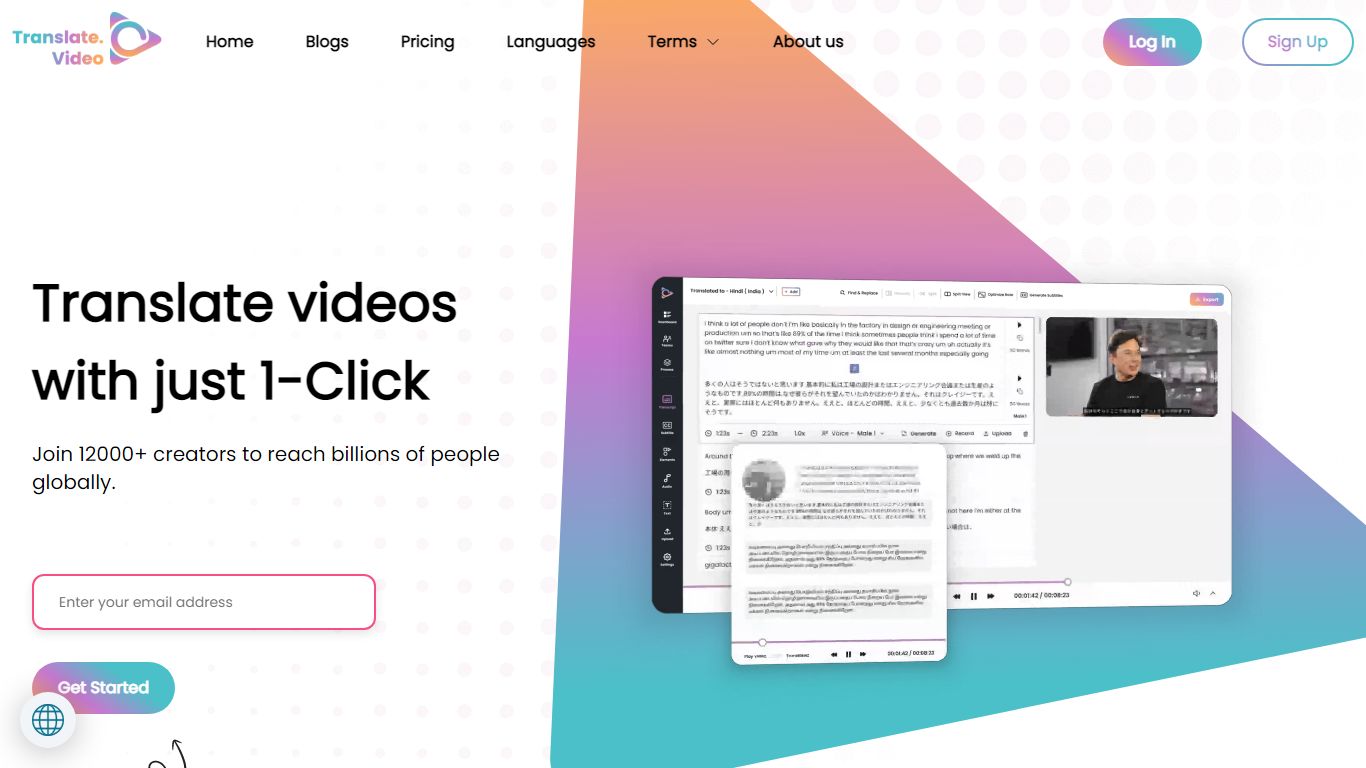
What is Translate.video?
Publishing the same training clip in twelve languages usually means hiring voice actors or reshooting every scene. Translate.video is a video translation platform that dubs, captions, and lip-syncs footage into 75+ languages from one upload. Creators upload MP4, MOV, or WEBM files, pick target languages, and download localized versions with synced audio and optional mouth alignment.
Dedicated dubbing studios charge per minute and queue projects for days. Translate.video bundles dubbing minutes, text-to-speech, voice cloning, speaker diarization, and lip sync in browser workflows priced by monthly minute allowances. That trades studio polish for speed, though lip sync and multi-speaker diarization still cap out on English-only detection on lower tiers.
YouTube creators, course builders, and marketing teams use it to reach global audiences without rebuilding every edit. Pro and Premium plans add 81 languages per process, 1080p exports, animated subtitle styles, and direct publishing hooks for YouTube and Instagram.
Bing Microsoft AI Translator Upvotes
Translate.video Upvotes
Bing Microsoft AI Translator Top Features
Auto-detect source language across more than 100 listed language options
Each translation request accepts up to 1,000 characters of input text
Regenerate results in Standard, Casual, or Formal tone with one click
Capture or upload an image to translate text found in photos
Speak to translate when typing is awkward on mobile or desktop
Listen to translations read aloud from the results panel
Browse common phrase sets for travel, dining, and emergencies
Translate.video Top Features
Translate and dub videos into 81 languages on paid plans
Lip sync aligns translated voiceover to speaker mouth movements
Pro includes 100 dubbing minutes and 10 lip sync minutes per month
Voice cloning and text-to-speech with instant clone voices
Exports 1080p video with 24 animated subtitle styles on Basic and above
Upload files up to 60 minutes long on Pro with 1 GB max file size
Bing Microsoft AI Translator Category
- Translation
Translate.video Category
- Translation
Bing Microsoft AI Translator Pricing Type
- Free
Translate.video Pricing Type
- Freemium