Bing Microsoft AI Translator vs Vidby
In the clash of Bing Microsoft AI Translator vs Vidby, which AI Translation tool emerges victorious? We assess reviews, pricing, alternatives, features, upvotes, and more.
When we put Bing Microsoft AI Translator and Vidby head to head, which one emerges as the victor?
Let's take a closer look at Bing Microsoft AI Translator and Vidby, both of which are AI-driven translation tools, and see what sets them apart. The users have made their preference clear, Vidby leads in upvotes. The number of upvotes for Vidby stands at 16, and for Bing Microsoft AI Translator it's 10.
Does the result make you go "hmm"? Cast your vote and turn that frown upside down!
Bing Microsoft AI Translator


What is Bing Microsoft AI Translator?
Microsoft Translator on Bing is a free web translator for turning words and phrases between English and more than 100 languages. Paste text, pick languages from long dropdown lists, or let the page auto-detect the source language before you translate.
The Bing interface adds practical extras beyond basic text swap. You can listen to a translation, open an on-screen keyboard, capture or upload an image to translate text in photos, and regenerate results in Standard, Casual, or Formal tone. A phrase helper surfaces common expressions grouped by topics like travel, dining, and emergencies.
It fits travelers, students, and anyone who needs a quick translation in the browser without installing software. Navigation on the page also points to separate Microsoft Translator experiences for live conversation, mobile apps, and business use.
Vidby
What is Vidby?
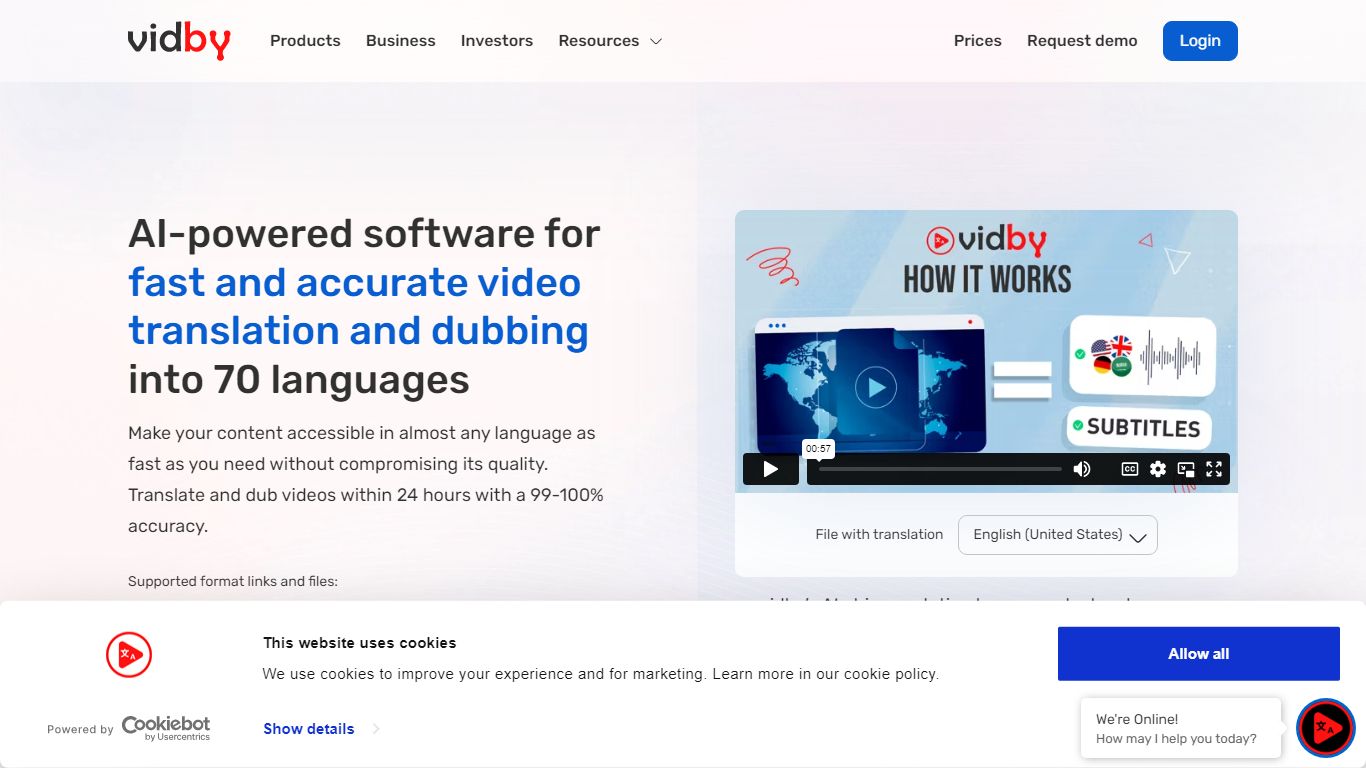
Vidby translates, dubs, and subtitles videos for teams that need to reach viewers in other languages without hiring a full localization studio. Upload a file or paste a link, pick one of four quality tiers from fully automated AI dubbing to human actor voiceover, and get a localized video in minutes instead of weeks.
Where most dubbing vendors quote opaque per-minute rates, Vidby publishes subscription plans with included credits and a checkout calculator for one-off orders. The platform covers 150+ languages and dialects, offers kid, teen, and elderly AI voices, and includes lip sync, voice cloning, and burnt-in subtitle options on paid tiers.
YouTube lists Vidby as a recommended vendor for multi-language audio tracks. Corporate customers include media brands registered with Disney and Warner Bros. supplier programs. A free tier exists with watermark exports, while Basic starts at $9.95 per month with 100 credits.
Bing Microsoft AI Translator Upvotes
Vidby Upvotes
Bing Microsoft AI Translator Top Features
Auto-detect source language across more than 100 listed language options
Each translation request accepts up to 1,000 characters of input text
Regenerate results in Standard, Casual, or Formal tone with one click
Capture or upload an image to translate text found in photos
Speak to translate when typing is awkward on mobile or desktop
Listen to translations read aloud from the results panel
Browse common phrase sets for travel, dining, and emergencies
Vidby Top Features
Translates and dubs video into 150+ languages and dialects with four quality tiers from Full AI to human actor dubbing
Subscription plans include 100 credits at $9.95 per month, 300 at $35, and 700 at $75 on the Pro tier
Four dubbing modes: Full AI, manual transcript edit, professional human review, and human actor voiceover
Voice cloning, lip sync, and kid, teen, and elderly voice options for localized audio tracks
Built-in subtitle translation with burnt-in subtitles and a 14-day money-back guarantee on orders
Telegram bot and API let teams place translation orders outside the main web dashboard
Bing Microsoft AI Translator Category
- Translation
Vidby Category
- Translation
Bing Microsoft AI Translator Pricing Type
- Free
Vidby Pricing Type
- Freemium