Bing Microsoft AI Translator vs VideoDubber
In the face-off between Bing Microsoft AI Translator vs VideoDubber, which AI Translation tool takes the crown? We scrutinize features, alternatives, upvotes, reviews, pricing, and more.
In a face-off between Bing Microsoft AI Translator and VideoDubber, which one takes the crown?
If we were to analyze Bing Microsoft AI Translator and VideoDubber, both of which are AI-powered translation tools, what would we find? The community has spoken, Bing Microsoft AI Translator leads with more upvotes. Bing Microsoft AI Translator has garnered 10 upvotes, and VideoDubber has garnered 6 upvotes.
Think we got it wrong? Cast your vote and show us who's boss!
Bing Microsoft AI Translator


What is Bing Microsoft AI Translator?
Microsoft Translator on Bing is a free web translator for turning words and phrases between English and more than 100 languages. Paste text, pick languages from long dropdown lists, or let the page auto-detect the source language before you translate.
The Bing interface adds practical extras beyond basic text swap. You can listen to a translation, open an on-screen keyboard, capture or upload an image to translate text in photos, and regenerate results in Standard, Casual, or Formal tone. A phrase helper surfaces common expressions grouped by topics like travel, dining, and emergencies.
It fits travelers, students, and anyone who needs a quick translation in the browser without installing software. Navigation on the page also points to separate Microsoft Translator experiences for live conversation, mobile apps, and business use.
VideoDubber
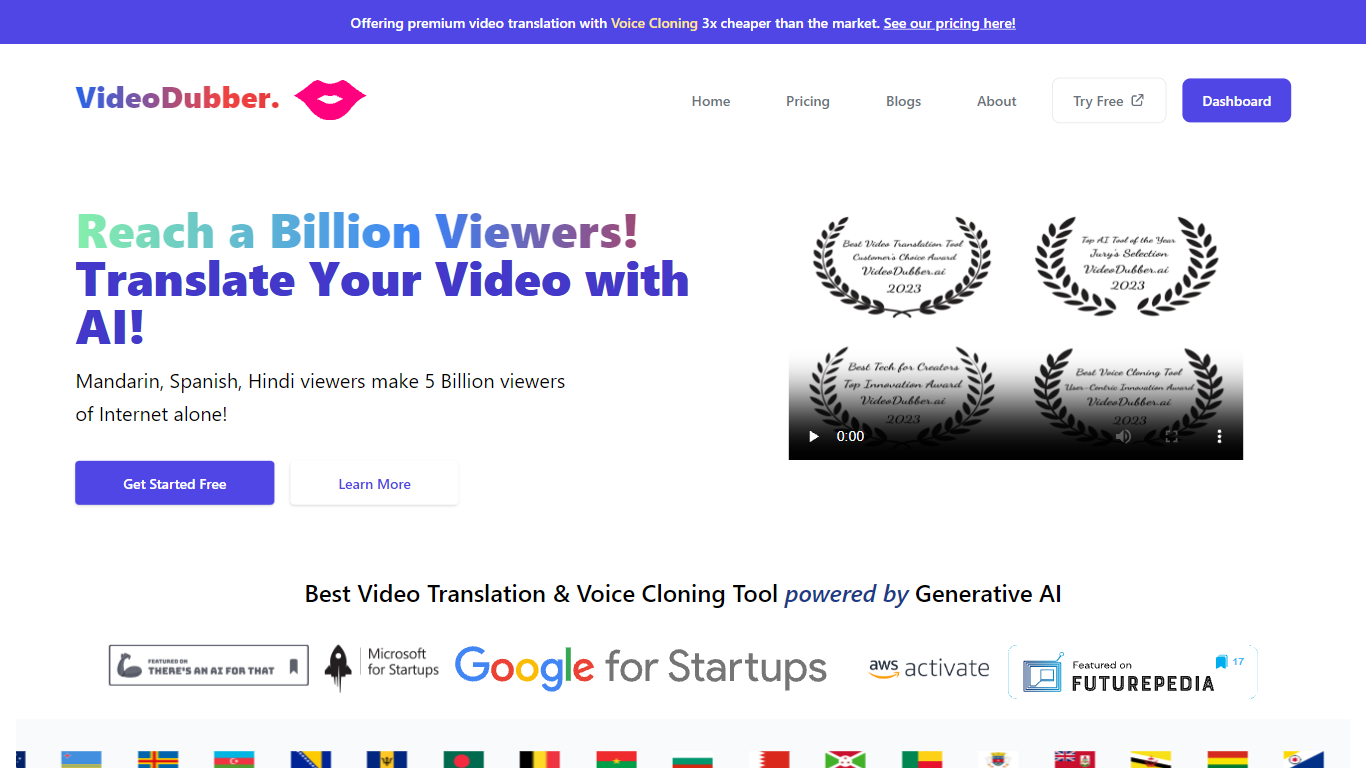
What is VideoDubber?
VideoDubber is a video translation and dubbing platform that turns uploaded footage into localized versions with cloned voices, lip sync, and subtitles. You upload a video, pick a target language, and get back a dubbed MP4 or subtitle files in SRT or VTT format. The service covers 150+ languages and handles multi-speaker projects with per-speaker voice selection.
Where most voice tools stop at audio-only dubbing, VideoDubber bundles frame-accurate lip sync (SyncPRO) and unlimited post-export edits in the same workflow. Its per-minute pricing undercuts ElevenLabs on the comparison table the site publishes, and editing scripts or re-exporting does not trigger metered revision fees on any plan.
YouTubers, e-learning teams, and marketing departments use VideoDubber to localize course libraries, YouTube channels, and promotional videos without reshooting. The platform also ships a REST API with translate, dub, and lipsync endpoints for teams embedding dubbing into a CMS or LMS pipeline.
Bing Microsoft AI Translator Upvotes
VideoDubber Upvotes
Bing Microsoft AI Translator Top Features
Auto-detect source language across more than 100 listed language options
Each translation request accepts up to 1,000 characters of input text
Regenerate results in Standard, Casual, or Formal tone with one click
Capture or upload an image to translate text found in photos
Speak to translate when typing is awkward on mobile or desktop
Listen to translations read aloud from the results panel
Browse common phrase sets for travel, dining, and emergencies
VideoDubber Top Features
150+ target languages with 180+ voice options listed on the about page
VoicePARROT voice cloning trained on 200K+ hours of real speech for natural dubbing
SyncPRO frame-accurate lip sync that tracks dubbed audio syllable by syllable
Export finished projects as SRT, VTT, or fully dubbed MP4 from one editor
REST API with POST /v1/translate, /v1/dub, and /v1/lipsync endpoints plus job polling
Glossary locking keeps product names and key terms consistent across languages
Unlimited script edits and re-exports with no metered revision fees on any plan
Bing Microsoft AI Translator Category
- Translation
VideoDubber Category
- Translation
Bing Microsoft AI Translator Pricing Type
- Free
VideoDubber Pricing Type
- Freemium