Bing Microsoft AI Translator vs YOUS
When comparing Bing Microsoft AI Translator vs YOUS, which AI Translation tool shines brighter? We look at pricing, alternatives, upvotes, features, reviews, and more.
In a comparison between Bing Microsoft AI Translator and YOUS, which one comes out on top?
When we put Bing Microsoft AI Translator and YOUS side by side, both being AI-powered translation tools, In the race for upvotes, Bing Microsoft AI Translator takes the trophy. Bing Microsoft AI Translator has garnered 10 upvotes, and YOUS has garnered 6 upvotes.
Disagree with the result? Upvote your favorite tool and help it win!
Bing Microsoft AI Translator


What is Bing Microsoft AI Translator?
Microsoft Translator on Bing is a free web translator for turning words and phrases between English and more than 100 languages. Paste text, pick languages from long dropdown lists, or let the page auto-detect the source language before you translate.
The Bing interface adds practical extras beyond basic text swap. You can listen to a translation, open an on-screen keyboard, capture or upload an image to translate text in photos, and regenerate results in Standard, Casual, or Formal tone. A phrase helper surfaces common expressions grouped by topics like travel, dining, and emergencies.
It fits travelers, students, and anyone who needs a quick translation in the browser without installing software. Navigation on the page also points to separate Microsoft Translator experiences for live conversation, mobile apps, and business use.
YOUS
What is YOUS?
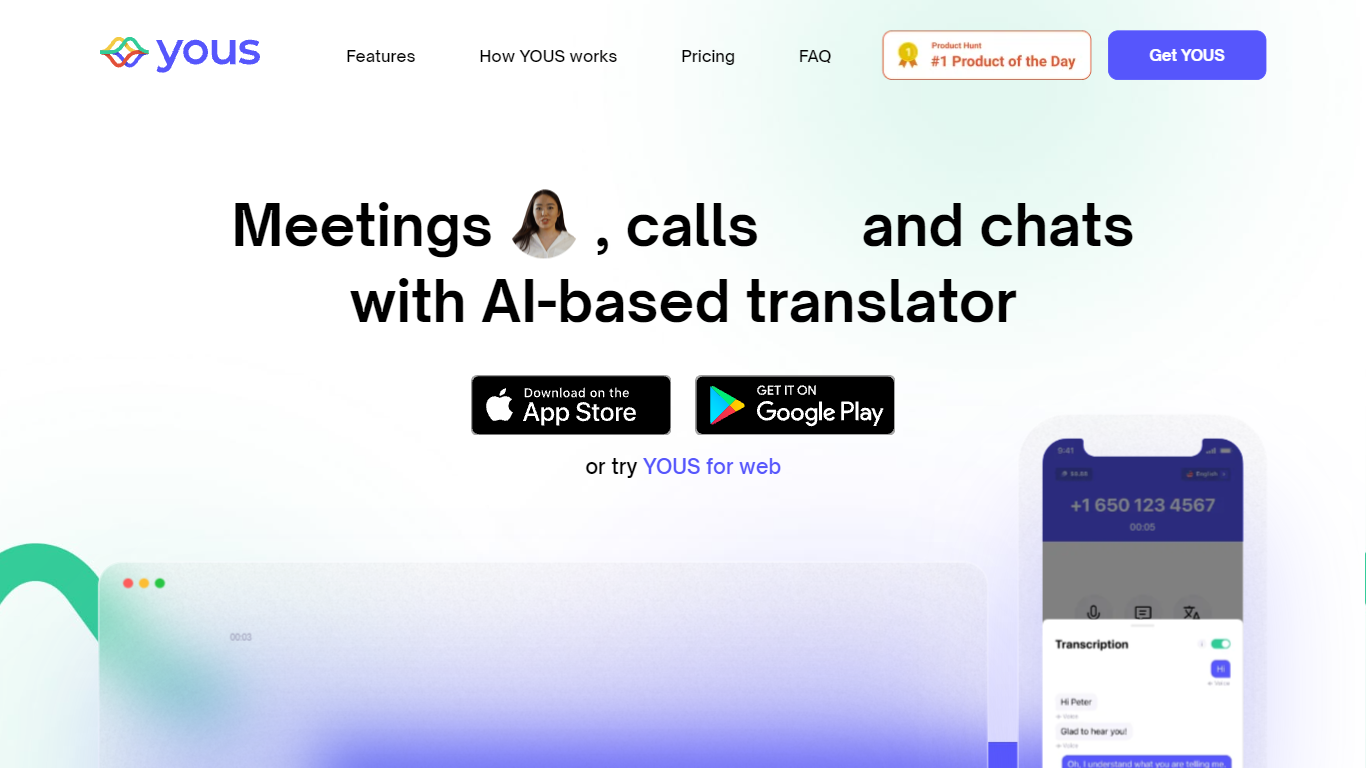
YOUS is a translation messenger that runs live voice and text translation inside meetings, phone calls, and chats. You sign up, pick your language and your contact's language, and the app translates speech and messages as you talk. It ships on iOS, Android, and a browser app at web.yous.ai.
Unlike standalone text translators, YOUS wraps translation around three communication modes in one account: 1-to-1 audio/video meetings, outbound phone calls to mobile and landline numbers, and username-based messaging. The Plus plan unlocks phone calls; the free Basic tier still covers meetings and chat translation with a monthly minute cap.
Expats, remote teams, and families split across languages are the clearest fit. The site lists 17 supported languages and notes that extra meeting minutes beyond the plan allowance cost $0.25 each. Group meetings are not available yet, so it targets paired conversations rather than conference rooms.
Bing Microsoft AI Translator Upvotes
YOUS Upvotes
Bing Microsoft AI Translator Top Features
Auto-detect source language across more than 100 listed language options
Each translation request accepts up to 1,000 characters of input text
Regenerate results in Standard, Casual, or Formal tone with one click
Capture or upload an image to translate text found in photos
Speak to translate when typing is awkward on mobile or desktop
Listen to translations read aloud from the results panel
Browse common phrase sets for travel, dining, and emergencies
YOUS Top Features
17 languages including Arabic, Chinese, Japanese, Korean, and Ukrainian
Audio/video meetings with built-in voice and text translation
Phone calls to mobile and landline numbers on the Plus plan
Username search messaging with automatic message translation
Meeting and call speech transcribed into on-screen text chat
Basic plan includes 5 free meeting minutes per month
Plus plan includes 60 meeting minutes per month at $14.99
Bing Microsoft AI Translator Category
- Translation
YOUS Category
- Translation
Bing Microsoft AI Translator Pricing Type
- Free
YOUS Pricing Type
- Freemium