Blend AI Studio vs Slidesgo
In the clash of Blend AI Studio vs Slidesgo, which AI Design tool emerges victorious? We assess reviews, pricing, alternatives, features, upvotes, and more.
When we put Blend AI Studio and Slidesgo head to head, which one emerges as the victor?
Let's take a closer look at Blend AI Studio and Slidesgo, both of which are AI-driven design tools, and see what sets them apart. Neither tool takes the lead, as they both have the same upvote count. Join the aitools.fyi users in deciding the winner by casting your vote.
Think we got it wrong? Cast your vote and show us who's boss!
Blend AI Studio

What is Blend AI Studio?
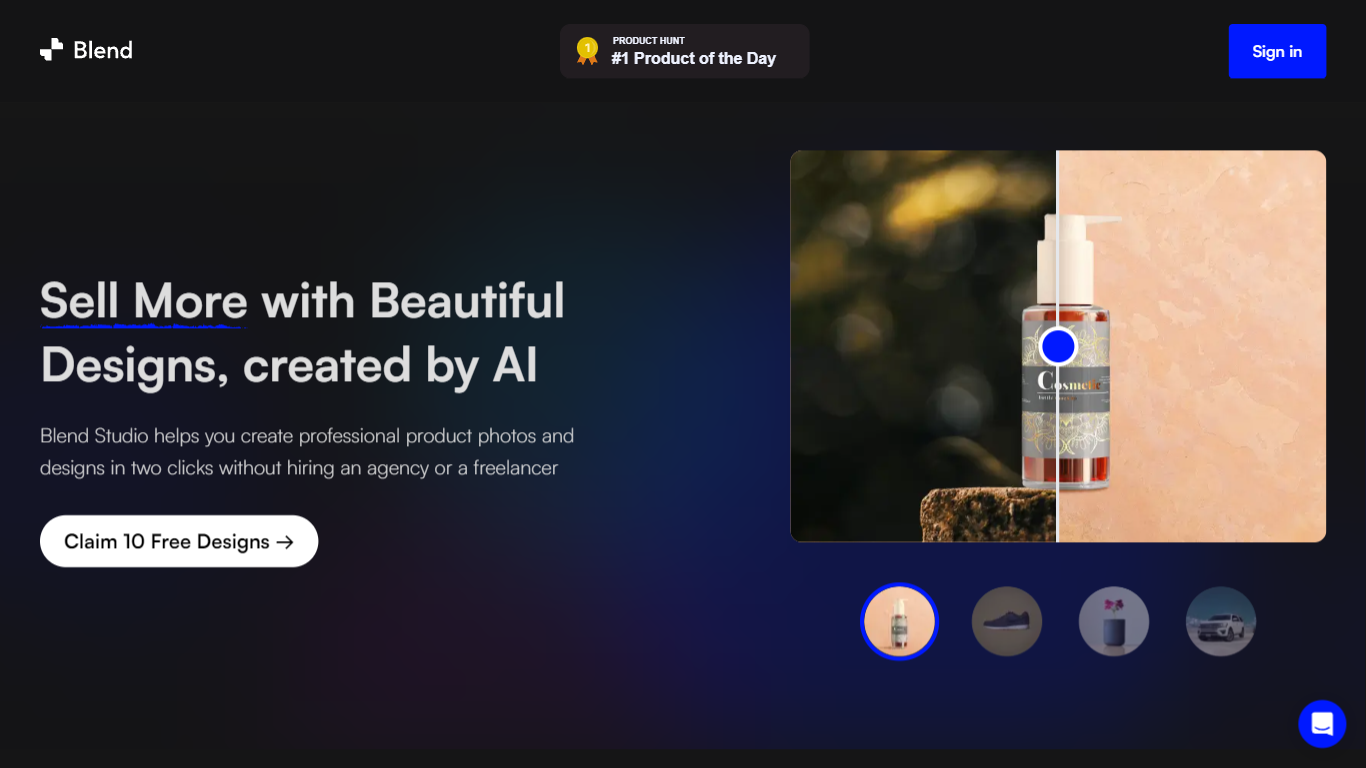
Blend AI Studio is an ecommerce design studio for product photos, model shots, lifestyle scenes, and short product videos without booking a studio or photographer. Upload a product image, pick a workflow like studio shots, ghost mannequin, or virtual try-on, and export listing-ready visuals in minutes.
The platform bundles background removal, AI backgrounds, on-model try-on, logo design, poster creation, and AI video into one web and mobile workflow. Sellers on Amazon, Etsy, Shopify, and DTC storefronts use it to replace scattered editing tools and expensive shoots with batch-friendly production.
Blend is built by BlendIt Studios and positions itself for fashion, beauty, home goods, and high-volume catalog teams that need consistent visuals across thousands of SKUs. The company reports 10M+ images created and 3.5M sellers using the product.
Slidesgo
What is Slidesgo?
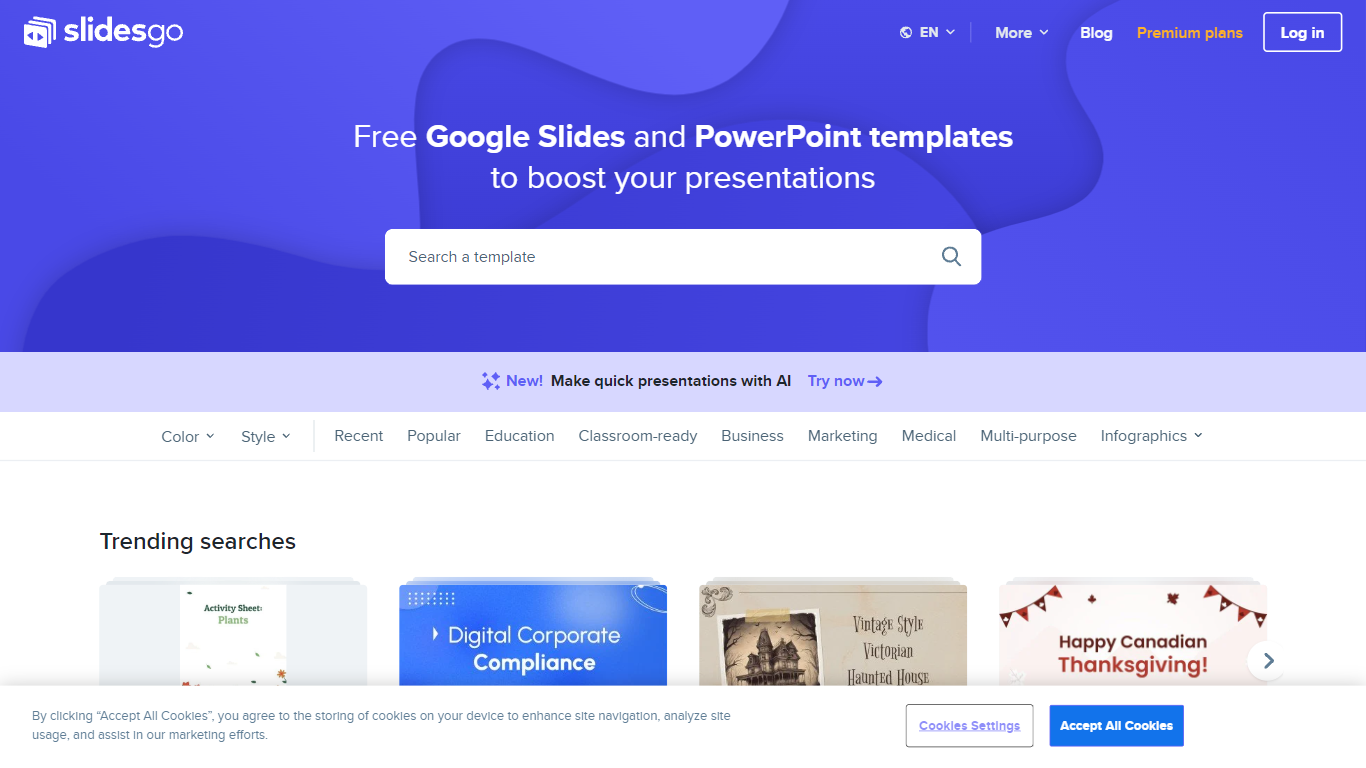
Free Google Slides themes and Powerpoint templates offers a wide range of professionally designed presentation templates that can be used for both Google Slides and Powerpoint. With a variety of colors and styles to choose from, including yellow, blue, white, gray, cream, gold, orange, brown, silver, black, pink, purple, green, and red, you can find the perfect template to suit your needs. Whether you need a template for education, business, marketing, medical, or any other purpose, this website has you covered. Additionally, there are various infographic templates available for creating visually appealing and informative presentations. The website also provides access to free vectors, photos, customizable icons, online template editing, editable illustrations, and free videos and motion graphics.
Blend AI Studio Upvotes
Slidesgo Upvotes
Blend AI Studio Top Features
Turn flat product photos into white-background studio shots in one upload
Show apparel and jewelry on diverse AI models or your own model photo
Place products in lifestyle scenes without location shoots or props
Generate short AI product videos for ads, reels, and marketplace listings
Batch process large catalogs with ghost mannequin, recolor, and background tools
Design logos, posters, and brand kits alongside product photography workflows
Slidesgo Top Features
Wide variety of templates: There is a diverse selection of templates available catering to different needs and preferences.
Professional design: The templates are professionally designed to ensure a polished and visually appealing presentation.
Compatibility: The templates can be used for both Google Slides and Powerpoint providing flexibility and convenience.
Infographic templates: The website offers a collection of infographic templates for creating visually engaging presentations.
Additional resources: In addition to templates the website provides access to free vectors photos customizable icons online template editing editable illustrations and free videos and motion graphics.
Blend AI Studio Category
- Design
Slidesgo Category
- Design
Blend AI Studio Pricing Type
- Freemium
Slidesgo Pricing Type
- Freemium