Blend AI Studio vs Studio.Design
Dive into the comparison of Blend AI Studio vs Studio.Design and discover which AI Design tool stands out. We examine alternatives, upvotes, features, reviews, pricing, and beyond.
When comparing Blend AI Studio and Studio.Design, which one rises above the other?
When we compare Blend AI Studio and Studio.Design, two exceptional design tools powered by artificial intelligence, and place them side by side, several key similarities and differences come to light. Both tools are equally favored, as indicated by the identical upvote count. The power is in your hands! Cast your vote and have a say in deciding the winner.
Does the result make you go "hmm"? Cast your vote and turn that frown upside down!
Blend AI Studio
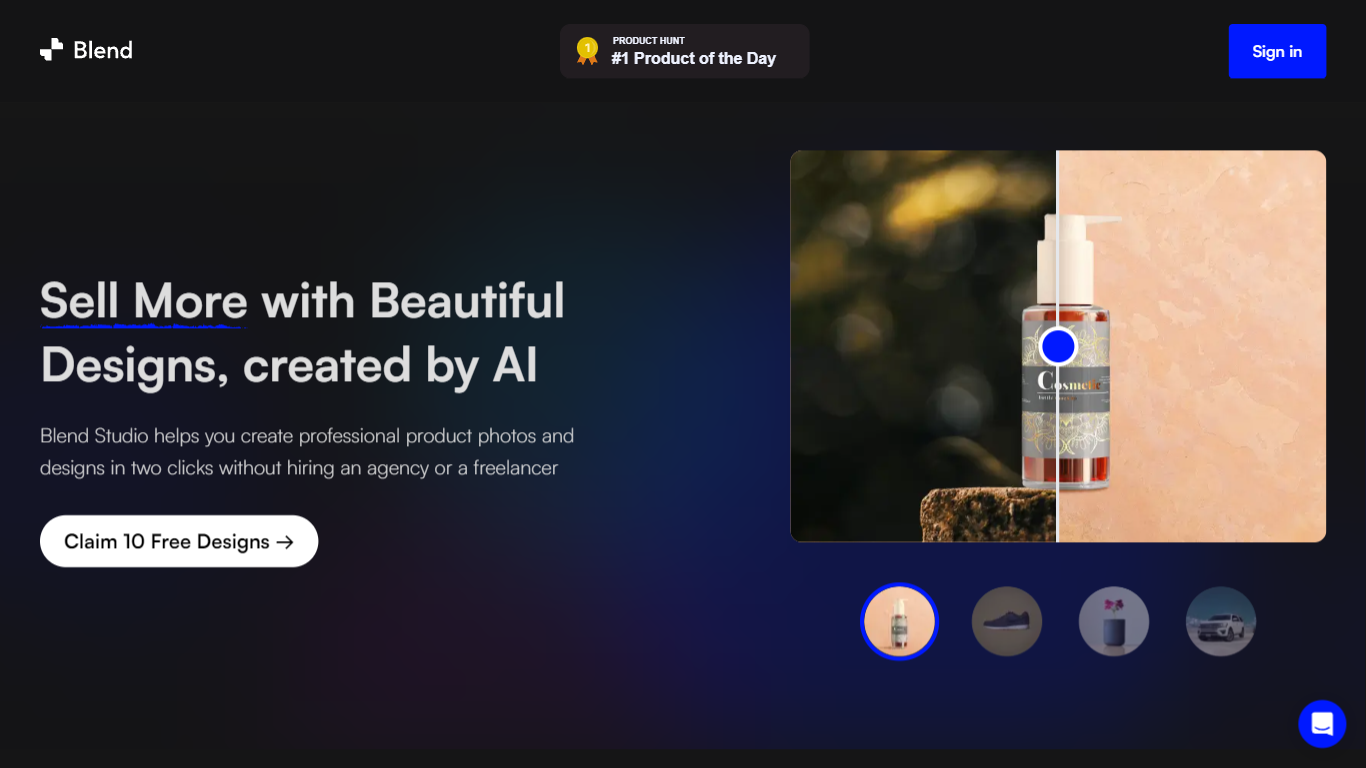

What is Blend AI Studio?
Blend AI Studio is an ecommerce design studio for product photos, model shots, lifestyle scenes, and short product videos without booking a studio or photographer. Upload a product image, pick a workflow like studio shots, ghost mannequin, or virtual try-on, and export listing-ready visuals in minutes.
The platform bundles background removal, AI backgrounds, on-model try-on, logo design, poster creation, and AI video into one web and mobile workflow. Sellers on Amazon, Etsy, Shopify, and DTC storefronts use it to replace scattered editing tools and expensive shoots with batch-friendly production.
Blend is built by BlendIt Studios and positions itself for fashion, beauty, home goods, and high-volume catalog teams that need consistent visuals across thousands of SKUs. The company reports 10M+ images created and 3.5M sellers using the product.
Studio.Design
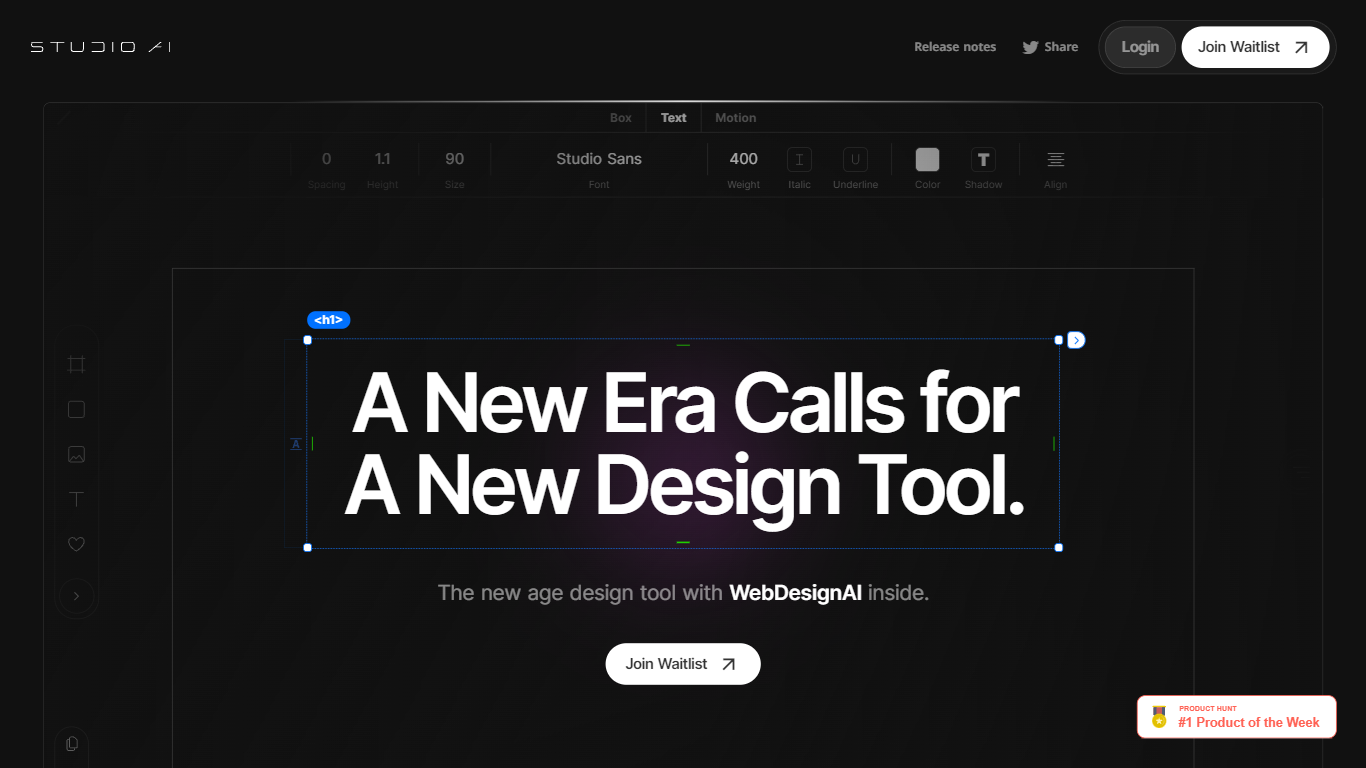
What is Studio.Design?
Studio.Design lets designers build and publish websites without writing HTML or CSS. You lay out pages in a visual editor, connect a CMS, add forms, and push live to Studio hosting with one click. Sites can live on a free studio.site subdomain or a custom domain on paid plans.
Compared with template-first site builders, Studio.Design leans into pixel-level layout work, Lottie animations, and a Figma import that generates responsive breakpoints automatically. That trade-off suits portfolio sites, campaign landers, and brand pages where the look matters more than plugging together prefab blocks.
Freelance designers, agencies, and product marketers use it to ship polished sites fast. The template store includes free and paid starting points, and teams can collaborate in workspaces with separate project and seat billing.
Blend AI Studio Upvotes
Studio.Design Upvotes
Blend AI Studio Top Features
Turn flat product photos into white-background studio shots in one upload
Show apparel and jewelry on diverse AI models or your own model photo
Place products in lifestyle scenes without location shoots or props
Generate short AI product videos for ads, reels, and marketplace listings
Batch process large catalogs with ghost mannequin, recolor, and background tools
Design logos, posters, and brand kits alongside product photography workflows
Studio.Design Top Features
Visual design editor supports pixel layouts, animations, and dynamic breakpoints
Built-in CMS for collaborative content editing with real-time updates
One-click publishing to Studio hosting with custom domain support on paid plans
Custom forms with animation and styling controls beyond basic templates
Per-page SEO controls plus auto-generated sitemaps
Native Lottie import for motion graphics without custom code
Figma import generates responsive breakpoints and publishes as a live site
Blend AI Studio Category
- Design
Studio.Design Category
- Design
Blend AI Studio Pricing Type
- Freemium
Studio.Design Pricing Type
- Freemium