
Last updated 08-14-2026
Category:
Reviews:
Join thousands of AI enthusiasts in the World of AI!
Studio.Design
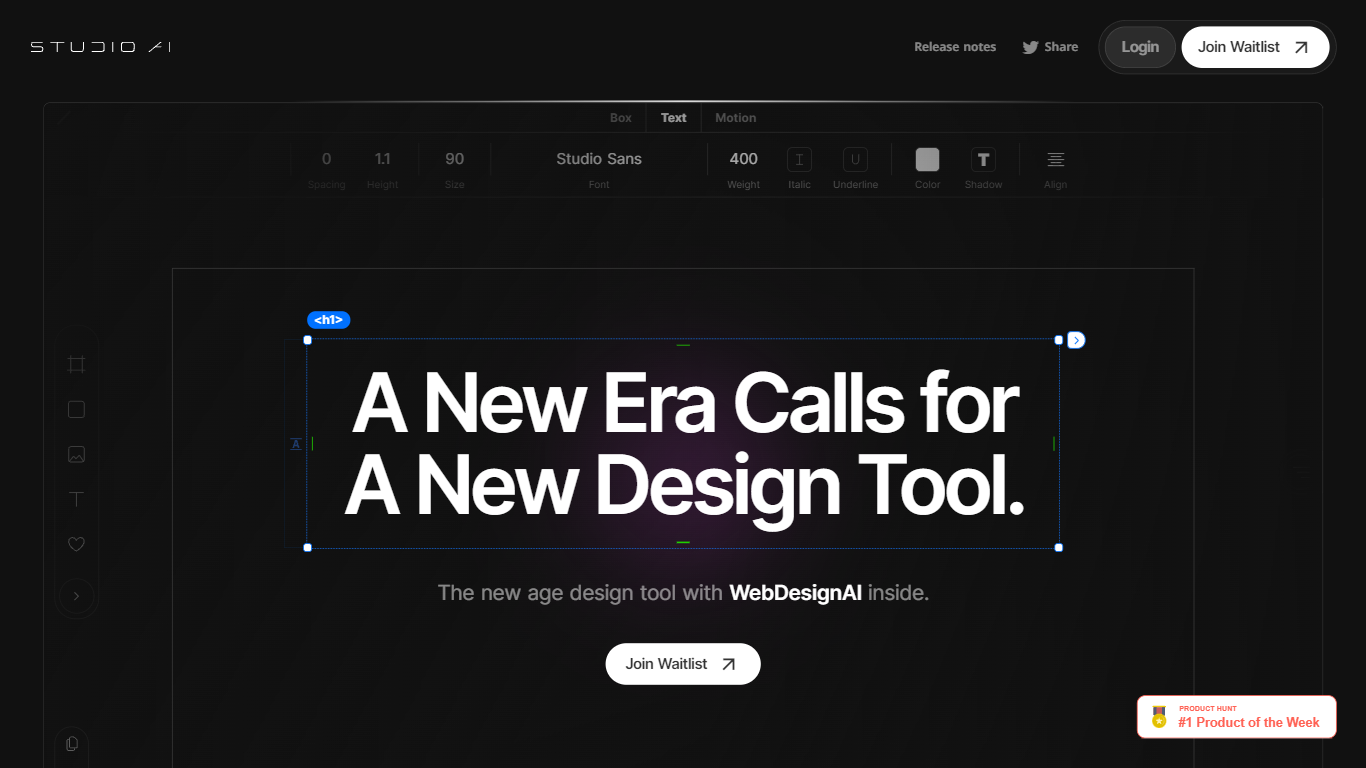
Studio.Design lets designers build and publish websites without writing HTML or CSS. You lay out pages in a visual editor, connect a CMS, add forms, and push live to Studio hosting with one click. Sites can live on a free studio.site subdomain or a custom domain on paid plans.
Compared with template-first site builders, Studio.Design leans into pixel-level layout work, Lottie animations, and a Figma import that generates responsive breakpoints automatically. That trade-off suits portfolio sites, campaign landers, and brand pages where the look matters more than plugging together prefab blocks.
Freelance designers, agencies, and product marketers use it to ship polished sites fast. The template store includes free and paid starting points, and teams can collaborate in workspaces with separate project and seat billing.
Visual design editor supports pixel layouts, animations, and dynamic breakpoints
Built-in CMS for collaborative content editing with real-time updates
One-click publishing to Studio hosting with custom domain support on paid plans
Custom forms with animation and styling controls beyond basic templates
Per-page SEO controls plus auto-generated sitemaps
Native Lottie import for motion graphics without custom code
Figma import generates responsive breakpoints and publishes as a live site
Design-first editor with animation and layout control beyond template blocks
Figma import auto-generates breakpoints and publishes as a live site
Free plan includes hosting on a studio.site subdomain with 50 pages
Built-in CMS, forms, SEO tools, and Lottie support in one product
Template store offers free and paid designer-made starting points
Pricing page is light on public dollar amounts for paid project tiers
Free plan sites are limited to studio.site subdomains
Mini plan caps published pages at 2, which is tight for multi-page sites
Workspace team billing adds separate seat fees on top of project plans
Is Studio.Design free to use?
Studio.Design offers a Free plan that lets you build and publish on a studio.site subdomain with up to 50 pages. Paid project plans add custom domains, higher page limits, and advanced CMS features.
Can Studio.Design import Figma designs?
Yes. Studio.Design imports Figma files, auto-generates responsive breakpoints, and lets you publish the result as a live website without rebuilding the layout manually.
Does Studio.Design include hosting?
Studio.Design includes hosting and one-click publishing. Free sites publish to a studio.site subdomain, while paid plans let you connect a custom domain.
What CMS features does Studio.Design offer?
Studio.Design includes a built-in CMS for collaborative editing. Higher paid plans support more content models, with the Business plan allowing up to 10 CMS models for news, team profiles, and services.
How many pages can I publish on Studio.Design?
Studio.Design page limits depend on your plan: Free allows 50 pages, Mini allows 2 pages, Personal allows 150, and Business or Business Plus allow 300 published pages per project.
Does Studio.Design support Lottie animations?
Yes. Studio.Design has built-in Lottie support, so you can import Lottie files directly into your layouts to add motion graphics without writing code.