Magic Brush AI vs Studio.Design
In the contest of Magic Brush AI vs Studio.Design, which AI Design tool is the champion? We evaluate pricing, alternatives, upvotes, features, reviews, and more.
If you had to choose between Magic Brush AI and Studio.Design, which one would you go for?
When we examine Magic Brush AI and Studio.Design, both of which are AI-enabled design tools, what unique characteristics do we discover? Both tools are equally favored, as indicated by the identical upvote count. Since other aitools.fyi users could decide the winner, the ball is in your court now to cast your vote and help us determine the winner.
You don't agree with the result? Cast your vote to help us decide!
Magic Brush AI


What is Magic Brush AI?
Magic Brush AI introduces an innovative AI-powered plugin specifically designed for Figma users who wish to enhance their design process. The Magic Brush AI plugin seamlessly integrates with Figma, allowing designers to generate and edit images directly within the application. If you're looking to speed up your design workflow and leverage artificial intelligence in your projects, Magic Brush AI offers a simple yet powerful solution. With easy installation and a user-friendly interface, Magic Brush expands creative possibilities without ever leaving your favorite design platform. Additionally, the community aspect is emphasized with an invitation to join their Discord, suggesting a focus on user engagement and support. Designed by Elie Toubiana from sunshine-filled Los Angeles, CA, Magic Brush AI is poised to transform how creatives interact with Figma and image editing.
Studio.Design
What is Studio.Design?
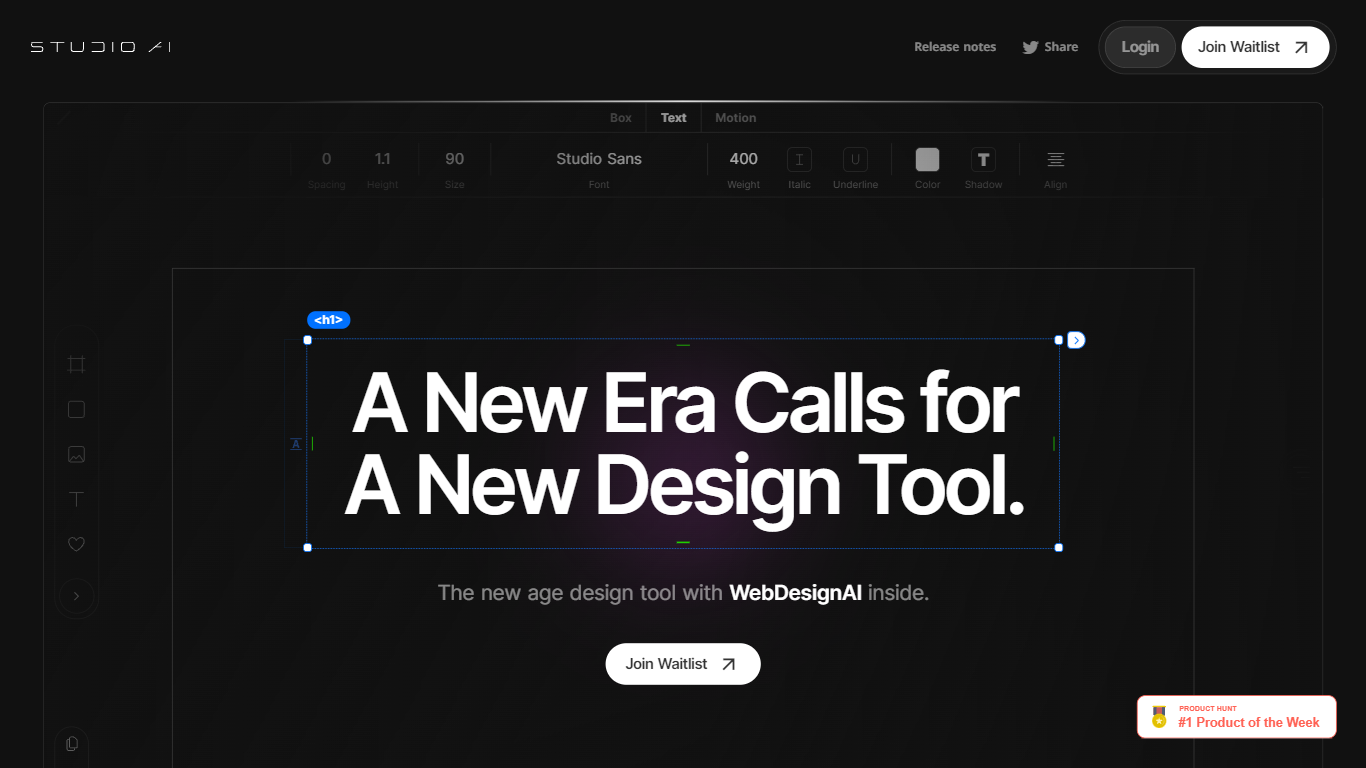
Studio.Design lets designers build and publish websites without writing HTML or CSS. You lay out pages in a visual editor, connect a CMS, add forms, and push live to Studio hosting with one click. Sites can live on a free studio.site subdomain or a custom domain on paid plans.
Compared with template-first site builders, Studio.Design leans into pixel-level layout work, Lottie animations, and a Figma import that generates responsive breakpoints automatically. That trade-off suits portfolio sites, campaign landers, and brand pages where the look matters more than plugging together prefab blocks.
Freelance designers, agencies, and product marketers use it to ship polished sites fast. The template store includes free and paid starting points, and teams can collaborate in workspaces with separate project and seat billing.
Magic Brush AI Upvotes
Studio.Design Upvotes
Magic Brush AI Top Features
AI Powered Plugin: A convenient Figma plugin that utilizes AI for image generation and editing.
Seamless Integration: Integrates with Figma for a streamlined design workflow.
Easy Installation: Simple process to install the plugin directly on Figma.
Community Support: Access to a Discord community for networking and support.
Frequent Updates: Continual improvements and feature additions to enhance user experience.
Studio.Design Top Features
Visual design editor supports pixel layouts, animations, and dynamic breakpoints
Built-in CMS for collaborative content editing with real-time updates
One-click publishing to Studio hosting with custom domain support on paid plans
Custom forms with animation and styling controls beyond basic templates
Per-page SEO controls plus auto-generated sitemaps
Native Lottie import for motion graphics without custom code
Figma import generates responsive breakpoints and publishes as a live site
Magic Brush AI Category
- Design
Studio.Design Category
- Design
Magic Brush AI Pricing Type
- Freemium
Studio.Design Pricing Type
- Freemium