ImageToPromptAI vs Studio.Design
When comparing ImageToPromptAI vs Studio.Design, which AI Design tool shines brighter? We look at pricing, alternatives, upvotes, features, reviews, and more.
Between ImageToPromptAI and Studio.Design, which one is superior?
When we put ImageToPromptAI and Studio.Design side by side, both being AI-powered design tools, Both tools have received the same number of upvotes from aitools.fyi users. Every vote counts! Cast yours and contribute to the decision of the winner.
Feeling rebellious? Cast your vote and shake things up!
ImageToPromptAI
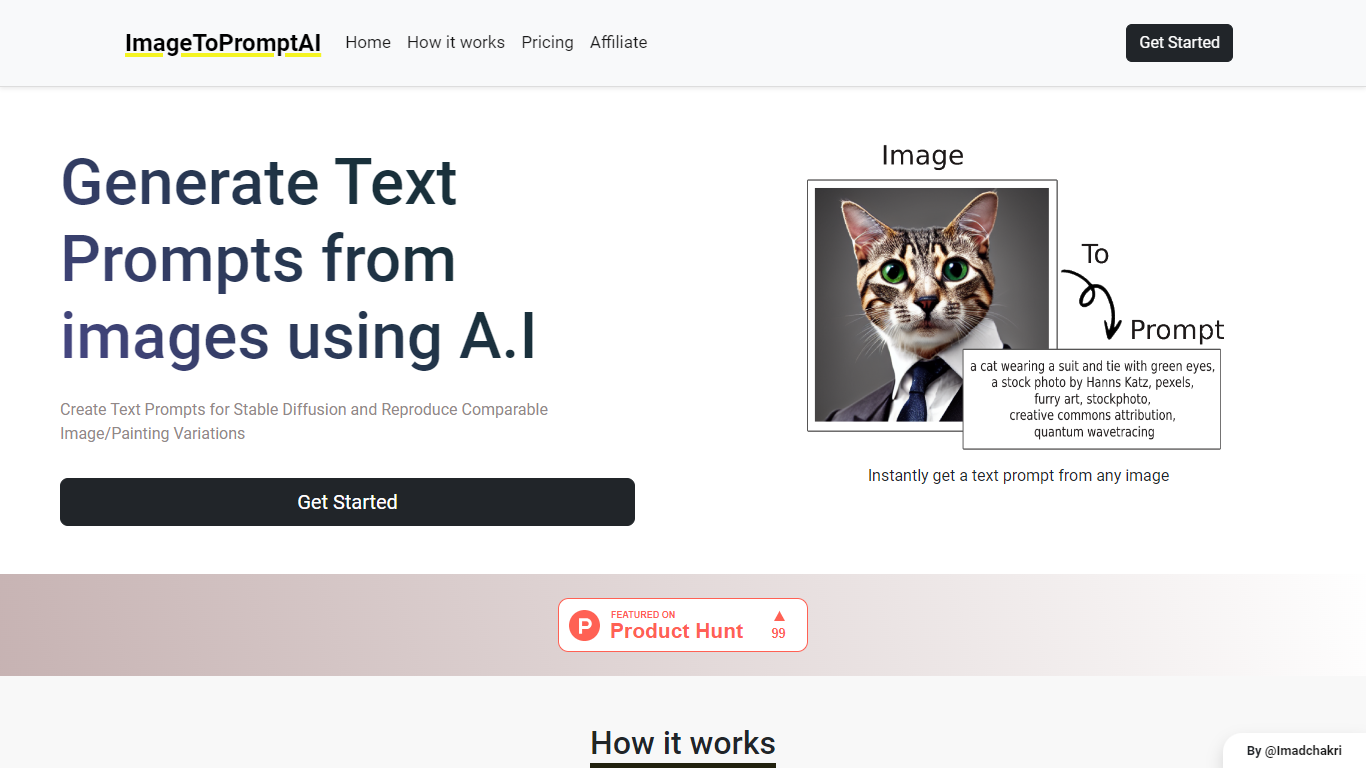

What is ImageToPromptAI?
ImageToPromptAI offers an innovative service that transforms your images into text prompts, catering to users who utilize AI models like Stable Diffusion for versatile creative projects. By uploading an image, you can immediately receive a corresponding text prompt that can be used to generate similar images or painting variations.
This service does away with subscriptions, allowing you to pay as you go for your specific needs. Whether for personal enjoyment or professional use, ImageToPromptAI streamlines the process of cross-media translation from visual to textual inputs.
Studio.Design
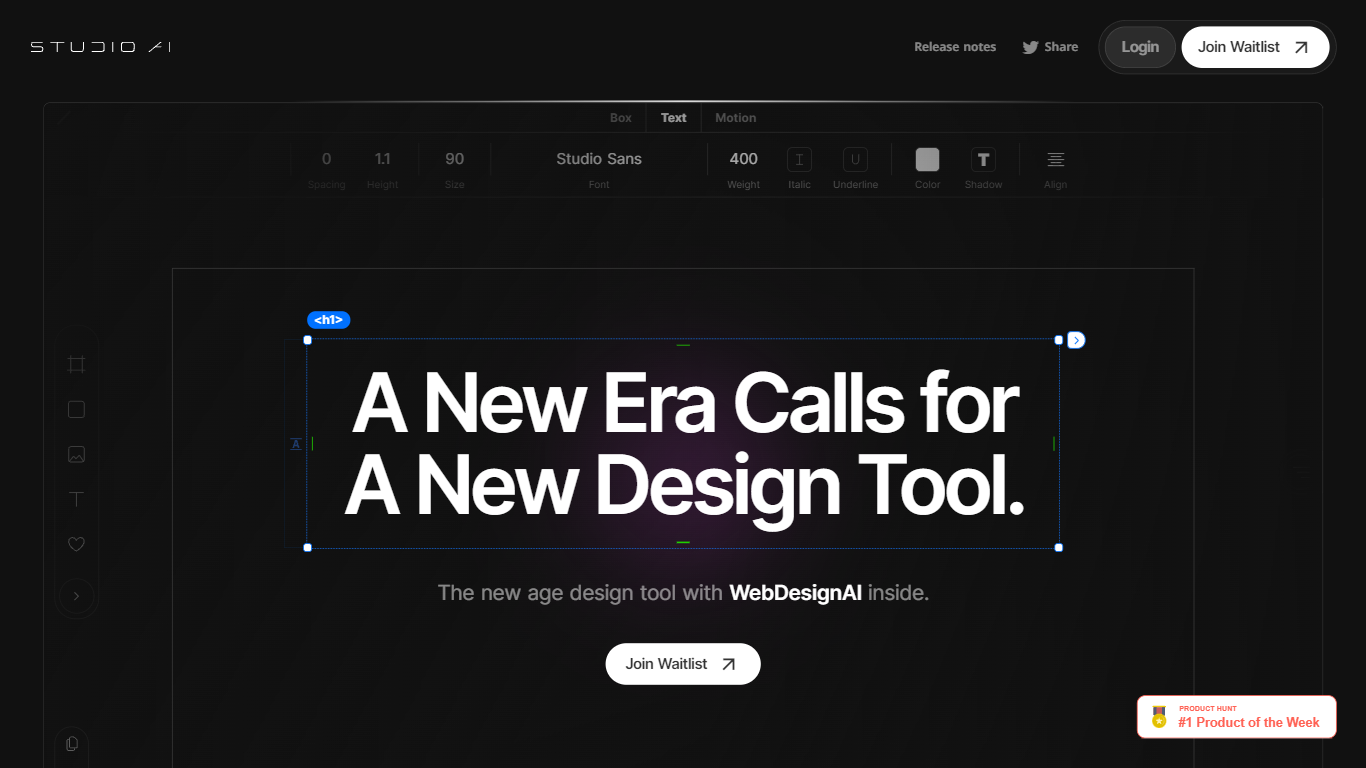
What is Studio.Design?
Studio.Design lets designers build and publish websites without writing HTML or CSS. You lay out pages in a visual editor, connect a CMS, add forms, and push live to Studio hosting with one click. Sites can live on a free studio.site subdomain or a custom domain on paid plans.
Compared with template-first site builders, Studio.Design leans into pixel-level layout work, Lottie animations, and a Figma import that generates responsive breakpoints automatically. That trade-off suits portfolio sites, campaign landers, and brand pages where the look matters more than plugging together prefab blocks.
Freelance designers, agencies, and product marketers use it to ship polished sites fast. The template store includes free and paid starting points, and teams can collaborate in workspaces with separate project and seat billing.
ImageToPromptAI Upvotes
Studio.Design Upvotes
ImageToPromptAI Top Features
Transform Image to Text: Instantly convert images into prompts for AI models.
Pay-As-You-Go Pricing: Flexible payment model, with no need for subscriptions.
Multiple Tiers: Choose from Basic, Pro, or Ultra plans according to your needs.
Ease of Use: Simple interface for uploading images and generating prompts.
No Account Required: Start using the service without the need for a user account.
Studio.Design Top Features
Visual design editor supports pixel layouts, animations, and dynamic breakpoints
Built-in CMS for collaborative content editing with real-time updates
One-click publishing to Studio hosting with custom domain support on paid plans
Custom forms with animation and styling controls beyond basic templates
Per-page SEO controls plus auto-generated sitemaps
Native Lottie import for motion graphics without custom code
Figma import generates responsive breakpoints and publishes as a live site
ImageToPromptAI Category
- Design
Studio.Design Category
- Design
ImageToPromptAI Pricing Type
- Freemium
Studio.Design Pricing Type
- Freemium