Block Blast vs Unity AI
In the battle of Block Blast vs Unity AI, which AI Gaming tool comes out on top? We compare reviews, pricing, alternatives, upvotes, features, and more.
Between Block Blast and Unity AI, which one is superior?
Upon comparing Block Blast with Unity AI, which are both AI-powered gaming tools, The upvote count reveals a draw, with both tools earning the same number of upvotes. You can help us determine the winner by casting your vote and tipping the scales in favor of one of the tools.
Think we got it wrong? Cast your vote and show us who's boss!
Block Blast
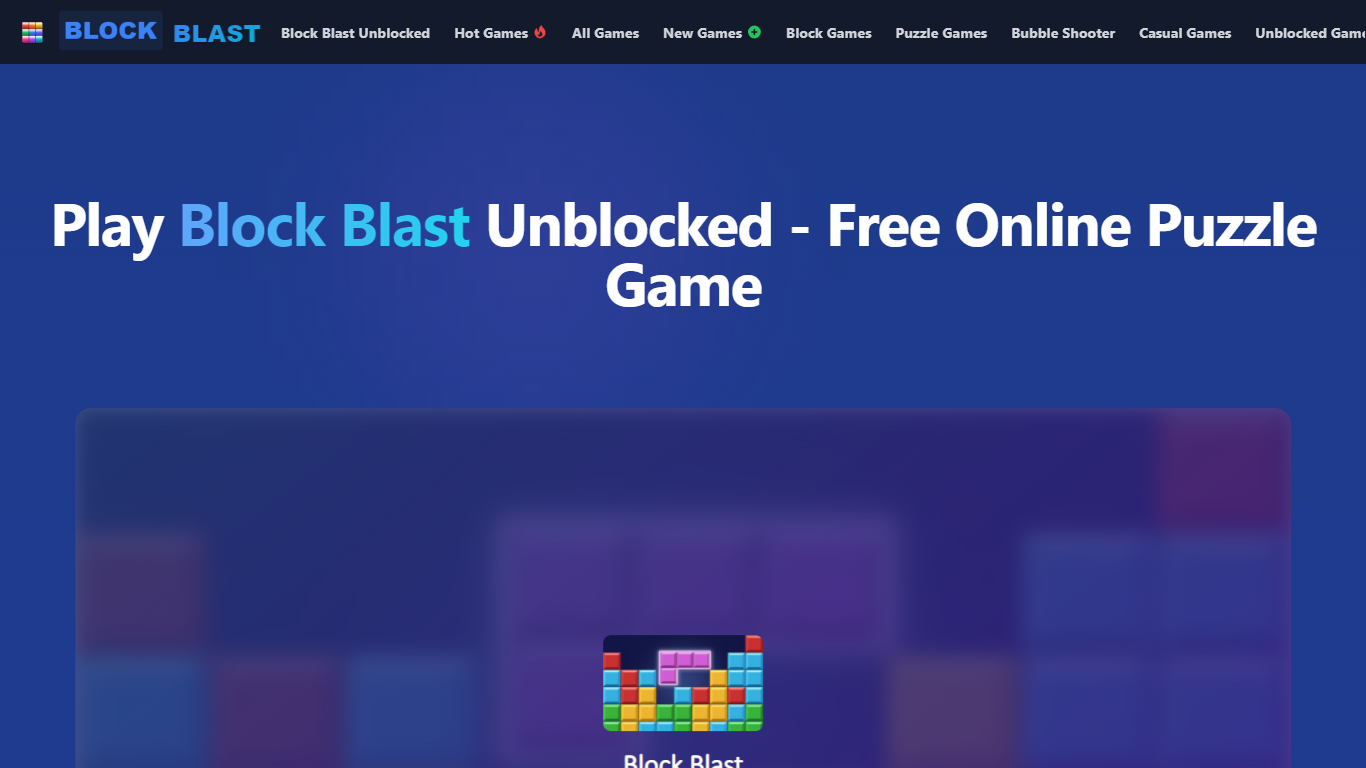

What is Block Blast?
Block Blast is a free browser puzzle game where you match colored blocks, clear lines, and chain combos for higher scores. It runs at blockblast.run with no download required, and the site also hosts 300+ other casual titles across block, puzzle, and unblocked game categories.
Most block puzzle sites host a single Tetris clone. Block Blast bundles its namesake matcher alongside 42 block games, 79 puzzle games, and 120 unblocked titles aimed at school-break play, so one URL covers multiple genres instead of sending players elsewhere.
Controls use arrow keys to move and rotate pieces, spacebar for instant drops, and P to pause. The scoring system rewards chain reactions and multi-line clears, and a global leaderboard tracks high scores. The game works on desktop and mobile browsers without an account.
Unity AI

What is Unity AI?
Unity AI puts Assistant and Generators inside Unity 6.2 so you can batch-edit scenes, draft C# scripts, and spin up sprites, textures, sounds, and animations without leaving the Editor. The Assistant reads your scene hierarchy, installed packages, and console errors, which keeps answers tied to the project on screen. Generators write output straight into Unity assets for sprites, Texture2D images, sound clips, animations, and materials.
Compared with bolt-on chat tools, Unity AI runs inside the Editor and replaces Muse Chat, Muse Generators, and Sentis with packages that share project context. Assistant exposes /ask, /run, and /code modes: ask for read-only answers, run to automate batch edits with generated scripts, and code to draft C# against the Unity API. Inference Engine work stays local for runtime models while Assistant and Generators run through Unity Cloud.
Indie studios, mobile teams, and technical artists use it to scatter objects across terrain, rename assets in bulk, explain stack traces, and spin up placeholder art before production assets land. You need Unity 6.2 or later plus a linked Unity Cloud project for the full Assistant and Generators feature set.
Block Blast Upvotes
Unity AI Upvotes
Block Blast Top Features
Match-3 block clearing with chain reaction combo multipliers
Arrow keys plus spacebar controls with P to pause and M to toggle music
120 unblocked games playable in school browsers without downloads
42 block games and 79 puzzle titles hosted on the same site
Global leaderboard for high score and world record competition
Next-block preview for planning multi-line clears
Unity AI Top Features
Assistant /ask mode answers documentation and project questions without modifying files
Assistant /run mode automates batch renames and scene edits through generated Editor scripts
Generators package creates sprites, Texture2D, sound, animation, and material assets in one workflow
Inference Engine runs local inference for runtime AI models inside Unity projects
Organization admins can disable Assistant and Generators from the Unity Dashboard for all users
Partner models from Scenario and Layer AI back Generators alongside first-party Unity models
Block Blast Category
- Gaming
Unity AI Category
- Gaming
Block Blast Pricing Type
- Free
Unity AI Pricing Type
- Freemium