Blogcast vs SpeechGPT
In the battle of Blogcast vs SpeechGPT, which AI Audio Generation tool comes out on top? We compare reviews, pricing, alternatives, upvotes, features, and more.
Which one is better? Blogcast or SpeechGPT?
Upon comparing Blogcast with SpeechGPT, which are both AI-powered audio generation tools, Both tools have received the same number of upvotes from aitools.fyi users. Join the aitools.fyi users in deciding the winner by casting your vote.
Does the result make you go "hmm"? Cast your vote and turn that frown upside down!
Blogcast

What is Blogcast?
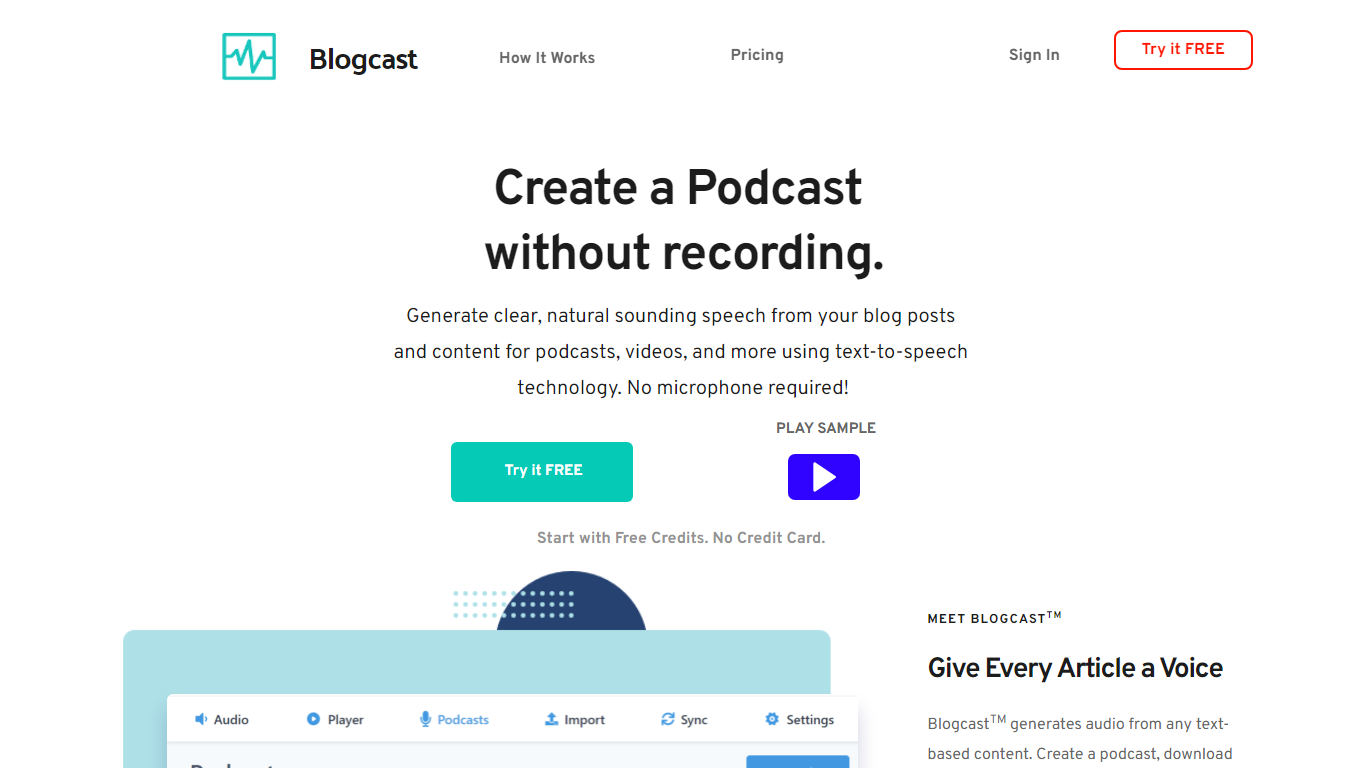
Transform your text into a high-quality podcast with BlogcastTM - the leading AI-powered text-to-speech platform. With BlogcastTM, you can effortlessly convert blog posts, articles, and various text-based content into natural-sounding audio files, perfect for podcasts, videos, and eLearning material. There's no need for microphones or expensive voice talent; BlogcastTM offers a treasury of neural voices in multiple languages and dialects, ensuring your content has the reach and impact it deserves.
Starting with a free trial and no credit card required, BlogcastTM lets you generate podcasts without ever hitting the record button. Whether you are trying to enhance your WordPress site, Medium articles, or YouTube videos, BlogcastTM delivers seamless integration and endless possibilities for content creators. It's designed for easy use, even offering an efficient WordPress plugin to streamline your workflow.
Are you an aspiring podcaster or a seasoned writer looking to engage with your audience in new, innovative ways? Discover BlogcastTM's customizable features, including an advanced speech synthesis editor and media player. Utilize the import and sync capabilities to keep your content fresh and automatically updated. With BlogcastTM, you're not just creating another podcast; you're giving every article a unique voice that can resonate across multiple platforms.
SpeechGPT

What is SpeechGPT?
SpeechGPT lets you hold voice conversations in the browser using your own OpenAI API key. You type or record messages, send them through a chat interface, and hear spoken replies without installing desktop software.
Unlike hosted TTS services that bundle model costs into a subscription, SpeechGPT runs in the browser and bills you only through the OpenAI, Azure Speech Services, or Amazon Polly accounts you connect. That makes it a lightweight option for developers and language learners who already have API access and want a simple voice chat front end.
The interface supports English, Spanish, and Chinese UI labels, includes a record button for speech input, and stores session data locally in the browser. It suits developers testing voice chat flows, language learners practicing spoken prompts, and anyone who wants a minimal ChatGPT voice client on mobile or desktop.
Blogcast Upvotes
SpeechGPT Upvotes
Blogcast Top Features
AI-Powered Text-to-Speech: Seamlessly convert text into natural-sounding audio.
Wide Selection of Voices: Choose from over 110 neural voices across 25+ languages and dialects.
Customizable Audio Editor: Control pronunciation tone and pauses with a powerful speech synthesis editor.
Easy Content Integration: Import and sync content automatically from URLs or RSS feeds.
Podcast Hosting and Distribution: Host audio files and distribute your podcast to major platforms like iTunes and Spotify.
SpeechGPT Top Features
Chat interface accepts typed messages or recorded speech input with Enter to send
Requires your OpenAI API key in settings before the app will run conversations
Optional Azure Speech Services or Amazon Polly access keys for alternate text-to-speech backends
UI available in English, Spanish, and Chinese from the in-app language selector
Shift plus Enter inserts a newline without sending the message
Runs as a web app on Vercel with no separate desktop install required
Blogcast Category
- Audio Generation
SpeechGPT Category
- Audio Generation
Blogcast Pricing Type
- Freemium
SpeechGPT Pricing Type
- Free