BlogImagery vs Image Creator from Microsoft Designer
In the clash of BlogImagery vs Image Creator from Microsoft Designer, which AI Design tool emerges victorious? We assess reviews, pricing, alternatives, features, upvotes, and more.
If you had to choose between BlogImagery and Image Creator from Microsoft Designer, which one would you go for?
Let's take a closer look at BlogImagery and Image Creator from Microsoft Designer, both of which are AI-driven design tools, and see what sets them apart. The upvote count reveals a draw, with both tools earning the same number of upvotes. Join the aitools.fyi users in deciding the winner by casting your vote.
Want to flip the script? Upvote your favorite tool and change the game!
BlogImagery
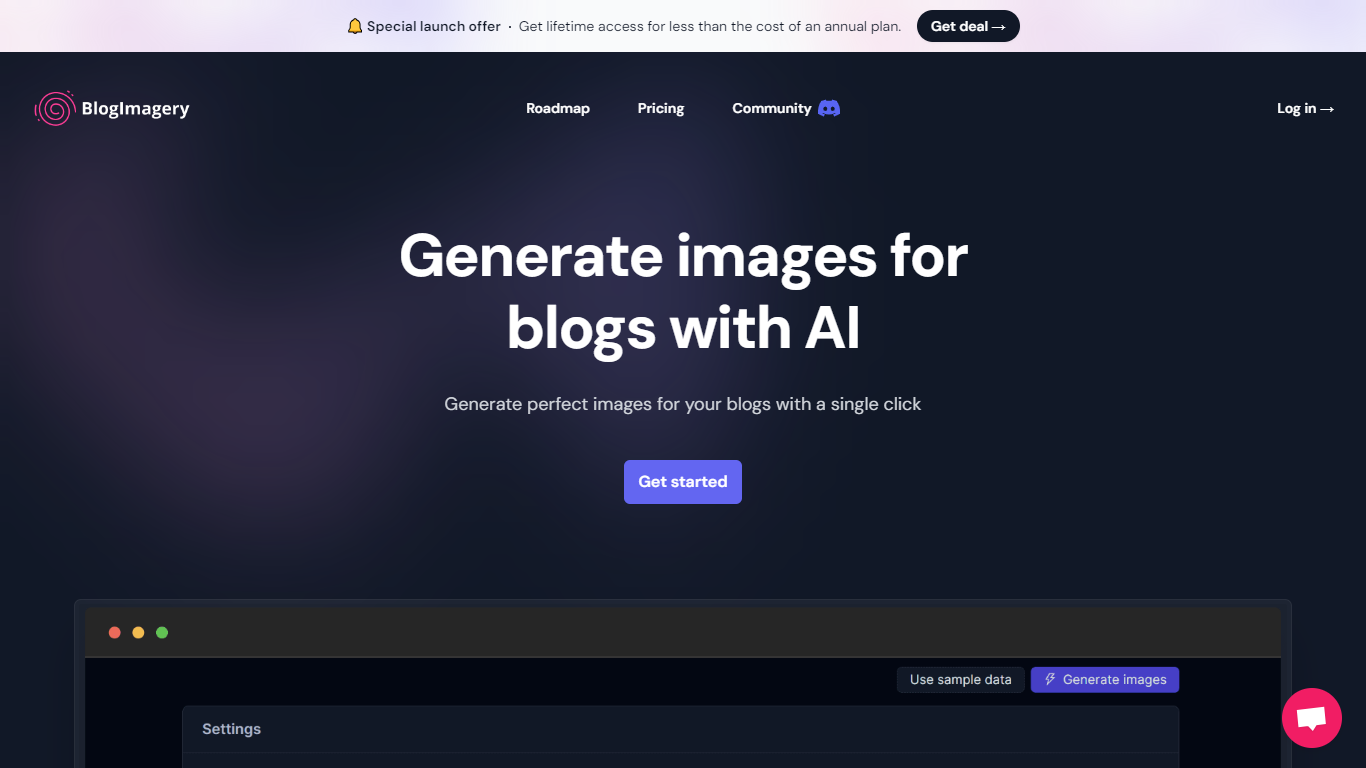

What is BlogImagery ?
BlogImagery is a revolutionary tool designed to help content creators generate original, eye-catching images for their blogs with just a single click. Leveraging the power of AI, BlogImagery reduces the time and effort typically spent on sourcing stock photos, providing a swift and easy solution for bloggers to create unique visuals that align with their content.
With BlogImagery, you can select from multiple art styles such as Cinematic, Colorful Scribbles, Colorpop, Digital Painting, and Vintage Photography to perfectly match your blog's aesthetic. The AI-generated images are not only copyright-free but also enhance articles by transforming text-heavy content into visually appealing posts. Users can expect original images to perform better in engagement compared to standard stock photos.
BlogImagery also aids in explaining complex or abstract concepts through visuals, catering to audiences who might not be experts in the subject matter. The service offers a special launch deal with lifetime access at a highly attractive price point, and plans are versatile with monthly and lifetime payment options to suit different needs.
Image Creator from Microsoft Designer
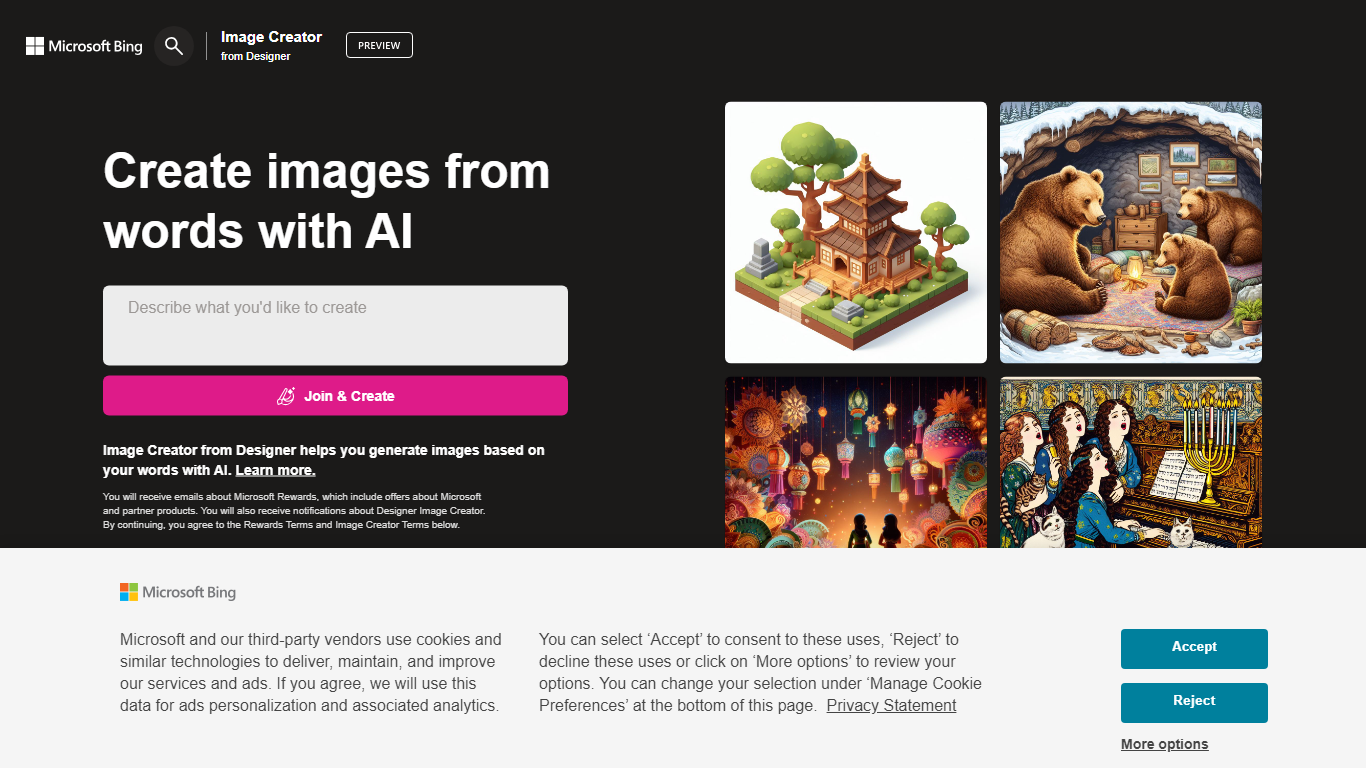
What is Image Creator from Microsoft Designer?
Image Creator from Microsoft Designer lives inside Bing and turns text prompts and uploaded photos into images and short videos at no cost. You pick a model, set aspect ratio, and generate up to 4 images per prompt, or switch to video mode for 8-second clips. It also bundles AI photo editing tools like background removal, retouch, expand, and enhance on the same page.
Where Midjourney and Leonardo sell subscriptions for speed and model choice, Image Creator stays free for anyone with a personal Microsoft account. You get 15 fast generations per day, then unlimited standard-speed runs, with optional Microsoft Rewards points to buy back fast mode. The trade-off is tighter content policy enforcement, regional blocks in some countries, and no API for developers.
It fits marketers, students, and hobbyists who already use Microsoft accounts and want quick visuals without installing software. Teachers and small teams use the template gallery for stickers and social graphics. Anyone needing commercial-grade control or private model training will outgrow it fast.
BlogImagery Upvotes
Image Creator from Microsoft Designer Upvotes
BlogImagery Top Features
One-Click Image Generation: Produce perfect images for your blog posts at the click of a button.
Diverse Art Styles: Choose from styles like Cinematic, Colorful Scribbles, and Vintage Photography to align with your blog's aesthetic.
Engagement Boost: Use original AI-generated images to significantly improve engagement over stock photos.
Copyright-Free: Access a library of images without worrying about copyright issues.
Complex Concept Illustration: Explain difficult concepts through visuals, making them easier to understand for your readers.
Image Creator from Microsoft Designer Top Features
15 free fast image generations per day, replenished every 24 hours
Choose DALL-E 3, GPT-4o, MAI-Image-2.5-Flash, or MAI-Image-2e stylized mode
Generate 1, 2, or 4 images per prompt with aspect ratios from 1:1 square to 2:3 vertical
Built-in photo editor with background remover, retouch, expand, and enhance tools
Create 8-second AI videos in 9:16 or 16:9 with Fast or Standard priority
100+ prompt languages supported via Microsoft Translator integration
BlogImagery Category
- Design
Image Creator from Microsoft Designer Category
- Design
BlogImagery Pricing Type
- Freemium
Image Creator from Microsoft Designer Pricing Type
- Freemium