BlogImagery vs Microsoft Designer
In the face-off between BlogImagery vs Microsoft Designer, which AI Design tool takes the crown? We scrutinize features, alternatives, upvotes, reviews, pricing, and more.
When we put BlogImagery and Microsoft Designer head to head, which one emerges as the victor?
If we were to analyze BlogImagery and Microsoft Designer, both of which are AI-powered design tools, what would we find? The users have made their preference clear, Microsoft Designer leads in upvotes. Microsoft Designer has been upvoted 10 times by aitools.fyi users, and BlogImagery has been upvoted 6 times.
Not your cup of tea? Upvote your preferred tool and stir things up!
BlogImagery
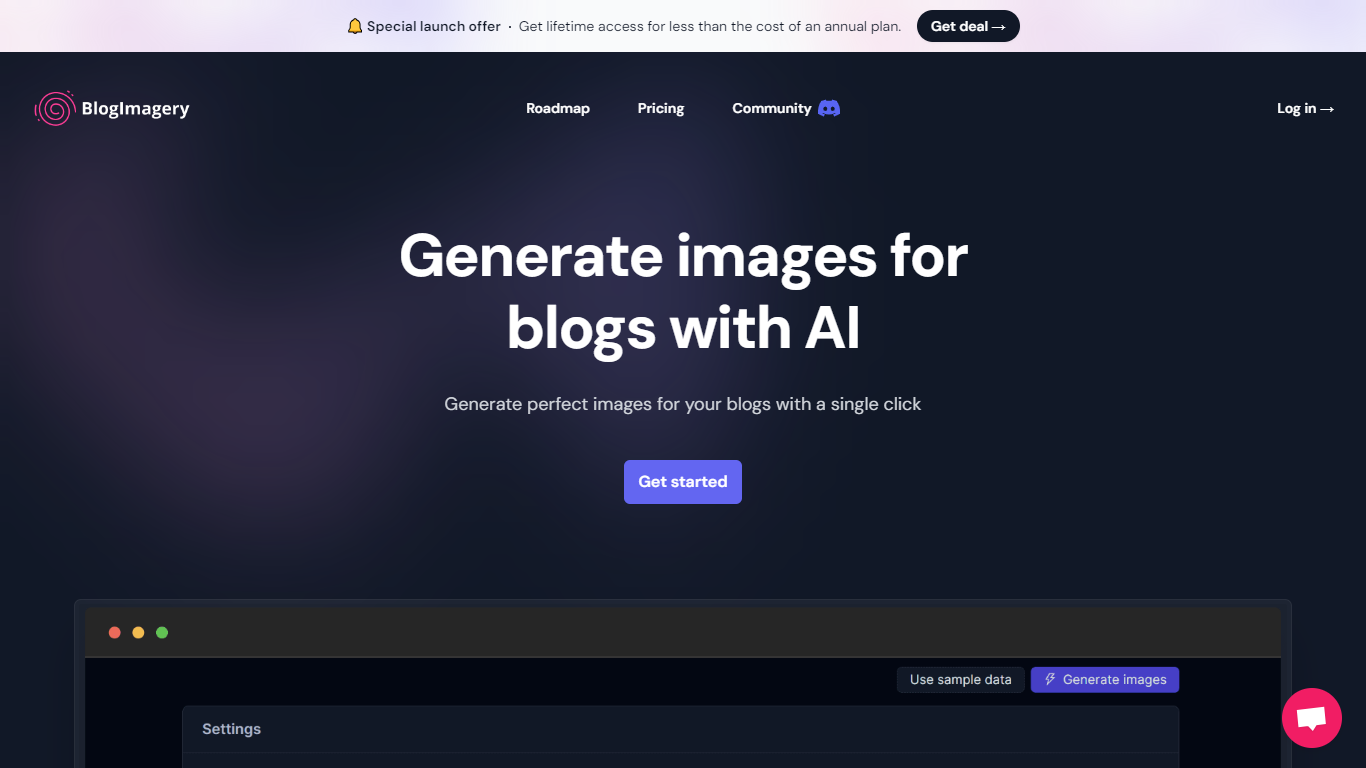

What is BlogImagery ?
BlogImagery is a revolutionary tool designed to help content creators generate original, eye-catching images for their blogs with just a single click. Leveraging the power of AI, BlogImagery reduces the time and effort typically spent on sourcing stock photos, providing a swift and easy solution for bloggers to create unique visuals that align with their content.
With BlogImagery, you can select from multiple art styles such as Cinematic, Colorful Scribbles, Colorpop, Digital Painting, and Vintage Photography to perfectly match your blog's aesthetic. The AI-generated images are not only copyright-free but also enhance articles by transforming text-heavy content into visually appealing posts. Users can expect original images to perform better in engagement compared to standard stock photos.
BlogImagery also aids in explaining complex or abstract concepts through visuals, catering to audiences who might not be experts in the subject matter. The service offers a special launch deal with lifetime access at a highly attractive price point, and plans are versatile with monthly and lifetime payment options to suit different needs.
Microsoft Designer
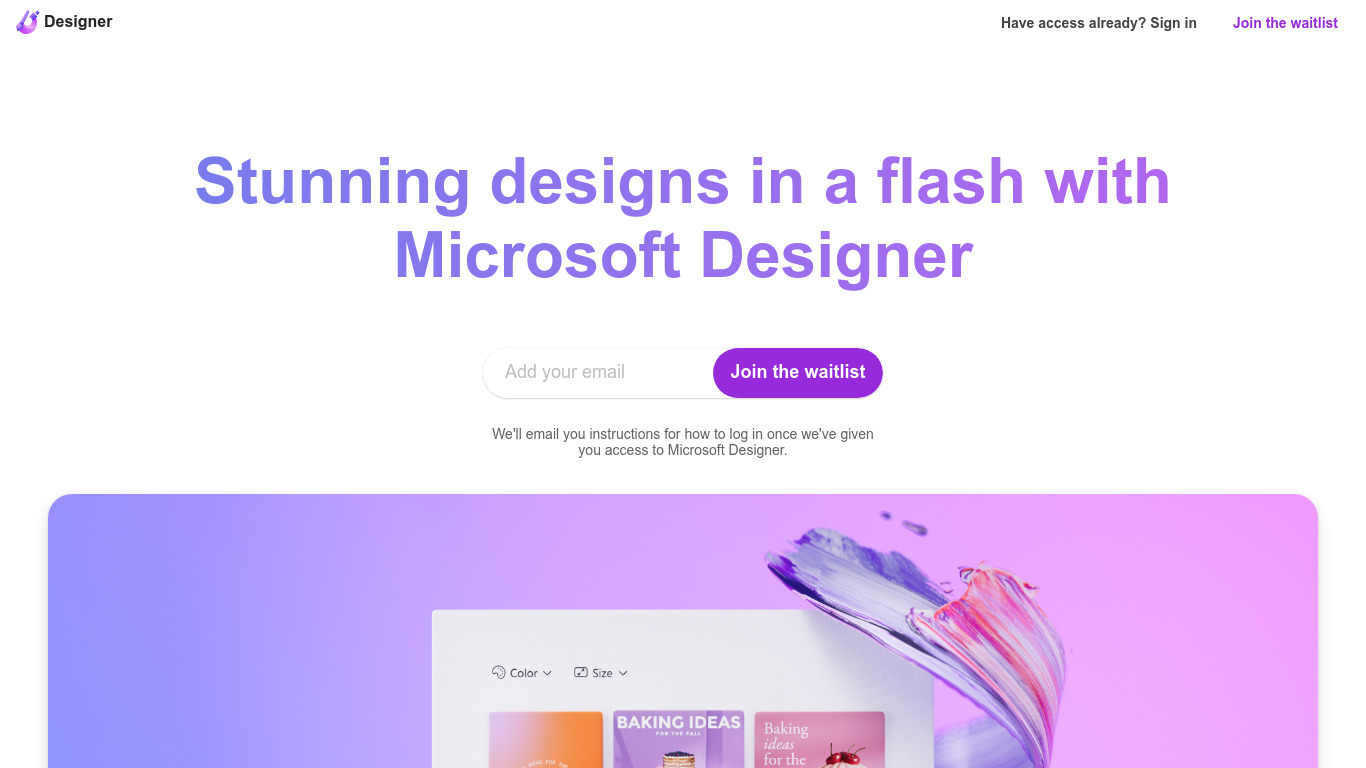
What is Microsoft Designer?
Microsoft Designer helps you build social posts, invitations, flyers, and graphics from prompt templates inside a browser app. Pick a category such as Instagram posts, LinkedIn banners, or Outlook headers, then use Create with AI, Edit with AI, or blank canvas layouts sized for each platform. Sign-in with a Microsoft account unlocks the editor.
Canva gives you a broad template marketplace, while Microsoft Designer ties layouts directly to Microsoft 365 surfaces like Teams headers, SharePoint banners, Word covers, and PowerPoint slides. Its Edit with AI tools add background removal, generative erase, and image framing without leaving the Microsoft ecosystem, which matters if your files already live in Office apps.
Microsoft Designer fits small business owners making weekly social content, internal comms teams publishing Teams and Outlook assets, and creators who want sized templates instead of resizing manually. Teachers, event planners, and marketers who already use Microsoft sign-in can start from the homepage categories without installing desktop software.
BlogImagery Upvotes
Microsoft Designer Upvotes
BlogImagery Top Features
One-Click Image Generation: Produce perfect images for your blog posts at the click of a button.
Diverse Art Styles: Choose from styles like Cinematic, Colorful Scribbles, and Vintage Photography to align with your blog's aesthetic.
Engagement Boost: Use original AI-generated images to significantly improve engagement over stock photos.
Copyright-Free: Access a library of images without worrying about copyright issues.
Complex Concept Illustration: Explain difficult concepts through visuals, making them easier to understand for your readers.
Microsoft Designer Top Features
Create with AI templates for images, icons, wallpapers, avatars, stickers, and social posts
Edit with AI includes background removal, generative erase, and image framing tools
Design-from-scratch presets for Instagram, Facebook, LinkedIn, Pinterest, and Twitter formats
Built-in sizes for Outlook headers, Teams banners, SharePoint covers, Word, and PowerPoint layouts
Document presets cover A4, A5, US letter, and common photo print dimensions
Sign in with a Microsoft account to save and continue designs in the web app
BlogImagery Category
- Design
Microsoft Designer Category
- Design
BlogImagery Pricing Type
- Freemium
Microsoft Designer Pricing Type
- Freemium