
Last updated 08-20-2026
Category:
Reviews:
Join thousands of AI enthusiasts in the World of AI!
Microsoft Designer
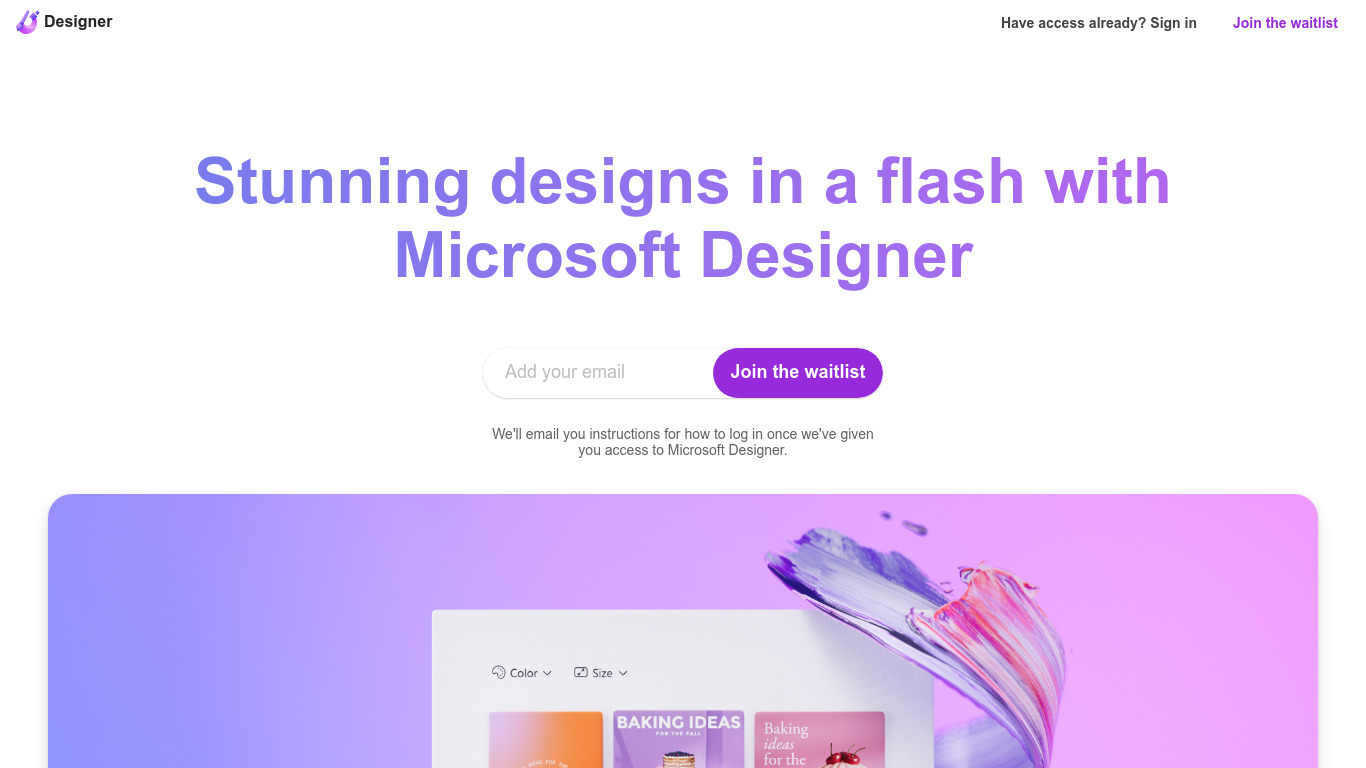
Microsoft Designer helps you build social posts, invitations, flyers, and graphics from prompt templates inside a browser app. Pick a category such as Instagram posts, LinkedIn banners, or Outlook headers, then use Create with AI, Edit with AI, or blank canvas layouts sized for each platform. Sign-in with a Microsoft account unlocks the editor.
Canva gives you a broad template marketplace, while Microsoft Designer ties layouts directly to Microsoft 365 surfaces like Teams headers, SharePoint banners, Word covers, and PowerPoint slides. Its Edit with AI tools add background removal, generative erase, and image framing without leaving the Microsoft ecosystem, which matters if your files already live in Office apps.
Microsoft Designer fits small business owners making weekly social content, internal comms teams publishing Teams and Outlook assets, and creators who want sized templates instead of resizing manually. Teachers, event planners, and marketers who already use Microsoft sign-in can start from the homepage categories without installing desktop software.
Create with AI templates for images, icons, wallpapers, avatars, stickers, and social posts
Edit with AI includes background removal, generative erase, and image framing tools
Design-from-scratch presets for Instagram, Facebook, LinkedIn, Pinterest, and Twitter formats
Built-in sizes for Outlook headers, Teams banners, SharePoint covers, Word, and PowerPoint layouts
Document presets cover A4, A5, US letter, and common photo print dimensions
Sign in with a Microsoft account to save and continue designs in the web app
Free web access with a Microsoft account
Preset sizes for major social networks and Microsoft 365 apps
Create and Edit with AI categories cover images, icons, and stickers
Built-in background removal and generative erase tools
No desktop install required in the browser app
Requires a Microsoft account sign-in to use the editor
Homepage lists no public paid plan details for advanced limits
Template discovery can feel overwhelming due to the long category list
Heavy reliance on Microsoft ecosystem templates over open export formats
What can Microsoft Designer create?
Microsoft Designer creates social media posts, invitations, flyers, postcards, icons, wallpapers, stickers, and document-sized graphics. Its homepage groups templates into Create with AI, Edit with AI, and design-from-scratch layouts.
Is Microsoft Designer free?
Microsoft Designer is free to access with a Microsoft account sign-in on designer.microsoft.com. The public homepage does not list separate paid tiers, and advanced usage may depend on your Microsoft subscription.
Does Microsoft Designer remove backgrounds?
Yes. Microsoft Designer includes Remove background under its Edit with AI section alongside generative erase, image framing, and general image editing tools.
Which social platforms does Microsoft Designer support?
Microsoft Designer ships preset sizes for Instagram posts and stories, Facebook ads and covers, LinkedIn posts and sponsored content, Pinterest pins, and Twitter posts and headers.
Does Microsoft Designer work with Office apps?
Yes. Microsoft Designer lists templates for Outlook email headers, Teams headers, SharePoint banners, Word headers, and PowerPoint covers sized for Microsoft 365 workflows.
Do I need an account for Microsoft Designer?
Yes. The Microsoft Designer homepage prompts you to sign in with a Microsoft account before creating or saving designs in the web app.