Blend AI Studio vs Microsoft Designer
Compare Blend AI Studio vs Microsoft Designer and see which AI Design tool is better when we compare features, reviews, pricing, alternatives, upvotes, etc.
Which one is better? Blend AI Studio or Microsoft Designer?
When we compare Blend AI Studio with Microsoft Designer, which are both AI-powered design tools, In the race for upvotes, Microsoft Designer takes the trophy. Microsoft Designer has garnered 10 upvotes, and Blend AI Studio has garnered 6 upvotes.
Does the result make you go "hmm"? Cast your vote and turn that frown upside down!
Blend AI Studio
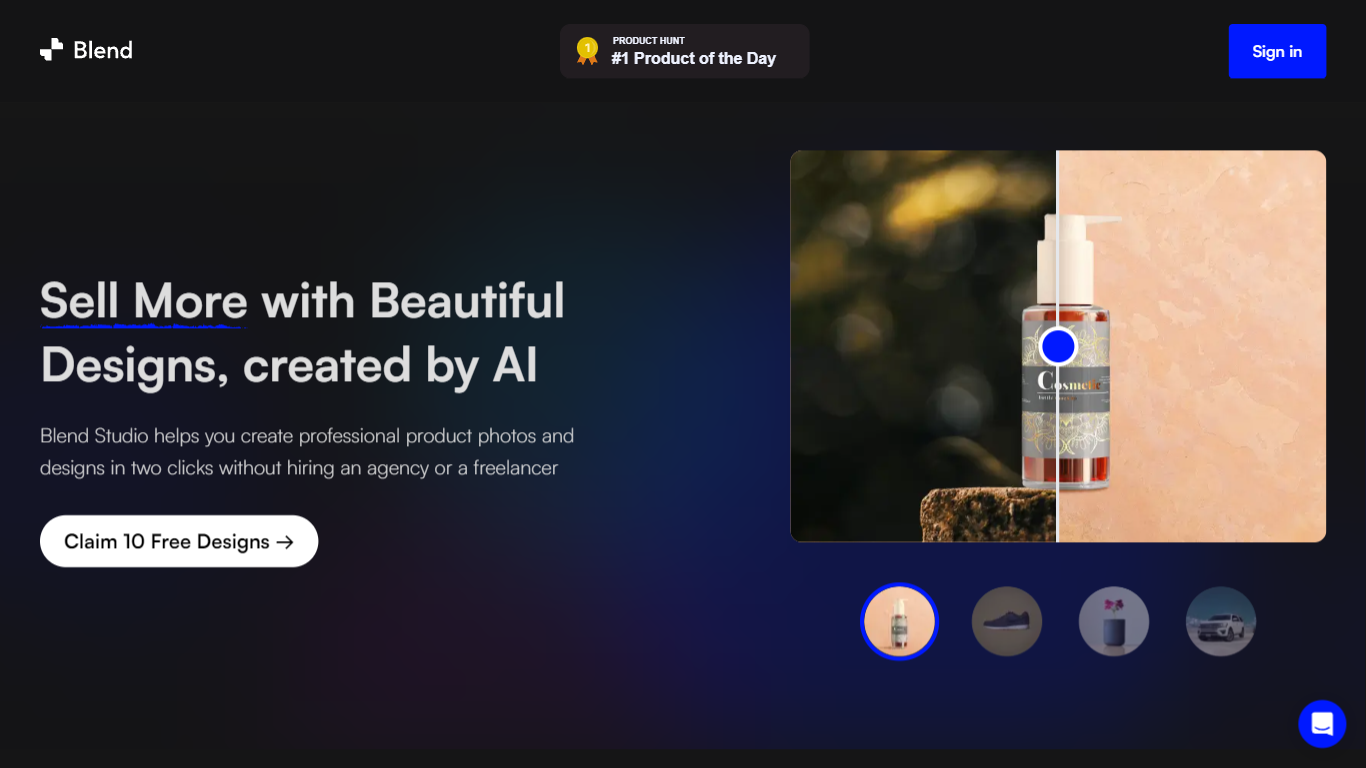

What is Blend AI Studio?
Blend AI Studio turns flat product uploads into studio shots, on-model try-on images, lifestyle scenes, and short product videos for ecommerce listings without booking a photographer. Upload a product image, pick a workflow like studio shots, ghost mannequin, or virtual try-on, and export listing-ready visuals through the web app or mobile apps.
Where general editors like Canva or Photoroom spread across social graphics and one-off cutouts, Blend keeps the workflow tied to seller tasks: marketplace white backgrounds, ghost mannequin apparel shots, batch catalog processing, and credit-priced limits per feature type on paid plans. That trade-off favors merchants shipping hundreds of SKUs over designers building broad brand decks.
Fashion, beauty, home goods, and high-volume catalog teams use it for Amazon, Etsy, Shopify, and DTC storefronts. BlendIt Studios reports 10M+ images created, 3.5M sellers on the platform, and a 4.8-star App Store rating on the homepage.
Microsoft Designer
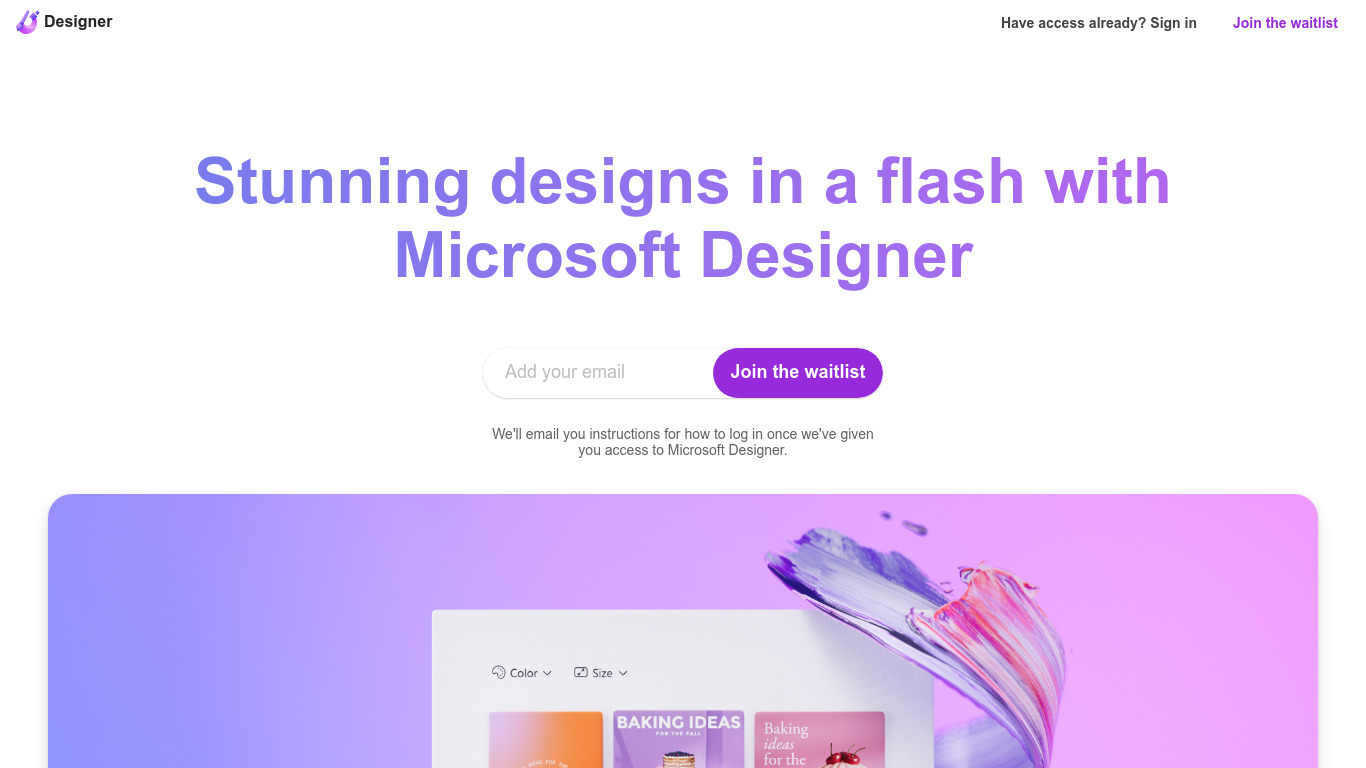
What is Microsoft Designer?
Microsoft Designer helps you build social posts, invitations, flyers, and graphics from prompt templates inside a browser app. Pick a category such as Instagram posts, LinkedIn banners, or Outlook headers, then use Create with AI, Edit with AI, or blank canvas layouts sized for each platform. Sign-in with a Microsoft account unlocks the editor.
Canva gives you a broad template marketplace, while Microsoft Designer ties layouts directly to Microsoft 365 surfaces like Teams headers, SharePoint banners, Word covers, and PowerPoint slides. Its Edit with AI tools add background removal, generative erase, and image framing without leaving the Microsoft ecosystem, which matters if your files already live in Office apps.
Microsoft Designer fits small business owners making weekly social content, internal comms teams publishing Teams and Outlook assets, and creators who want sized templates instead of resizing manually. Teachers, event planners, and marketers who already use Microsoft sign-in can start from the homepage categories without installing desktop software.
Blend AI Studio Upvotes
Microsoft Designer Upvotes
Blend AI Studio Top Features
PRO includes 1,000 monthly credits with 100 AI model shots, 100 lifestyle shots, and 100 studio shots
Batch-edit up to 20 product photos for background removal in one pass on the mobile app
Generate AI product videos up to 10 seconds on PRO or 30 seconds on MAX
Create ghost mannequin, recolor, dimension overlays, and AI backgrounds from a single upload
MAX triples PRO credits and adds custom AI influencer model creation plus cheaper add-on credits
Access 1,000+ templates and DesignGPT outputs priced from 100 to 2,000 credits per run
Microsoft Designer Top Features
Create with AI templates for images, icons, wallpapers, avatars, stickers, and social posts
Edit with AI includes background removal, generative erase, and image framing tools
Design-from-scratch presets for Instagram, Facebook, LinkedIn, Pinterest, and Twitter formats
Built-in sizes for Outlook headers, Teams banners, SharePoint covers, Word, and PowerPoint layouts
Document presets cover A4, A5, US letter, and common photo print dimensions
Sign in with a Microsoft account to save and continue designs in the web app
Blend AI Studio Category
- Design
Microsoft Designer Category
- Design
Blend AI Studio Pricing Type
- Freemium
Microsoft Designer Pricing Type
- Freemium