Sizzlepop.ai vs Microsoft Designer
Explore the showdown between Sizzlepop.ai vs Microsoft Designer and find out which AI Design tool wins. We analyze upvotes, features, reviews, pricing, alternatives, and more.
In a face-off between Sizzlepop.ai and Microsoft Designer, which one takes the crown?
When we contrast Sizzlepop.ai with Microsoft Designer, both of which are exceptional AI-operated design tools, and place them side by side, we can spot several crucial similarities and divergences. The upvote count shows a clear preference for Microsoft Designer. Microsoft Designer has attracted 10 upvotes from aitools.fyi users, and Sizzlepop.ai has attracted 6 upvotes.
Don't agree with the result? Cast your vote and be a part of the decision-making process!
Sizzlepop.ai
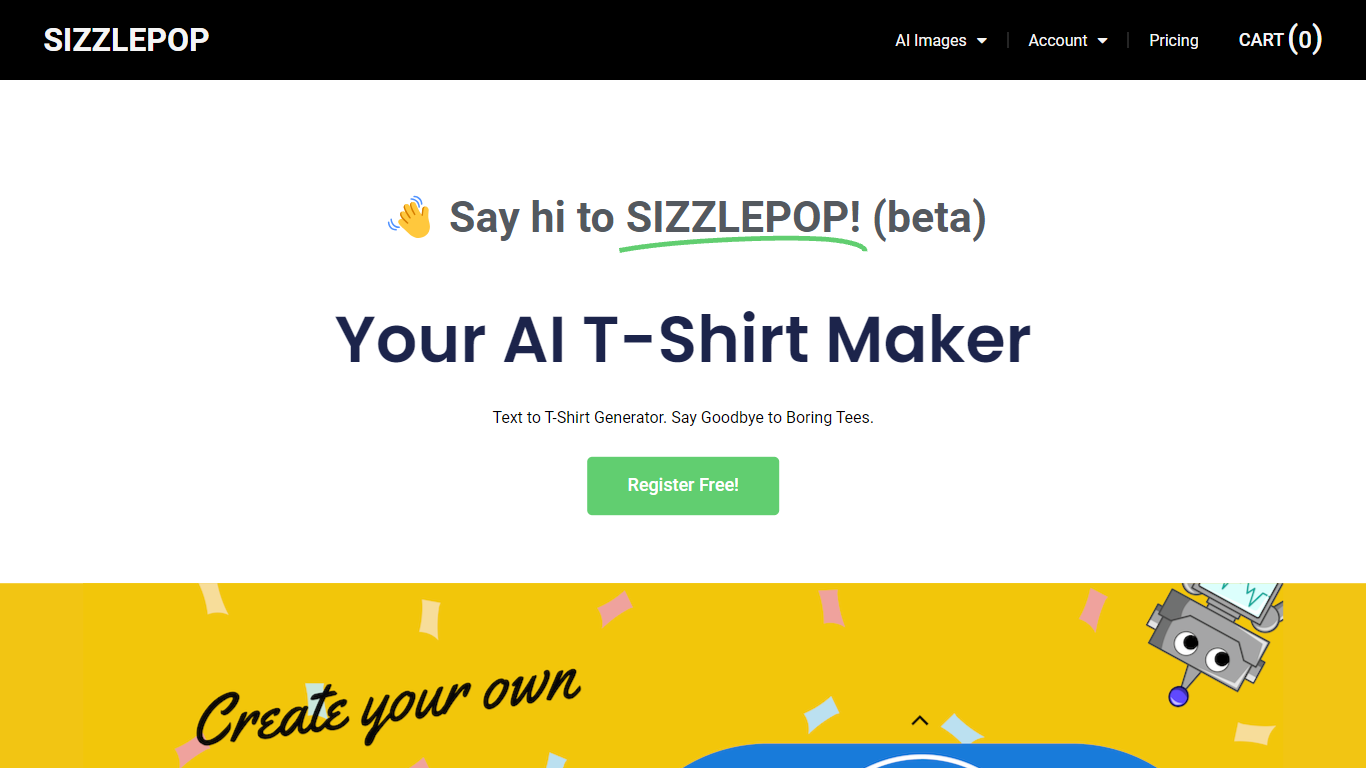

What is Sizzlepop.ai?
Sizzlepop.ai turns a short text prompt into artwork you can preview on t-shirts, mugs, phone cases, posters, and other merch. You type what you want in plain English, pick a style preset like retro screenprint or kawaii sticker, and get a draft in about three seconds. Free drafts need no signup to start, though watermarked 512px previews clear up when you buy the file or a printed product.
Where standalone image generators stop at a download link, Sizzlepop.ai runs the full loop: generate, mock up on real products, checkout, and US printing with free shipping. It also publishes a weekly trending-niche page and side-by-side comparisons of other AI merch tools, which is unusual for a product that sells its own prints. The trade-off is that print-quality modes and vector output sit behind the $12 per month Pro plan, and free tiers cap you at five drafts per day.
Gift shoppers, casual creators, and small merch sellers use it when they want a one-off tee or mug without opening Photoshop or juggling a separate print-on-demand vendor. Popular niches on the site include pickleball humor, retro national parks, and teacher-era designs, with prompts you can remix from a public gallery wall.
Microsoft Designer
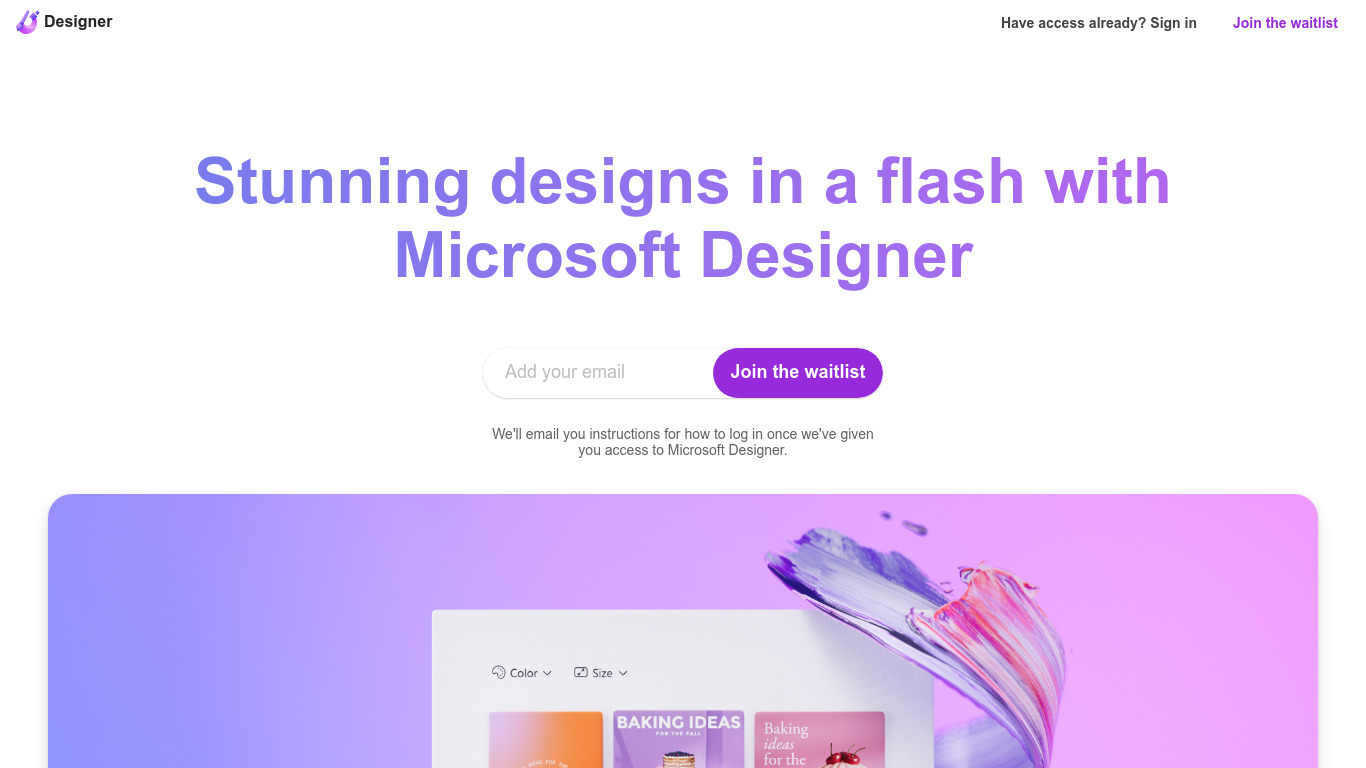
What is Microsoft Designer?
Microsoft Designer helps you build social posts, invitations, flyers, and graphics from prompt templates inside a browser app. Pick a category such as Instagram posts, LinkedIn banners, or Outlook headers, then use Create with AI, Edit with AI, or blank canvas layouts sized for each platform. Sign-in with a Microsoft account unlocks the editor.
Canva gives you a broad template marketplace, while Microsoft Designer ties layouts directly to Microsoft 365 surfaces like Teams headers, SharePoint banners, Word covers, and PowerPoint slides. Its Edit with AI tools add background removal, generative erase, and image framing without leaving the Microsoft ecosystem, which matters if your files already live in Office apps.
Microsoft Designer fits small business owners making weekly social content, internal comms teams publishing Teams and Outlook assets, and creators who want sized templates instead of resizing manually. Teachers, event planners, and marketers who already use Microsoft sign-in can start from the homepage categories without installing desktop software.
Sizzlepop.ai Upvotes
Microsoft Designer Upvotes
Sizzlepop.ai Top Features
5 free AI drafts per day (30 per day with a free account), delivered as 512px watermarked previews
$9 one-time file unlocks a ~4000px transparent PNG at ~300 DPI with no watermark
Pro plan at $12 per month includes 150 print-quality generations and unlimited 1024px drafts
Style presets include Retro screenprint, Line art, Cute sticker, Watercolor, and Streetwear
Preview designs on tees, mugs, phone cases, posters, stickers, and puzzles before checkout
US printing with free shipping; orders arrive in about 5 to 8 business days
Microsoft Designer Top Features
Create with AI templates for images, icons, wallpapers, avatars, stickers, and social posts
Edit with AI includes background removal, generative erase, and image framing tools
Design-from-scratch presets for Instagram, Facebook, LinkedIn, Pinterest, and Twitter formats
Built-in sizes for Outlook headers, Teams banners, SharePoint covers, Word, and PowerPoint layouts
Document presets cover A4, A5, US letter, and common photo print dimensions
Sign in with a Microsoft account to save and continue designs in the web app
Sizzlepop.ai Category
- Design
Microsoft Designer Category
- Design
Sizzlepop.ai Pricing Type
- Freemium
Microsoft Designer Pricing Type
- Freemium