Bluerabbit vs Chatbot UI
Dive into the comparison of Bluerabbit vs Chatbot UI and discover which AI Customer Support tool stands out. We examine alternatives, upvotes, features, reviews, pricing, and beyond.
When comparing Bluerabbit and Chatbot UI, which one rises above the other?
When we compare Bluerabbit and Chatbot UI, two exceptional customer support tools powered by artificial intelligence, and place them side by side, several key similarities and differences come to light. There's no clear winner in terms of upvotes, as both tools have received the same number. You can help us determine the winner by casting your vote and tipping the scales in favor of one of the tools.
Feeling rebellious? Cast your vote and shake things up!
Bluerabbit

What is Bluerabbit?
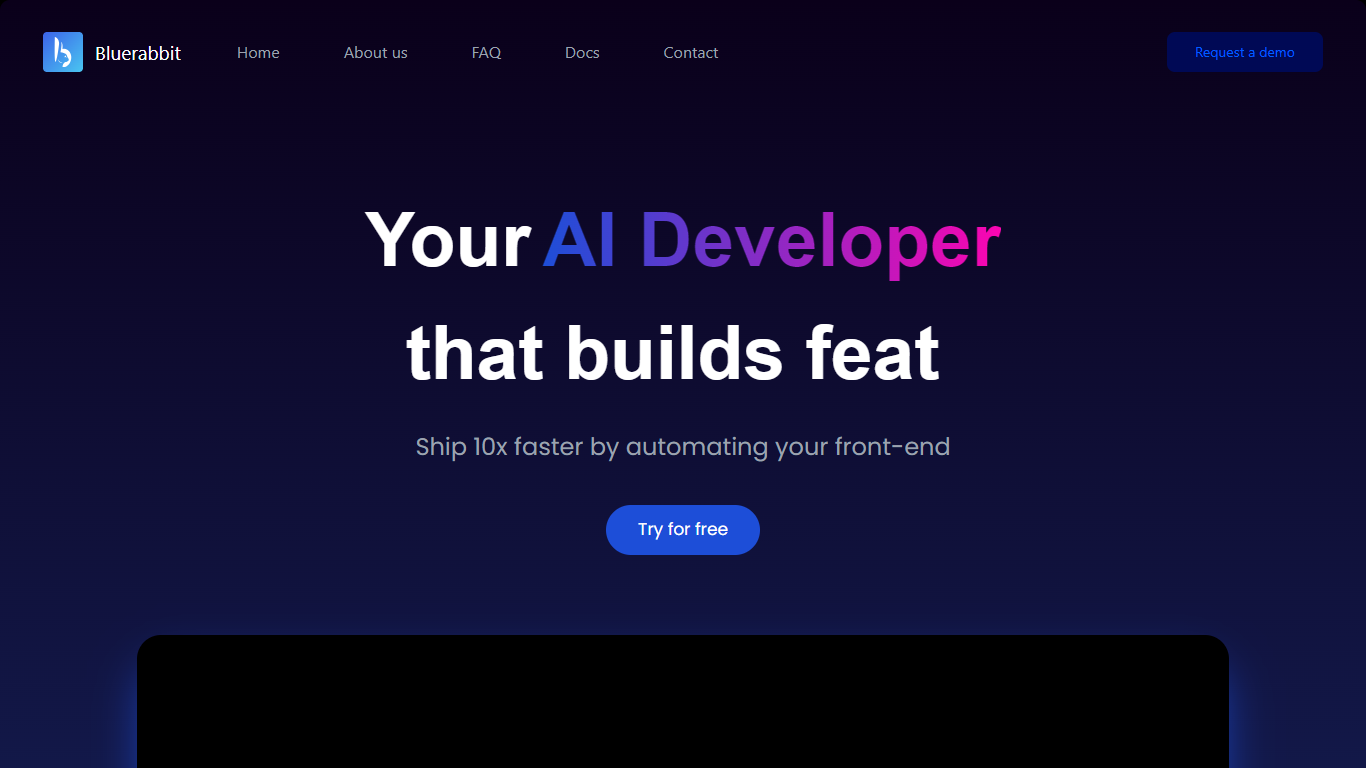
Bluerabbit is an asynchronous AI developer that connects to your GitHub repositories and turns written requests into pull requests. You describe a bug fix, feature, or front-end change in plain language, pick a repo and branch, and Bluerabbit works in the background until a PR is ready for review on GitHub.
The product is built around developer workflows rather than inline code suggestions. Its docs walk through creating issues on the Bluerabbit dashboard, running jobs against specific branches, commenting on generated PRs with Bluerabbit:<instruction> to request revisions, and integrating with Jira so tickets can trigger the same automation.
A standout workflow is design-to-code: upload a mockup image with a detailed issue description and Bluerabbit generates a standalone front-end component you can refine in your repo. The marketing site positions the tool as a way to ship front-end work faster, and notes that most of its own landing page was generated with the product.
Bluerabbit is aimed at engineering teams that want PR-level automation without babysitting an assistant in the editor. Setup centers on GitHub OAuth, optional Jira linking, and the web app at ai.bluerabbit.co.
Chatbot UI
What is Chatbot UI?
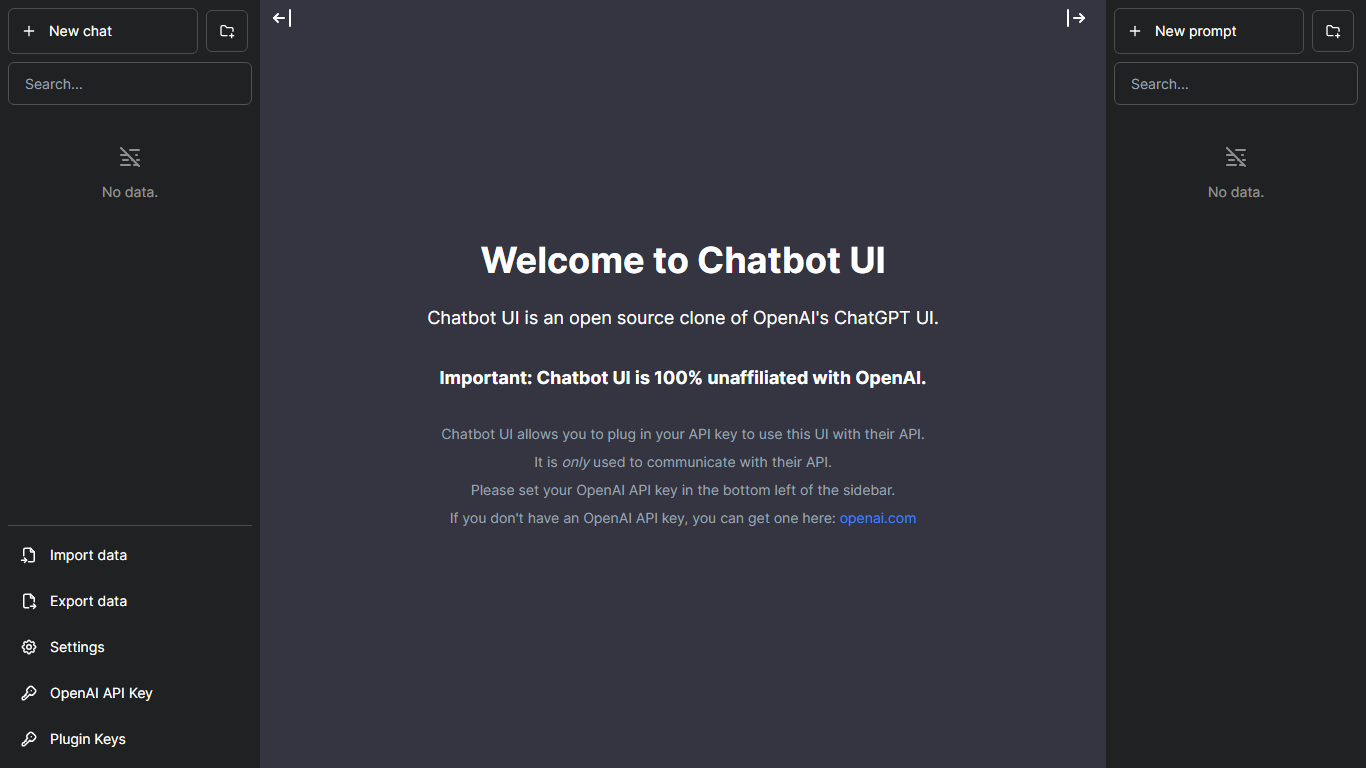
Chatbot UI gives you a browser chat workspace where you can talk to more than 80 AI models from one login. The hosted app at chatbotui.com pairs a simple start-chat flow with the open source Chatbot UI project that lists 33.3k GitHub stars on its homepage badge.
Compared with single-model chat sites, Chatbot UI's pitch is model choice inside one interface rather than a custom bot builder or helpdesk widget. The marketing site points to the public GitHub repo for self-hosting and to a hosted demo for users who want the multi-model UI without running infrastructure.
Developers evaluating chat front ends, power users switching between providers, and teams testing model responses side by side are the natural audience. Takeoff AI is credited as the builder of the hosted experience on the current homepage.
Bluerabbit Upvotes
Chatbot UI Upvotes
Bluerabbit Top Features
Describe a task in the dashboard and get a GitHub pull request created on the branch you choose
Runs asynchronously so you are not waiting in an editor while it searches, patches, and opens the PR
Upload a design image and ask for a new front-end component with file and screen details in the issue
Wire up Jira tickets with repo and branch tags, then launch runs directly from ticket comments
Reply on GitHub with
Bluerabbit:<comment>and confirm with a rocket reaction to iterate on the PRGenerates unit tests for the code it writes, with human review recommended before merge
Supports monorepos, multi-language repositories, and CI/CD pipeline integration
Chatbot UI Top Features
Hosted chat interface advertises access to more than 80 AI models
Homepage links to the open source repo showing 33.3k GitHub stars
Offers account sign-up and login at chatbotui.com for cloud usage
Points self-hosters to the GitHub project for local deployments
Minimal UI focused on starting a chat session in one click
Bluerabbit Category
- Customer Support
Chatbot UI Category
- Customer Support
Bluerabbit Pricing Type
- Freemium
Chatbot UI Pricing Type
- Freemium