
Last updated 07-02-2026
Category:
Reviews:
Join thousands of AI enthusiasts in the World of AI!
Bluerabbit
Bluerabbit is an asynchronous AI developer that connects to your GitHub repositories and turns written requests into pull requests. You describe a bug fix, feature, or front-end change in plain language, pick a repo and branch, and Bluerabbit works in the background until a PR is ready for review on GitHub.
The product is built around developer workflows rather than inline code suggestions. Its docs walk through creating issues on the Bluerabbit dashboard, running jobs against specific branches, commenting on generated PRs with Bluerabbit:<instruction> to request revisions, and integrating with Jira so tickets can trigger the same automation.
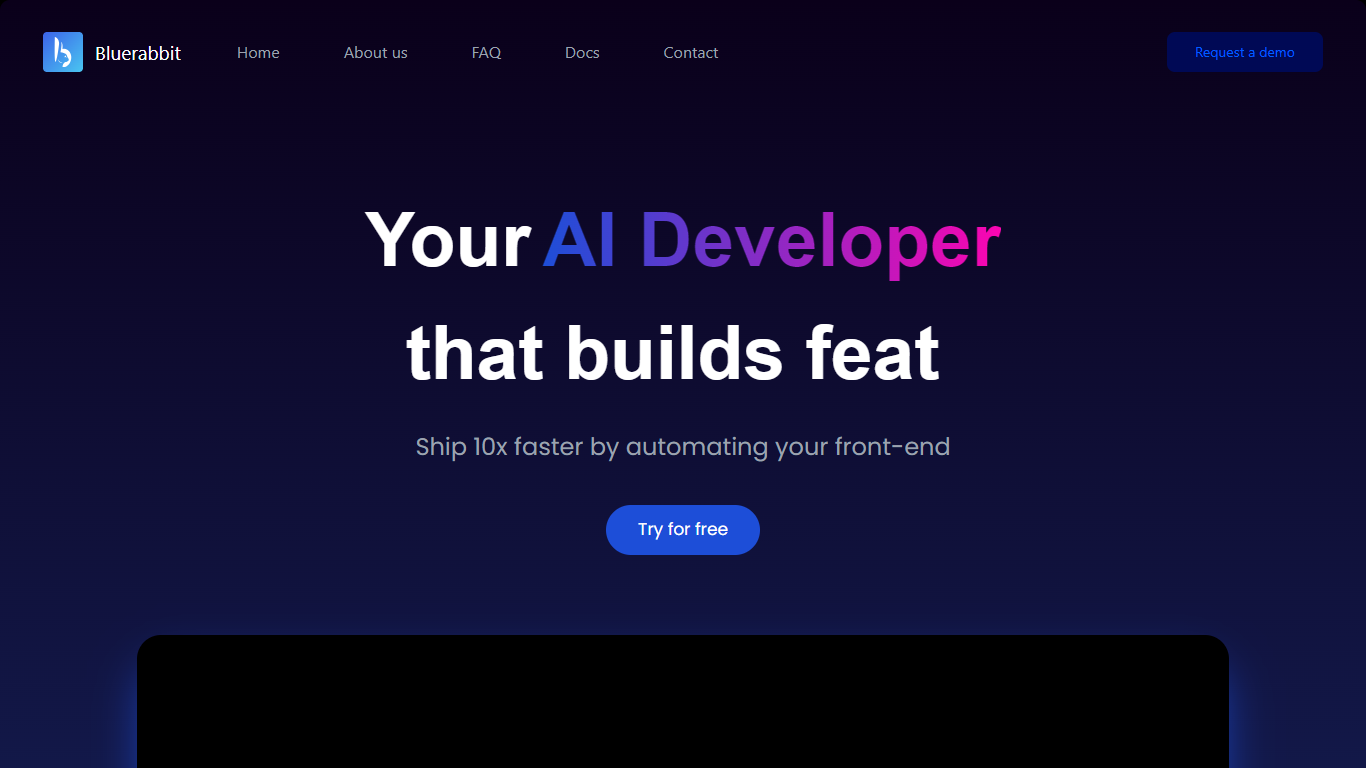
A standout workflow is design-to-code: upload a mockup image with a detailed issue description and Bluerabbit generates a standalone front-end component you can refine in your repo. The marketing site positions the tool as a way to ship front-end work faster, and notes that most of its own landing page was generated with the product.
Bluerabbit is aimed at engineering teams that want PR-level automation without babysitting an assistant in the editor. Setup centers on GitHub OAuth, optional Jira linking, and the web app at ai.bluerabbit.co.
Describe a task in the dashboard and get a GitHub pull request created on the branch you choose
Runs asynchronously so you are not waiting in an editor while it searches, patches, and opens the PR
Upload a design image and ask for a new front-end component with file and screen details in the issue
Wire up Jira tickets with repo and branch tags, then launch runs directly from ticket comments
Reply on GitHub with
Bluerabbit:<comment>and confirm with a rocket reaction to iterate on the PRGenerates unit tests for the code it writes, with human review recommended before merge
Supports monorepos, multi-language repositories, and CI/CD pipeline integration
Creates full pull requests asynchronously instead of only suggesting lines in the editor.
Documented Jira and GitHub comment workflows for teams already living in those tools.
Design-to-code flow can jump-start front-end components from uploaded mockups.
Paid plans are quoted only after a sales meeting, so public pricing is not listed.
No self-hosting option for teams with strict on-prem requirements.
Generated code still needs human review and testing before merge.
How is Bluerabbit different from GitHub Copilot?
Bluerabbit focuses on automating pull requests end to end, including creating, testing, and suggesting improvements, while Copilot mainly offers inline suggestions as you type. Bluerabbit runs completely asynchronously.
What does Bluerabbit pricing look like?
Bluerabbit charges a custom monthly fee for unlimited bug fixes. The team asks to meet with you first to estimate pricing. The homepage also offers a free trial at ai.bluerabbit.co.
Can Bluerabbit convert designs into code?
Yes. When creating an issue you can upload a design image and specify files, screens, and animations in the description. Bluerabbit generates an independent component you can adjust for margins, borders, and layout.
Does Bluerabbit integrate with Jira?
Yes. Connect Jira from Bluerabbit settings, then comment on a ticket with `bluerabbit_repo:` and `bluerabbit_branch:` tags to assign a run. A RUN button appears on the ticket to start the job.
Can I self-host Bluerabbit?
No. Bluerabbit is not available for self-hosting at this time.
How does Bluerabbit handle code privacy?
Bluerabbit states it treats your code confidentially, is based on Gemini, and does not save your data.
What permissions does Bluerabbit need on GitHub?
It needs repository access to read and write code, create branches, and open pull requests. Optional access to WhatsApp or a community platform is mentioned if you want those integrations.