Booke AI vs Supercreator AI
In the clash of Booke AI vs Supercreator AI, which AI Video Generation tool emerges victorious? We assess reviews, pricing, alternatives, features, upvotes, and more.
When we put Booke AI and Supercreator AI head to head, which one emerges as the victor?
Let's take a closer look at Booke AI and Supercreator AI, both of which are AI-driven video generation tools, and see what sets them apart. The users have made their preference clear, Supercreator AI leads in upvotes. Supercreator AI has garnered 52 upvotes, and Booke AI has garnered 6 upvotes.
Feeling rebellious? Cast your vote and shake things up!
Booke AI
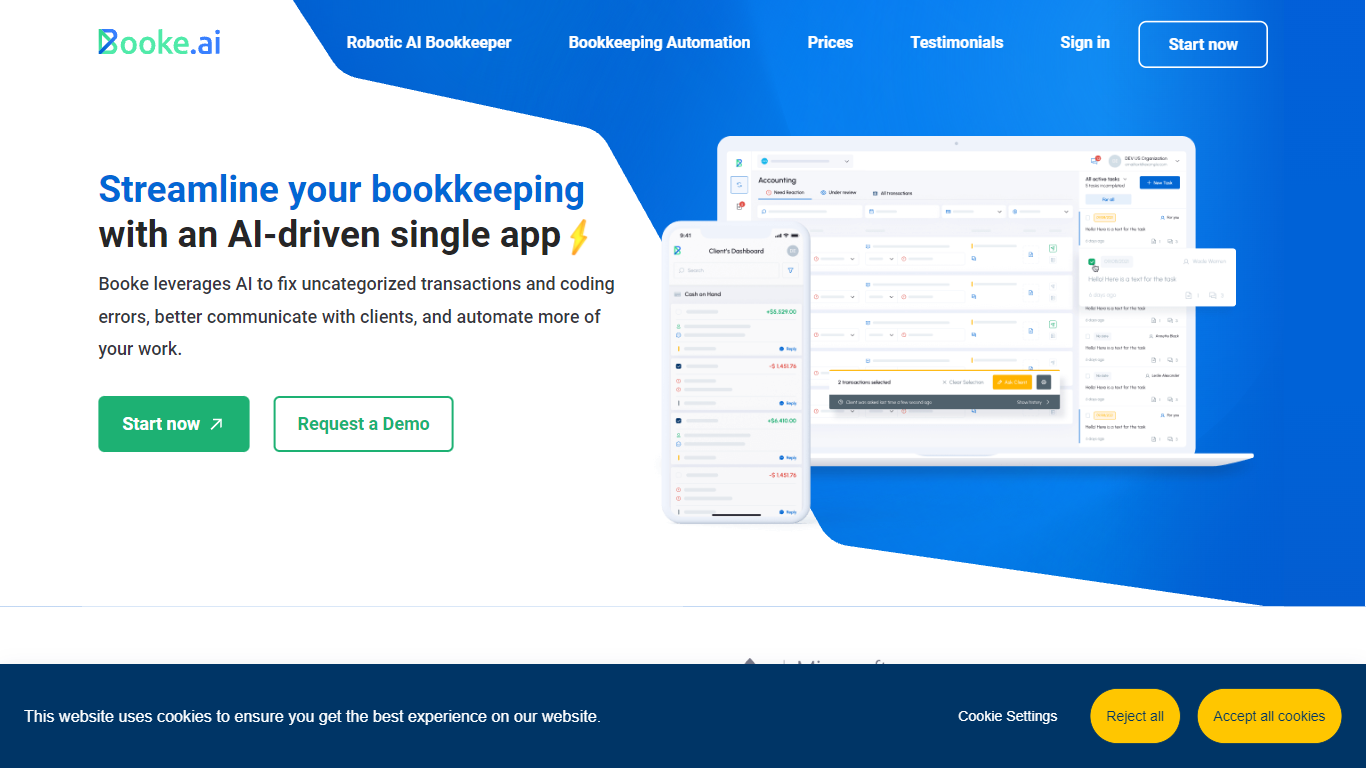

What is Booke AI?
Booke AI plugs into QuickBooks Online and Xero as an AI bookkeeper that works inside your existing bank feeds. After a one-time connection, it categorizes transactions daily, matches invoices and receipts, requests missing documents, and flags exceptions before reconciliation.
Standalone AI tools often sit outside your ledger and only suggest categories. Booke AI runs within QuickBooks and Xero using the bank connection you already have, so teams keep their workflow while automating up to 80% of bank feed work.
Accounting firms and small businesses across the US, UK, Canada, and Australia use it. The Business plan costs $129 per business per month, while firm plans add multi-client management and white-label options on request.
Supercreator AI

What is Supercreator AI?
Supercreator AI lets you plan a short video scene by scene, record it with a scrolling teleprompter, then trim and caption the footage in the same browser workspace. Storyboarding, recording, timeline editing, and mini apps for AI media, talking avatars, and multi-shot sequences all sit on one home screen. You sign in to save creations, but every tool is listed before you start.
Where many video editors assume you already have footage, Supercreator AI front-loads scripting and recording. The storyboard maps scenes before capture, the recorder scrolls your script while you film, and one-click templates plus AI captions sit beside standalone tools like a Reel transcriber and clip editor. That workflow keeps scripting, capture, and polish in one tab instead of three separate apps.
It fits creators who publish to TikTok, Reels, and Shorts and want scripting, capture, and caption polish without switching tools. Founders, educators, and on-camera marketers get teleprompter support, visual aids, and reusable identity presets across projects.
Booke AI Upvotes
Supercreator AI Upvotes
Booke AI Top Features
Works inside QuickBooks Online and Xero using existing bank feeds with no extra Plaid links
Automates up to 80% of daily bank feed categorization and document matching work
Matches transactions to invoices, bills, and receipts or requests missing documents automatically
Business plan costs $129 per business per month with OCR for bills, invoices, and receipts
Custom thresholds such as requiring receipts on transactions over $50
Trusted by 10,000+ businesses with isolated AI Brain per client and Intuit/Xero audits
Supercreator AI Top Features
Storyboard maps scripts scene by scene before you hit record
Built-in recorder pairs a teleprompter with visual aids and smart overlays
Timeline editor cuts clips and adds AI-generated stylized captions
One-click templates turn raw clips into scroll-stopping social videos
Script Trainer collects high-performing videos, transcribes them, and drafts new scripts
Avatars mini app builds talking-head videos with AI voices
Super Director stitches multi-shot AI video sequences from one workspace
Booke AI Category
- Video Generation
Supercreator AI Category
- Video Generation
Booke AI Pricing Type
- Paid
Supercreator AI Pricing Type
- Freemium