Bookshelf vs Recap
In the contest of Bookshelf vs Recap, which AI Summarizer tool is the champion? We evaluate pricing, alternatives, upvotes, features, reviews, and more.
If you had to choose between Bookshelf and Recap, which one would you go for?
When we examine Bookshelf and Recap, both of which are AI-enabled summarizer tools, what unique characteristics do we discover? The upvote count reveals a draw, with both tools earning the same number of upvotes. You can help us determine the winner by casting your vote and tipping the scales in favor of one of the tools.
Think we got it wrong? Cast your vote and show us who's boss!
Bookshelf
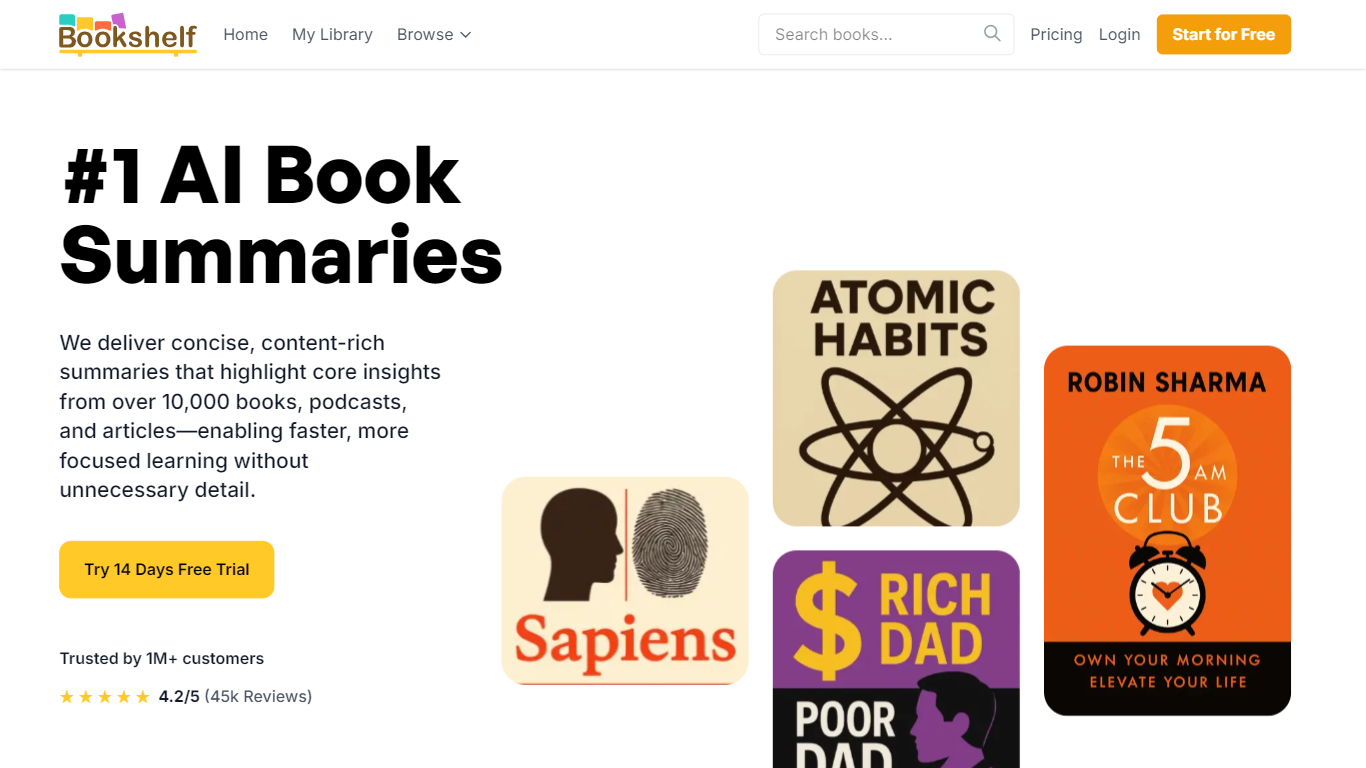

What is Bookshelf?
Bookshelf delivers 15-minute summaries of nonfiction books, podcasts, and articles you can read, listen to, or download as PDF and EPUB. The library spans 10,000+ titles across business, psychology, history, and self-help, with exercises and topic guides that go beyond a quick recap.
Blinkist made short book summaries mainstream; Bookshelf pushes the same format with heavier download options and a lifetime license. You get audio summaries, CarPlay and Android Auto support, offline listening on paid tiers, and a Basic free tier that unlocks one handpicked title per day after the trial ends.
Busy readers and commuters are the core audience. Premium unlocks unlimited access to 7,500+ summaries plus a shareable friend account. Paid plans are $9.99 per month, $59.99 per year, or a $129 lifetime license, all with a 14-day free trial.
Recap
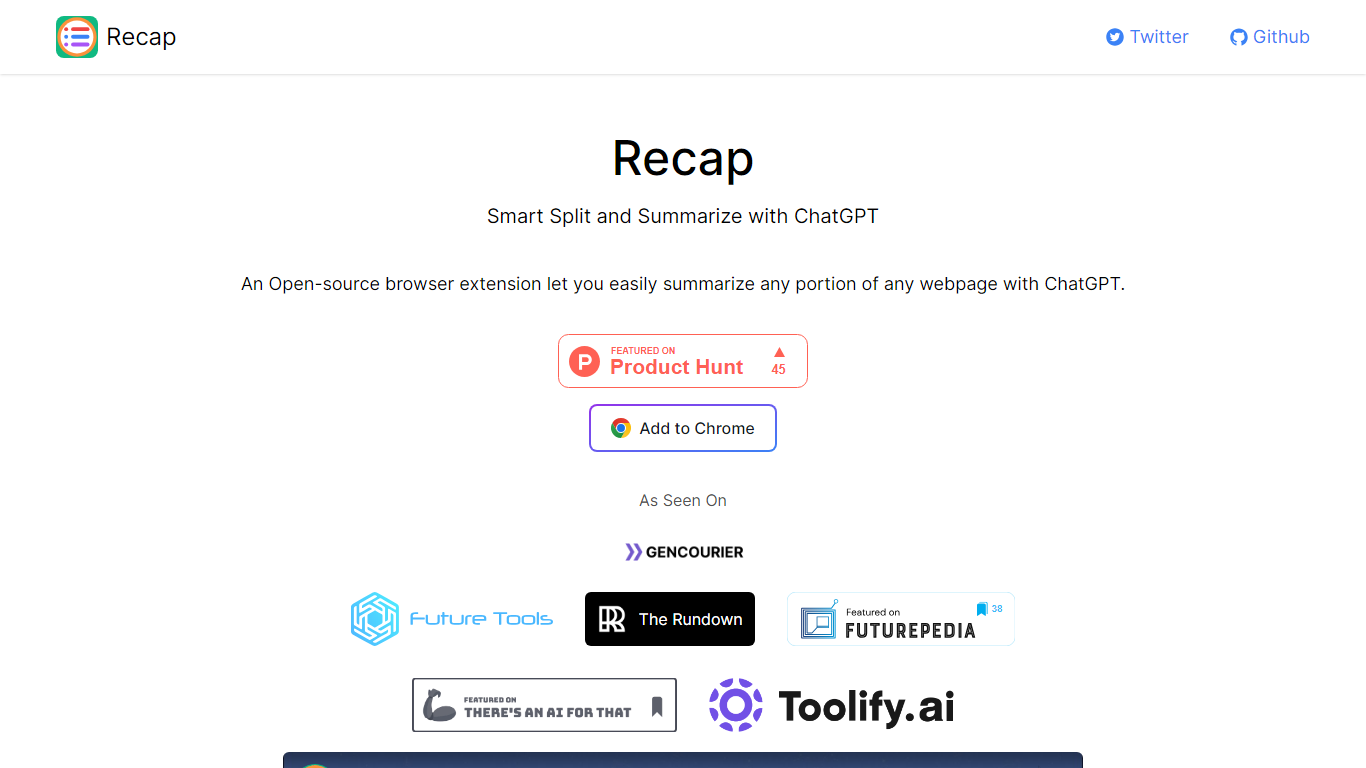
What is Recap?
Recap is an open-source Chrome extension that summarizes any portion of a webpage through ChatGPT. Its Smart Split approach breaks articles into passages so you can recap a single section, a highlighted selection, or the full page without leaving the browser. Install it from the Chrome Web Store link on recapext.xyz and run summaries from the toolbar icon.
Full-page summarizers like built-in browser readers dump one block of text at you. Recap splits long articles first, which makes it easier to digest news, docs, or research posts section by section. You trade the simplicity of a one-click whole-page summary for finer control over which passage gets condensed.
Students, researchers, and heavy readers who live in Chrome use it to skim long articles faster. The site lists contact at [email protected], credits builder Yaozhi Wang, and was featured by The Rundown newsletter.
Bookshelf Upvotes
Recap Upvotes
Bookshelf Top Features
10,000+ book, podcast, and article summaries with 15-minute read or listen formats
PDF, EPUB, and audiobook downloads plus Apple CarPlay and Android Auto support
14-day free trial on paid plans with a Basic tier of one handpicked title per day
Premium unlocks 7,500+ summaries, offline access, personalized picks, and a friend account
Monthly plan at $9.99, yearly at $59.99, or $129 lifetime one-time payment
Topic analyses and reflection exercises beyond standard chapter summaries
Recap Top Features
Open-source Chrome extension with an Add to Chrome install button on recapext.xyz
Smart Split summarizes any selected portion of a webpage with ChatGPT
Homepage FAQ covers free usage and ChatGPT account requirements
Contact email [email protected] published on the site footer
Featured by The Rundown newsletter in the As Seen On section
Bookshelf Category
- Summarizer
Recap Category
- Summarizer
Bookshelf Pricing Type
- Freemium
Recap Pricing Type
- Free