
Last updated 08-09-2026
Category:
Reviews:
Join thousands of AI enthusiasts in the World of AI!
Recap
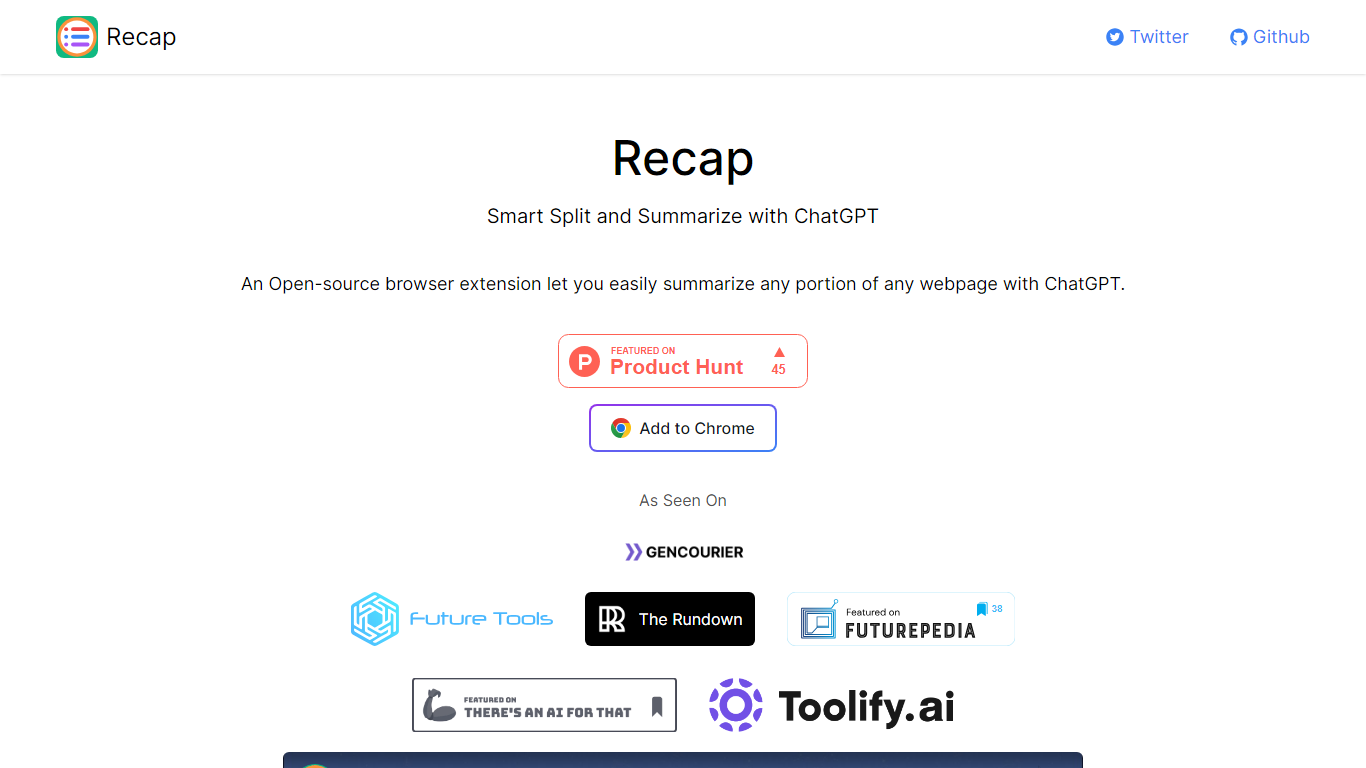
Recap is an open-source Chrome extension that summarizes any portion of a webpage through ChatGPT. Its Smart Split approach breaks articles into passages so you can recap a single section, a highlighted selection, or the full page without leaving the browser. Install it from the Chrome Web Store link on recapext.xyz and run summaries from the toolbar icon.
Full-page summarizers like built-in browser readers dump one block of text at you. Recap splits long articles first, which makes it easier to digest news, docs, or research posts section by section. You trade the simplicity of a one-click whole-page summary for finer control over which passage gets condensed.
Students, researchers, and heavy readers who live in Chrome use it to skim long articles faster. The site lists contact at [email protected], credits builder Yaozhi Wang, and was featured by The Rundown newsletter.
Open-source Chrome extension with an Add to Chrome install button on recapext.xyz
Smart Split summarizes any selected portion of a webpage with ChatGPT
Homepage FAQ covers free usage and ChatGPT account requirements
Contact email [email protected] published on the site footer
Featured by The Rundown newsletter in the As Seen On section
Splits articles into passages for targeted summaries instead of one big block
Open-source extension with GitHub link on the official site
Free to install with no pricing page or paid tier listed
Works on any webpage text you select in Chrome
Chrome-only; no Firefox or Safari build listed on the homepage
Depends on ChatGPT, so availability follows your ChatGPT or API setup
Very low domain rating suggests a niche install base
What is Recap?
Recap is an open-source browser extension that uses ChatGPT to summarize text on webpages. Its Smart Split feature lets you summarize any portion of a page rather than only full articles.
Is Recap free to use?
Yes. Recap lists a free-to-use FAQ on recapext.xyz and distributes the extension as an open-source Chrome add-on with no paid plan mentioned on the homepage.
Do I need a ChatGPT account for Recap?
Recap connects to ChatGPT for summaries, and recapext.xyz includes a dedicated FAQ asking whether a ChatGPT account is required. Check that answer on the site or the Chrome listing before installing.
Which browser does Recap support?
Recap is built as a Chrome extension. The recapext.xyz homepage provides an Add to Chrome button as the primary install path.
Who built Recap?
Recap was built by Yaozhi Wang according to the footer on recapext.xyz. The site also links to a GitHub repository and provides [email protected] for contact.
How does Recap Smart Split work?
Recap Smart Split breaks webpage articles into passages so you can summarize a specific section, selected text, or the entire page with ChatGPT from inside Chrome.