TLDRai.com vs Recap
Compare TLDRai.com vs Recap and see which AI Summarizer tool is better when we compare features, reviews, pricing, alternatives, upvotes, etc.
Which one is better? TLDRai.com or Recap?
When we compare TLDRai.com with Recap, which are both AI-powered summarizer tools, With more upvotes, Recap is the preferred choice. Recap has garnered 7 upvotes, and TLDRai.com has garnered 6 upvotes.
Feeling rebellious? Cast your vote and shake things up!
TLDRai.com

What is TLDRai.com?
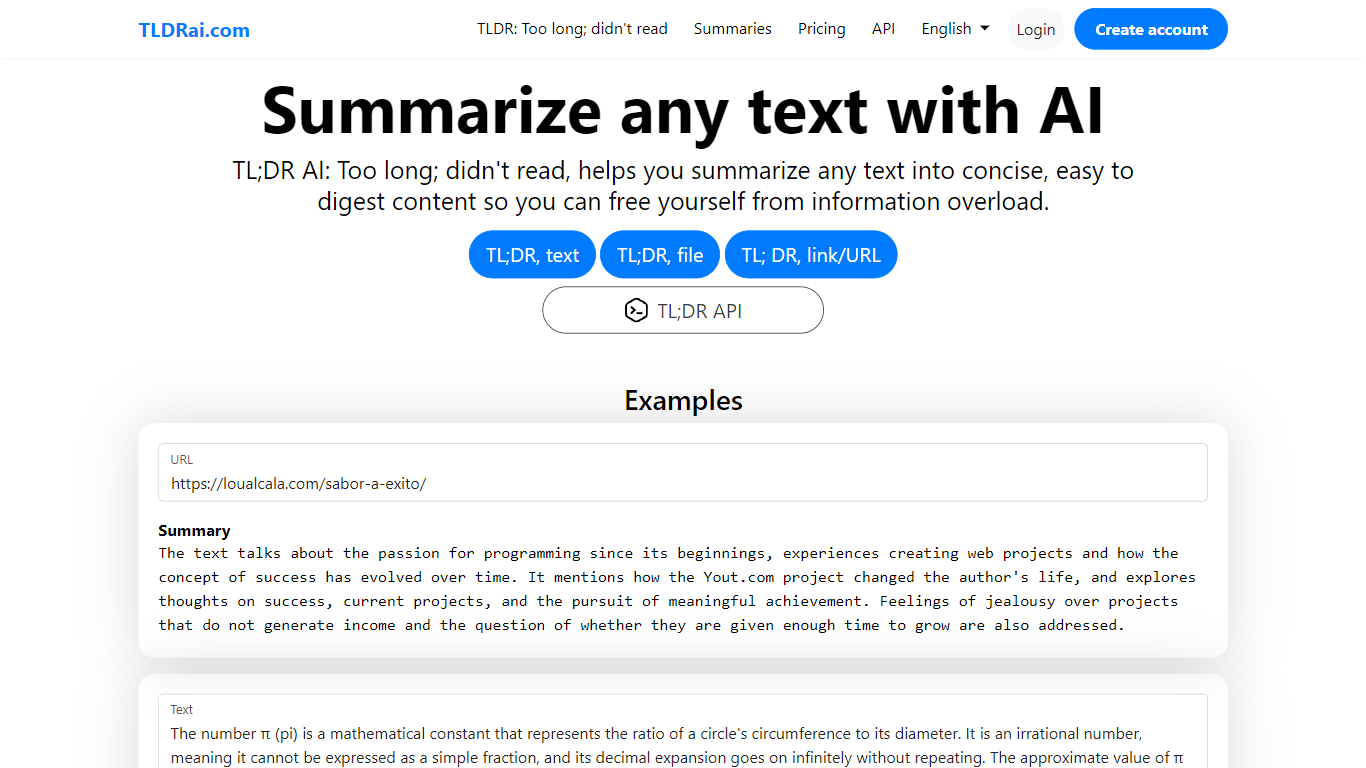
TLDRai.com is a text summarizer that turns long articles, documents, and pasted copy into short TL;DR style summaries. You can paste text directly, upload a file, or point it at a website URL, and the tool returns a condensed version meant to cut through information overload.
Unlike general chatbots that answer questions in a sidebar, TLDRai.com is built around one job: compressing text fast. The paid plan removes summary limits and unlocks every conversion tool, while a separate TLDWai.com sister product handles video summaries. The trade-off is a narrow feature set compared to research assistants that also cite sources or rewrite in multiple styles.
Students, researchers, and busy readers use TLDRai.com to skim news articles, policy PDFs, and long emails. Developers can call the REST API at api.tldrai.com/v1 with an account API key to add summarization to their own apps.
Recap
What is Recap?
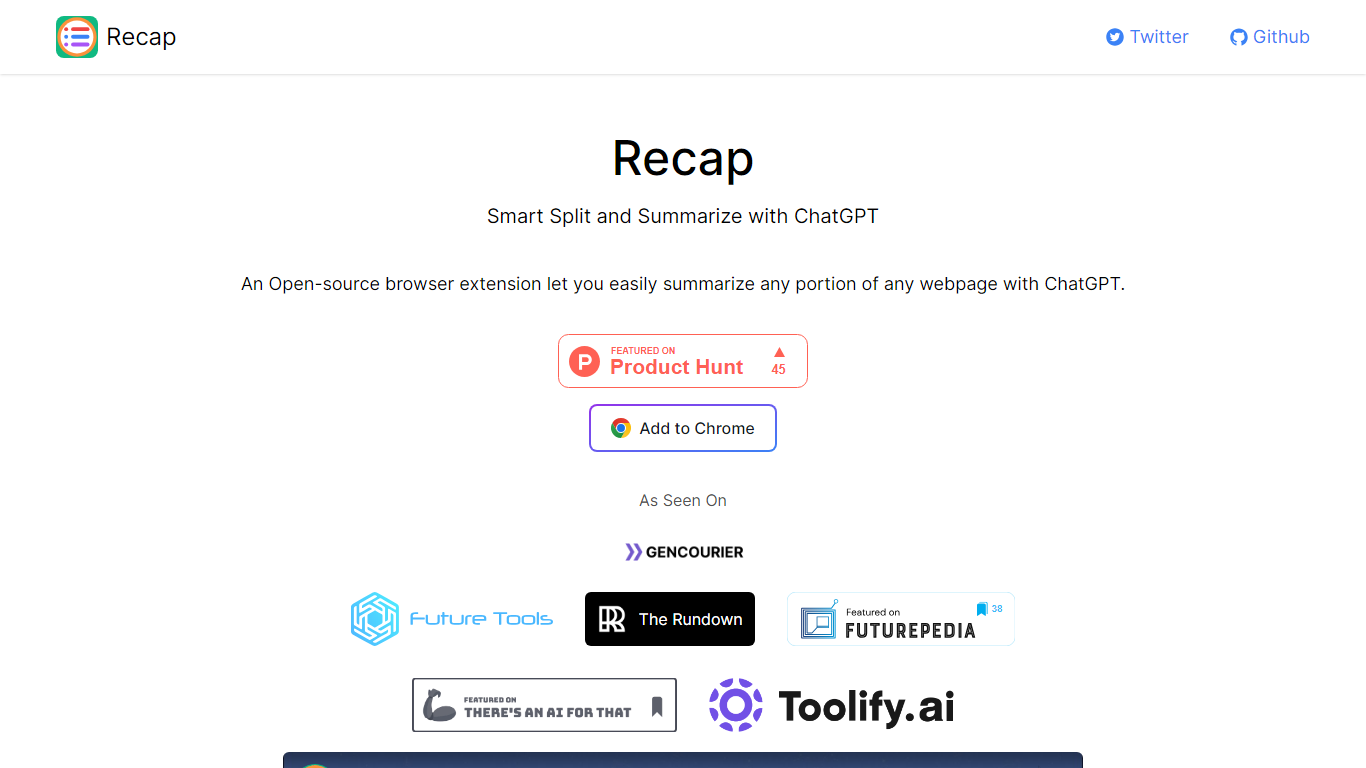
Recap is an open-source Chrome extension that summarizes any portion of a webpage through ChatGPT. Its Smart Split approach breaks articles into passages so you can recap a single section, a highlighted selection, or the full page without leaving the browser. Install it from the Chrome Web Store link on recapext.xyz and run summaries from the toolbar icon.
Full-page summarizers like built-in browser readers dump one block of text at you. Recap splits long articles first, which makes it easier to digest news, docs, or research posts section by section. You trade the simplicity of a one-click whole-page summary for finer control over which passage gets condensed.
Students, researchers, and heavy readers who live in Chrome use it to skim long articles faster. The site lists contact at [email protected], credits builder Yaozhi Wang, and was featured by The Rundown newsletter.
TLDRai.com Upvotes
Recap Upvotes
TLDRai.com Top Features
Summarize pasted text, uploaded files, or content pulled from a website URL
Paid plan at $7 per user per month with no text summary limit
Annual billing is $70 per year, equal to $5.83 per user per month
REST API at https://api.tldrai.com/v1/ with per-account API keys
Multilingual interface via language parameters on tldrai.com
Sister product TLDWai.com handles Too Long; Didn't Watch video summaries
Built with Django and operated by VPS.org LLC
Recap Top Features
Open-source Chrome extension with an Add to Chrome install button on recapext.xyz
Smart Split summarizes any selected portion of a webpage with ChatGPT
Homepage FAQ covers free usage and ChatGPT account requirements
Contact email [email protected] published on the site footer
Featured by The Rundown newsletter in the As Seen On section
TLDRai.com Category
- Summarizer
Recap Category
- Summarizer
TLDRai.com Pricing Type
- Freemium
Recap Pricing Type
- Free