Bookshelf vs Summarize with Kome
In the clash of Bookshelf vs Summarize with Kome, which AI Summarizer tool emerges victorious? We assess reviews, pricing, alternatives, features, upvotes, and more.
If you had to choose between Bookshelf and Summarize with Kome, which one would you go for?
Let's take a closer look at Bookshelf and Summarize with Kome, both of which are AI-driven summarizer tools, and see what sets them apart. The upvote count shows a clear preference for Bookshelf. The upvote count for Bookshelf is 7, and for Summarize with Kome it's 6.
Disagree with the result? Upvote your favorite tool and help it win!
Bookshelf


What is Bookshelf?
Bookshelf delivers 15-minute summaries of nonfiction books, podcasts, and articles you can read, listen to, or download as PDF and EPUB. The library spans 10,000+ titles across business, psychology, history, and self-help, with exercises and topic guides that go beyond a quick recap.
Blinkist made short book summaries mainstream; Bookshelf pushes the same format with heavier download options and a lifetime license. You get audio summaries, CarPlay and Android Auto support, offline listening on paid tiers, and a Basic free tier that unlocks one handpicked title per day after the trial ends.
Busy readers and commuters are the core audience. Premium unlocks unlimited access to 7,500+ summaries plus a shareable friend account. Paid plans are $9.99 per month, $59.99 per year, or a $129 lifetime license, all with a 14-day free trial.
Summarize with Kome
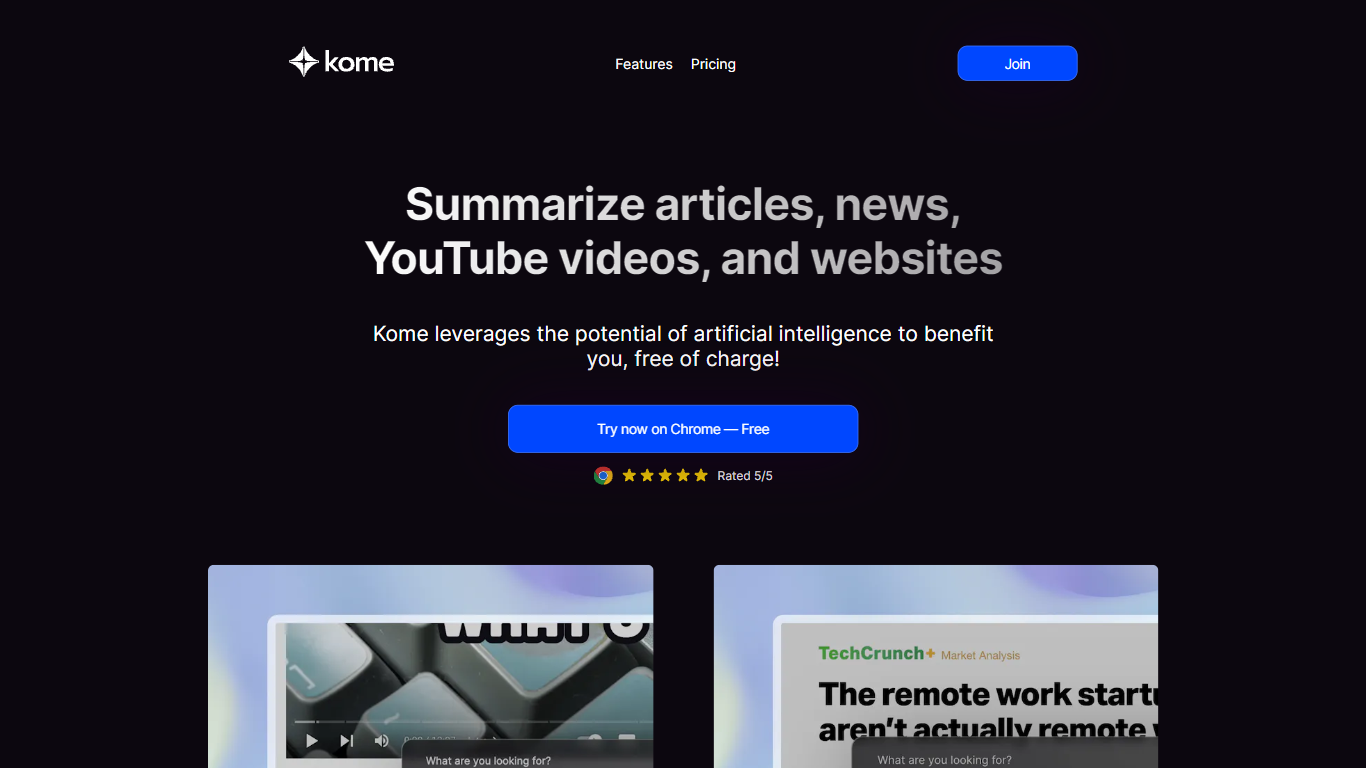
What is Summarize with Kome?
Summarize with Kome is a browser extension that turns long web content into short summaries from the page you are already reading. It works on articles, news stories, YouTube videos, PDF files, and X (Twitter) threads. The summarizer runs inside Chrome, Brave, Opera, Arc, and Edge, so you do not copy URLs into a separate web app.
Most standalone summarizers ask you to paste a link and wait. Kome sits in your toolbar and summarizes whatever tab is open with one click. The same extension also bundles a bookmark manager, Smart Compose for drafting tweets and emails from saved clips, and small utilities like email and color extraction. That combination targets people who read and save content all day, not someone who summarizes one article a month.
Students, researchers, journalists, and news readers use Kome to pull key points from course readings, academic papers, YouTube lectures, and daily headlines. Content creators use it to scan sources before writing. The free tier includes 5 summary credits; Premium at $5.99 per month raises that to 200 credits and adds priority support.
Bookshelf Upvotes
Summarize with Kome Upvotes
Bookshelf Top Features
10,000+ book, podcast, and article summaries with 15-minute read or listen formats
PDF, EPUB, and audiobook downloads plus Apple CarPlay and Android Auto support
14-day free trial on paid plans with a Basic tier of one handpicked title per day
Premium unlocks 7,500+ summaries, offline access, personalized picks, and a friend account
Monthly plan at $9.99, yearly at $59.99, or $129 lifetime one-time payment
Topic analyses and reflection exercises beyond standard chapter summaries
Summarize with Kome Top Features
Summarize articles, news, YouTube videos, PDFs, and X threads from the active browser tab
Free plan includes 5 summary credits; Premium includes 200 credits per month at $5.99
Bookmark manager saves and organizes clips from any website inside the extension
Smart Compose drafts tweets, emails, and blog outlines from your saved bookmarks
Works on Chrome, Brave, Opera, Arc, and Edge browsers
YouTube transcript generator supports 120+ languages as a separate free web tool
Bookshelf Category
- Summarizer
Summarize with Kome Category
- Summarizer
Bookshelf Pricing Type
- Freemium
Summarize with Kome Pricing Type
- Freemium