Bookshelf vs Unsummary
In the contest of Bookshelf vs Unsummary, which AI Summarizer tool is the champion? We evaluate pricing, alternatives, upvotes, features, reviews, and more.
If you had to choose between Bookshelf and Unsummary, which one would you go for?
When we examine Bookshelf and Unsummary, both of which are AI-enabled summarizer tools, what unique characteristics do we discover? The upvote count reveals a draw, with both tools earning the same number of upvotes. Be a part of the decision-making process. Your vote could determine the winner.
Don't agree with the result? Cast your vote and be a part of the decision-making process!
Bookshelf

What is Bookshelf?
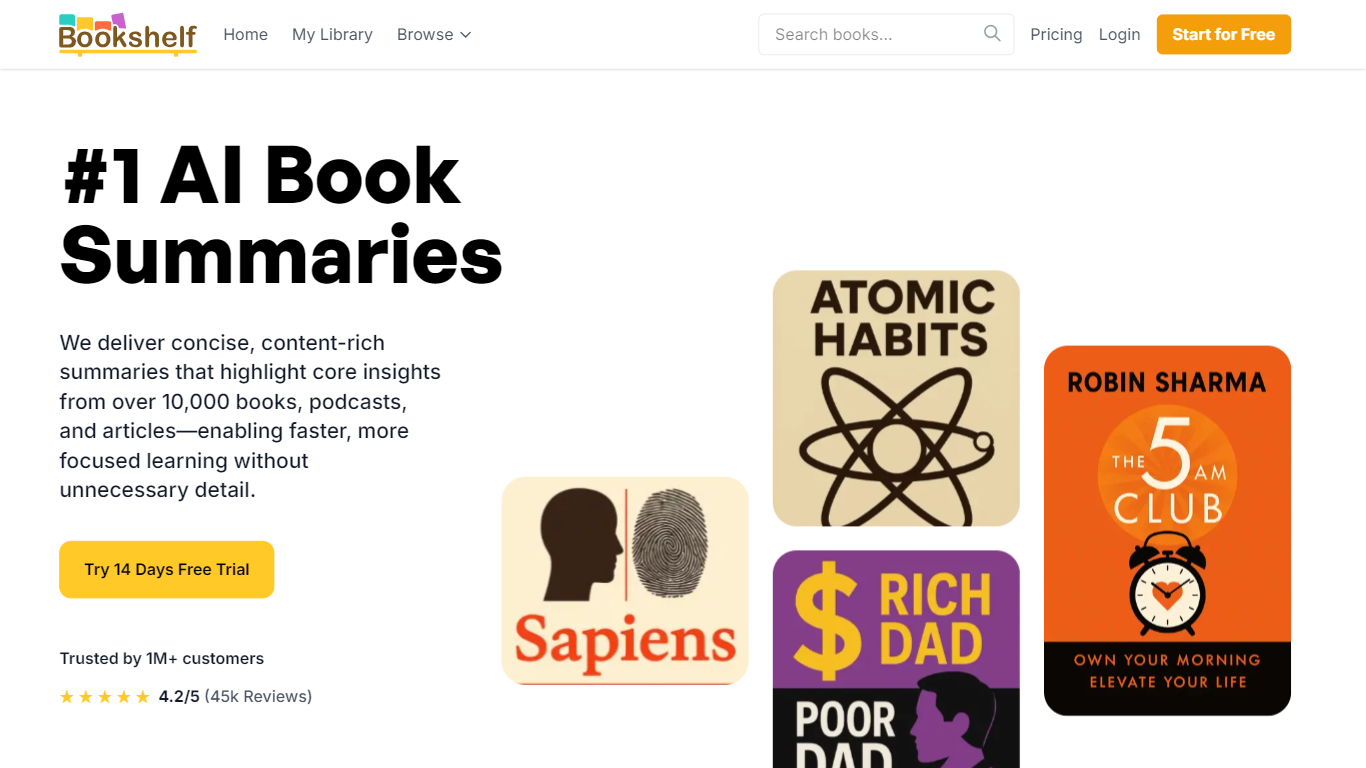
Bookshelf delivers 15-minute summaries of nonfiction books, podcasts, and articles you can read, listen to, or download as PDF and EPUB. The library spans 10,000+ titles across business, psychology, history, and self-help, with exercises and topic guides that go beyond a quick recap.
Blinkist made short book summaries mainstream; Bookshelf pushes the same format with heavier download options and a lifetime license. You get audio summaries, CarPlay and Android Auto support, offline listening on paid tiers, and a Basic free tier that unlocks one handpicked title per day after the trial ends.
Busy readers and commuters are the core audience. Premium unlocks unlimited access to 7,500+ summaries plus a shareable friend account. Paid plans are $9.99 per month, $59.99 per year, or a $129 lifetime license, all with a 14-day free trial.
Unsummary
What is Unsummary?
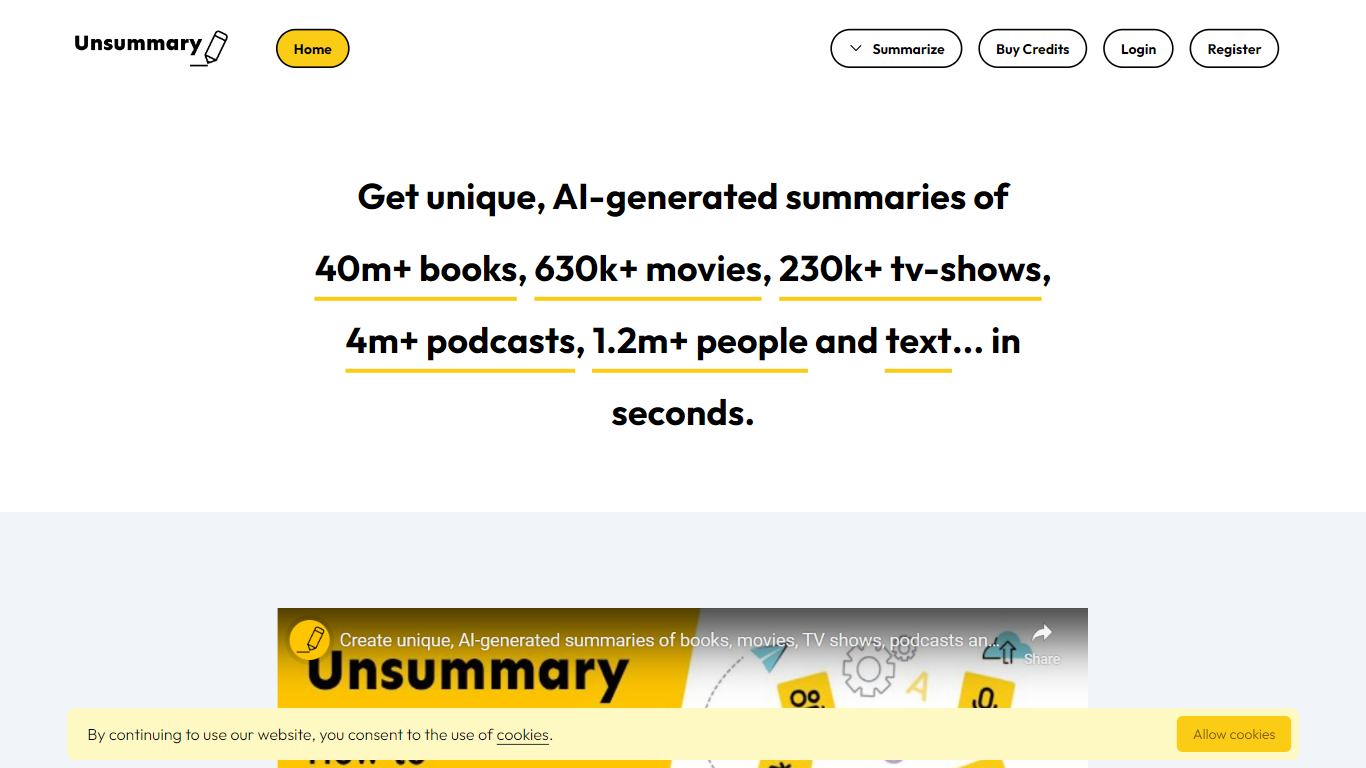
Unsummary turns named books, movies, TV shows, podcasts, people, and pasted text into short summaries you can drop into articles. You search a title or paste a page, and the site returns a concise recap in seconds instead of you rereading the full source.
Most paste-and-summarize tools stop at whatever text you bring. Unsummary keeps searchable catalogs with 40 million books, 630,000 movies, 230,000 TV shows, 4.1 million podcasts, and 1.2 million people profiles, so you pick the work by name rather than hunting down copy first. That catalog-first setup fits recap posts, comparison roundups, and market research where the bottleneck is finding the source, not trimming it.
Writers, content marketers, and research teams use it when they need book takeaways, movie blurbs, podcast notes, bio snippets, or a quick read of a homepage or Wikipedia page. Summaries are meant to copy into your own drafts, with separate flows for each media type plus a freeform text box.
Bookshelf Upvotes
Unsummary Upvotes
Bookshelf Top Features
10,000+ book, podcast, and article summaries with 15-minute read or listen formats
PDF, EPUB, and audiobook downloads plus Apple CarPlay and Android Auto support
14-day free trial on paid plans with a Basic tier of one handpicked title per day
Premium unlocks 7,500+ summaries, offline access, personalized picks, and a friend account
Monthly plan at $9.99, yearly at $59.99, or $129 lifetime one-time payment
Topic analyses and reflection exercises beyond standard chapter summaries
Unsummary Top Features
Search 40m+ books and get a recap without pasting the full text
Pull summaries for 630k+ movies when the title is in the catalog
Cover 230k+ TV shows, 4.1m+ podcasts, and 1.2m+ people profiles
Paste homepage, about page, or Wikipedia text into the copy-and-paste summarizer
Six dedicated flows for books, movies, TV, podcasts, people, and custom text
Summaries return in seconds for weaving into articles and reports
Bookshelf Category
- Summarizer
Unsummary Category
- Summarizer
Bookshelf Pricing Type
- Freemium
Unsummary Pricing Type
- Freemium