YouTube Summarizer vs Unsummary
Dive into the comparison of YouTube Summarizer vs Unsummary and discover which AI Summarizer tool stands out. We examine alternatives, upvotes, features, reviews, pricing, and beyond.
When comparing YouTube Summarizer and Unsummary, which one rises above the other?
When we compare YouTube Summarizer and Unsummary, two exceptional summarizer tools powered by artificial intelligence, and place them side by side, several key similarities and differences come to light. The community has spoken, Unsummary leads with more upvotes. The number of upvotes for Unsummary stands at 7, and for YouTube Summarizer it's 6.
Feeling rebellious? Cast your vote and shake things up!
YouTube Summarizer
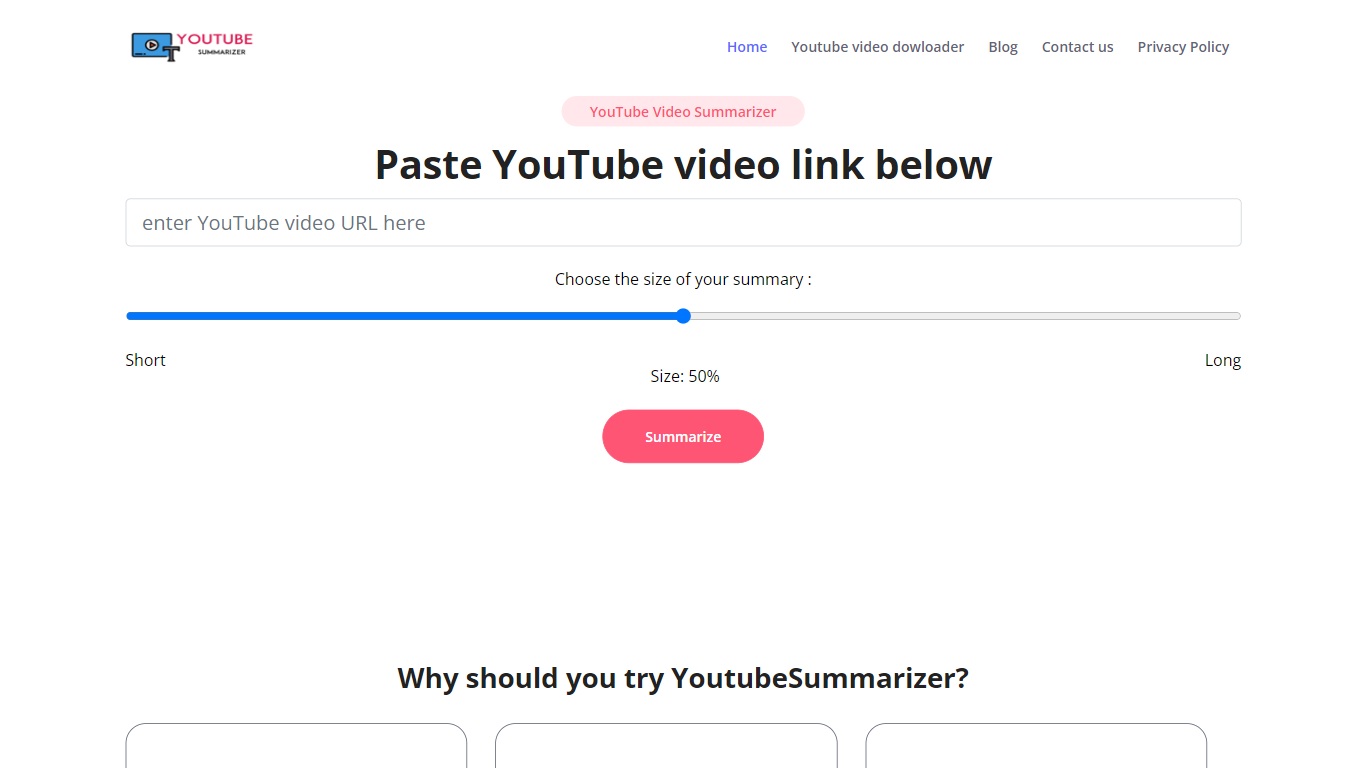

What is YouTube Summarizer?
YouTube Summarizer turns long videos into structured notes without making you watch every minute. Paste a link from YouTube, Vimeo, TikTok, or Dailymotion and it pulls the transcript, then returns key points, detailed summaries, or timestamped outlines in under 10 seconds. The free tier works with no account, though registering unlocks 30 lifetime credits beyond the daily limit.
Most video summarizers stop at bullet points. This one layers mind maps, flashcards, and an AI chat that answers questions about the video content. Pro users get a searchable summary library, email digests for subscribed channels, and a Chrome extension for one-click summaries. That study-tool stack sets it apart from transcript-only utilities.
Students use it to condense lecture recordings and generate flashcards before exams. Content creators and researchers skim competitor videos and conference talks without watching them end to end. Professionals pull action items from training videos and share TXT or PDF exports with their teams.
Unsummary
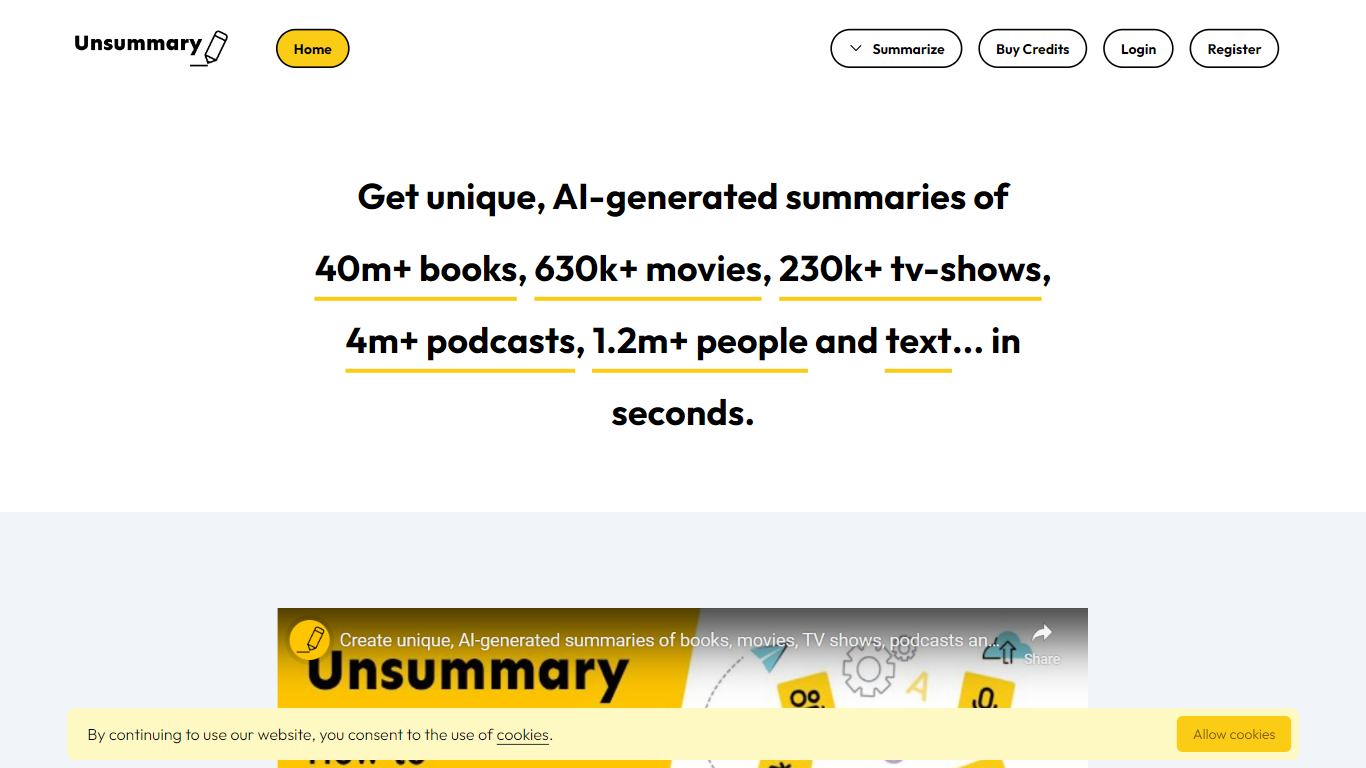
What is Unsummary?
Unsummary turns named books, movies, TV shows, podcasts, people, and pasted text into short summaries you can drop into articles. You search a title or paste a page, and the site returns a concise recap in seconds instead of you rereading the full source.
Most paste-and-summarize tools stop at whatever text you bring. Unsummary keeps searchable catalogs with 40 million books, 630,000 movies, 230,000 TV shows, 4.1 million podcasts, and 1.2 million people profiles, so you pick the work by name rather than hunting down copy first. That catalog-first setup fits recap posts, comparison roundups, and market research where the bottleneck is finding the source, not trimming it.
Writers, content marketers, and research teams use it when they need book takeaways, movie blurbs, podcast notes, bio snippets, or a quick read of a homepage or Wikipedia page. Summaries are meant to copy into your own drafts, with separate flows for each media type plus a freeform text box.
YouTube Summarizer Upvotes
Unsummary Upvotes
YouTube Summarizer Top Features
10 free summarization requests per day without an account, or 30 lifetime credits after free registration
Outputs key points, detailed notes, and timestamped outlines, plus mind maps and flashcards on paid plans
Works with YouTube, Vimeo, TikTok, and Dailymotion videos that have captions in 50+ languages
Full transcript view with clickable timestamps that jump to the exact moment in the source video
Pro plan at $7.99 per month includes chat with video, a summary library, and a Chrome extension
Unsummary Top Features
Search 40m+ books and get a recap without pasting the full text
Pull summaries for 630k+ movies when the title is in the catalog
Cover 230k+ TV shows, 4.1m+ podcasts, and 1.2m+ people profiles
Paste homepage, about page, or Wikipedia text into the copy-and-paste summarizer
Six dedicated flows for books, movies, TV, podcasts, people, and custom text
Summaries return in seconds for weaving into articles and reports
YouTube Summarizer Category
- Summarizer
Unsummary Category
- Summarizer
YouTube Summarizer Pricing Type
- Freemium
Unsummary Pricing Type
- Freemium