BOOLV vs NocoAI
In the battle of BOOLV vs NocoAI, which AI Web Apps tool comes out on top? We compare reviews, pricing, alternatives, upvotes, features, and more.
Which one is better? BOOLV or NocoAI?
Upon comparing BOOLV with NocoAI, which are both AI-powered web apps tools, Both tools have received the same number of upvotes from aitools.fyi users. Every vote counts! Cast yours and contribute to the decision of the winner.
Think we got it wrong? Cast your vote and show us who's boss!
BOOLV

What is BOOLV?
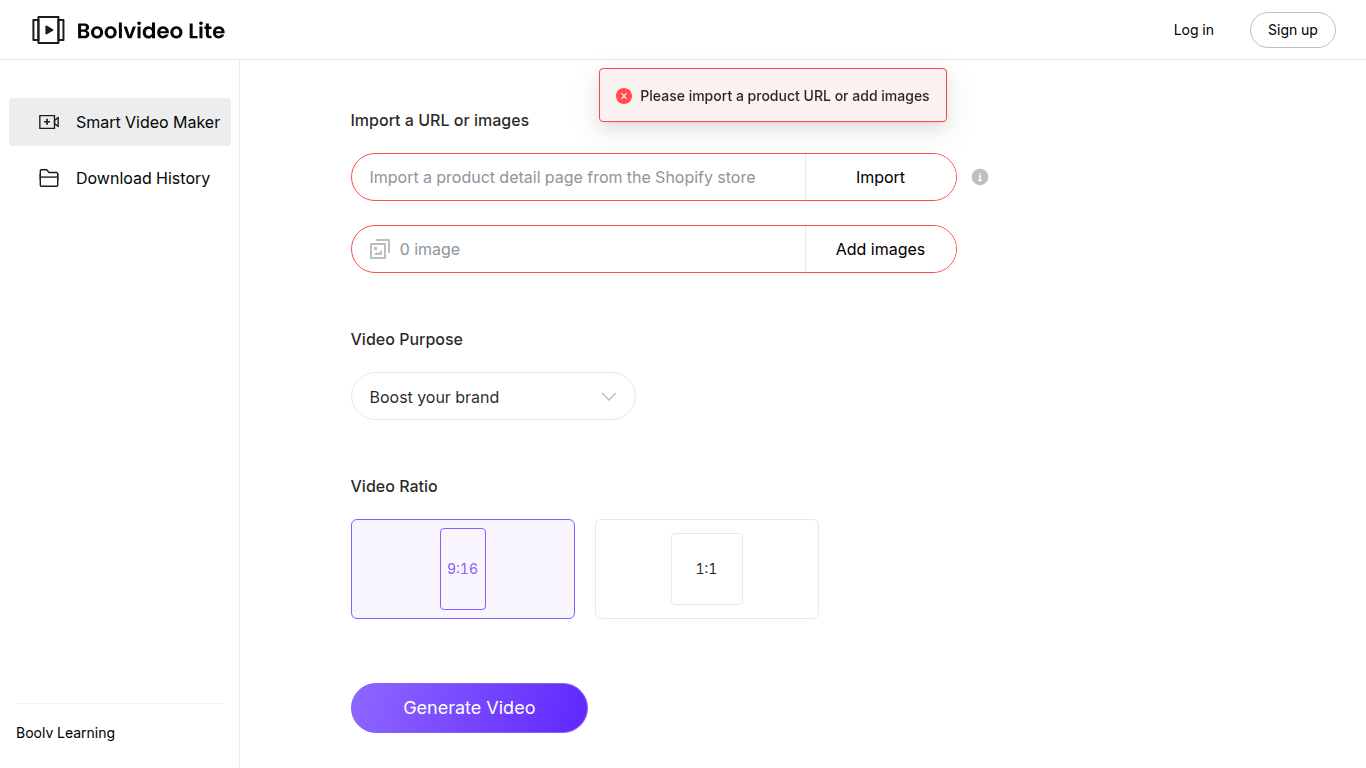
BOOLV turns a product URL or a set of images into a short promotional video without opening a traditional editor first. Paste a link or upload photos, pick a purpose like boosting your brand, choose a 9:16 or 1:1 ratio, and the Smart Video Maker filters the best shots and builds a draft you can tweak before exporting. Free accounts get five downloads plus unlimited generation inside the web app.
Most video tools start from a blank timeline. BOOLV starts from your source material: it reads imported URLs or image sets, auto-selects the frames that fit the brief, and hands you an editable draft rather than forcing you to hunt for b-roll. The workflow is built for quick social promos in vertical or square formats, not long-form editing.
It fits small business owners and marketers who need product or brand clips for Instagram, TikTok, or ads but do not want to storyboard every scene manually. Paid tiers raise monthly download caps from 30 up to unlimited while keeping the same import-to-video flow.
NocoAI
What is NocoAI?
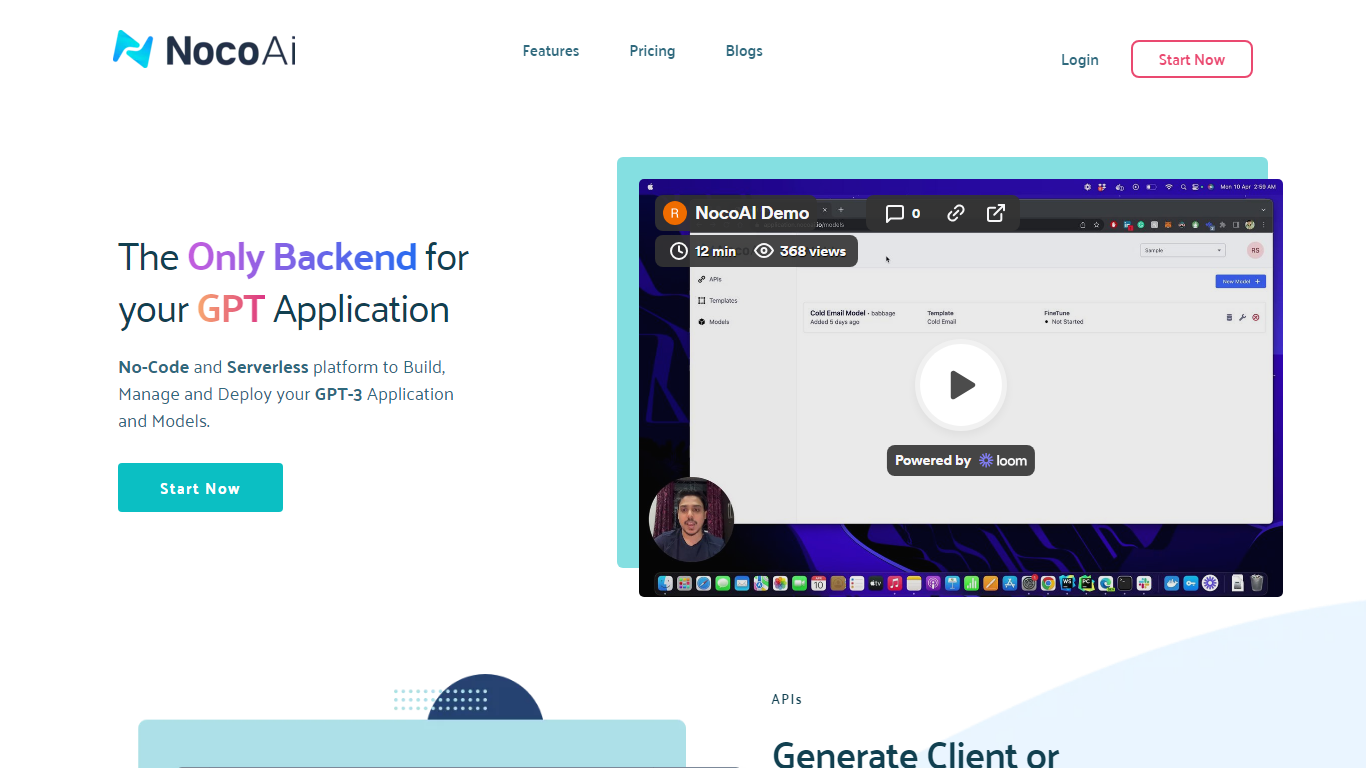
NocoAI revolutionizes the deployment of GPT-based applications with its no-code, serverless platform, designed for simplicity and effectiveness. It empowers businesses to create custom models and API endpoints that cater to the client or backend needs. With NocoAI, you gain the ability to define prompt templates using the Mustache template engine, leading to highly personalized input for fine-tuning applications. The platform offers a unique feature enabling you to control OpenAI costs with request and user limits on your APIs, while the upcoming feature to analyze API usage promises an even more refined custom model optimization. Moreover, the NocoAI team stands ready to assist non-developers in adding datasets for further model fine-tuning via a user-friendly interface.
BOOLV Upvotes
NocoAI Upvotes
BOOLV Top Features
Import a product URL or upload images to start video generation
AI picks the most suitable images from your upload for the video
Export in 9:16 or 1:1 aspect ratios for social placements
Free account includes 5 downloads, unlimited generation, editor, and cloud storage
Paid plans offer 30, 60, or unlimited monthly downloads starting at $29 per month
Built-in video editor lets you replace AI-selected images before export
Checkout runs through Stripe with cancel-anytime monthly subscriptions
NocoAI Top Features
No-Code Platform: Utilize a serverless environment to build and deploy GPT applications without coding.
API Generation: Easily generate client or backend APIs with custom or inbuilt models.
Template Customization: Define prompt templates and variables with the Mustache template engine for personalized API inputs.
Cost Control: Implement request and user limits to manage OpenAI costs effectively.
Non-Developer Friendly: Engage the NocoAI team for assistance in dataset addition and model fine-tuning.
BOOLV Category
- Web Apps
NocoAI Category
- Web Apps
BOOLV Pricing Type
- Freemium
NocoAI Pricing Type
- Freemium