BrowseGPT vs AutoOptimize
In the contest of BrowseGPT vs AutoOptimize, which AI Automation tool is the champion? We evaluate pricing, alternatives, upvotes, features, reviews, and more.
If you had to choose between BrowseGPT and AutoOptimize, which one would you go for?
When we examine BrowseGPT and AutoOptimize, both of which are AI-enabled automation tools, what unique characteristics do we discover? The upvote count is neck and neck for both BrowseGPT and AutoOptimize. Every vote counts! Cast yours and contribute to the decision of the winner.
Think we got it wrong? Cast your vote and show us who's boss!
BrowseGPT


What is BrowseGPT?
BrowseGPT is a Chrome extension that turns natural language instructions into browser automation tasks. Users type commands like 'Find a hotel in Miami for March 15th' or 'Add a 16GB RAM laptop to cart on Best Buy' and the extension uses OpenAI’s GPT-3 to process web pages, decide next steps, and execute actions such as clicking buttons, filling forms, or navigating pages. Every action comes with a plain-language explanation so users can follow along and correct mistakes in real time.
The tool is designed for repetitive browsing tasks where speed matters more than perfect accuracy. It works best on public sites like travel booking, e-commerce, or directories where errors are easy to spot and undo. Because it’s still experimental, it can get stuck in loops or click the wrong element, so it’s not recommended for sensitive pages with private data or high-stakes actions.
AutoOptimize
What is AutoOptimize?
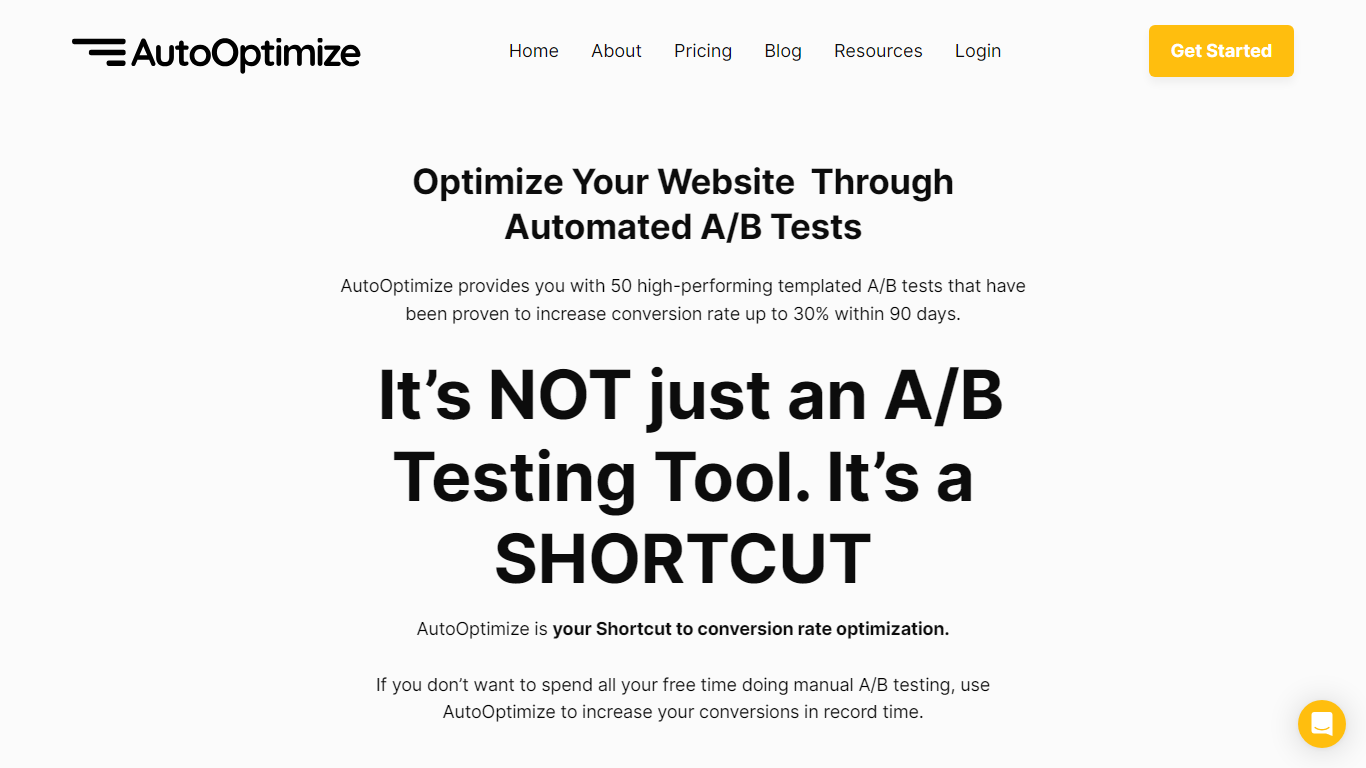
Maximize your website's potential with AutoOptimize’s advanced A/B testing tool! Designed to streamline conversion rate optimization, our platform offers 50 ready-to-use templated A/B tests that have demonstrated up to 30% increase in conversions within just 90 days. No extensive manual testing or hiring expensive CRO professionals—AutoOptimize is your affordable, automated shortcut to better performance.
AutoOptimize is not only about A/B testing; it’s the ultimate time-saving solution compatible with every platform, ensuring you get quick results. The tool provides real-time data, built-in AI features, and dedicated support, all without the need for coding skills. Plus, it’s cloud-based with advanced 256-bit encryption, promising easy organization and top-notch security.
Struggling with rising ad costs, neglected landing page optimizations, or instabilities on ad platforms? AutoOptimize tackles these challenges head-on. Easily set the service in motion in four straightforward steps, then watch as your website optimization takes care of itself, reducing ad costs, increasing revenue, and lowering customer acquisition costs.
BrowseGPT Upvotes
AutoOptimize Upvotes
BrowseGPT Top Features
🔧 Natural language commands – Type tasks like 'book a flight to Chicago' and let AI handle the rest
📝 Action explanations – See why each click or form fill happened and fix mistakes instantly
🔄 Loop detection – Automatically stops if it gets stuck repeating the same action
📊 Credit-based usage – Spend generation credits only when the AI completes a task
🛠️ Template library – Start with pre-built workflows for common tasks like hotel booking or product searches
AutoOptimize Top Features
Pre-Built A/B Tests: Simplifies the optimization process with 50 high-performance templates.
No-Code Solution: Easy to use without any technical expertise making it accessible for anyone.
Real-Time Data: Offers valuable insights with real-time project tracking and notifications.
Dedicated Support: Provides thorough onboarding and continuous customer assistance.
Increased Security: Ensures data protection with advanced 256-bit encryption for peace of mind.
BrowseGPT Category
- Automation
AutoOptimize Category
- Automation
BrowseGPT Pricing Type
- Freemium
AutoOptimize Pricing Type
- Freemium