Bubble vs Postly
In the clash of Bubble vs Postly, which AI Social Media Assistant tool emerges victorious? We assess reviews, pricing, alternatives, features, upvotes, and more.
When we put Bubble and Postly head to head, which one emerges as the victor?
Let's take a closer look at Bubble and Postly, both of which are AI-driven social media assistant tools, and see what sets them apart. With more upvotes, Bubble is the preferred choice. Bubble has attracted 7 upvotes from aitools.fyi users, and Postly has attracted 6 upvotes.
Disagree with the result? Upvote your favorite tool and help it win!
Bubble
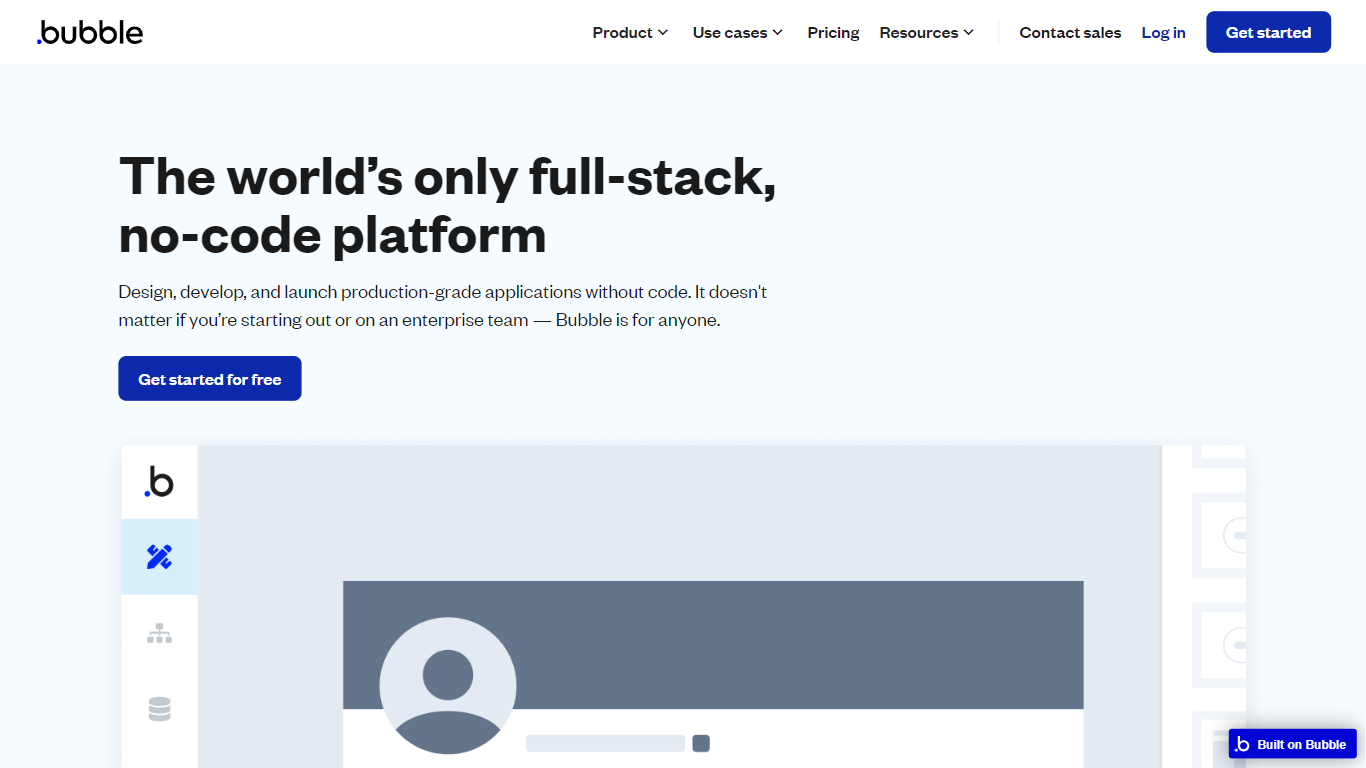

What is Bubble?
Bubble lets you build full-stack web and mobile applications without writing traditional code. Start from an AI prompt or a blank canvas, then switch to a visual editor to shape design, database structure, workflows, and privacy rules on one hosted platform.
Where AI coding tools hand you source files and leave deployment to you, Bubble keeps the entire stack in one place: UI, backend, hosting, and App Store publishing for native iOS and Android builds. That trade-off favors founders and teams who want production apps without stitching together a separate database, auth layer, and hosting provider.
Bubble fits startup founders validating an MVP, agencies building client apps, and enterprise teams spinning up internal tools or customer portals. The platform reports 6 million builders and 8 million apps created, with customers including Amazon, Unity, and Seagate using it for production workloads.
Postly
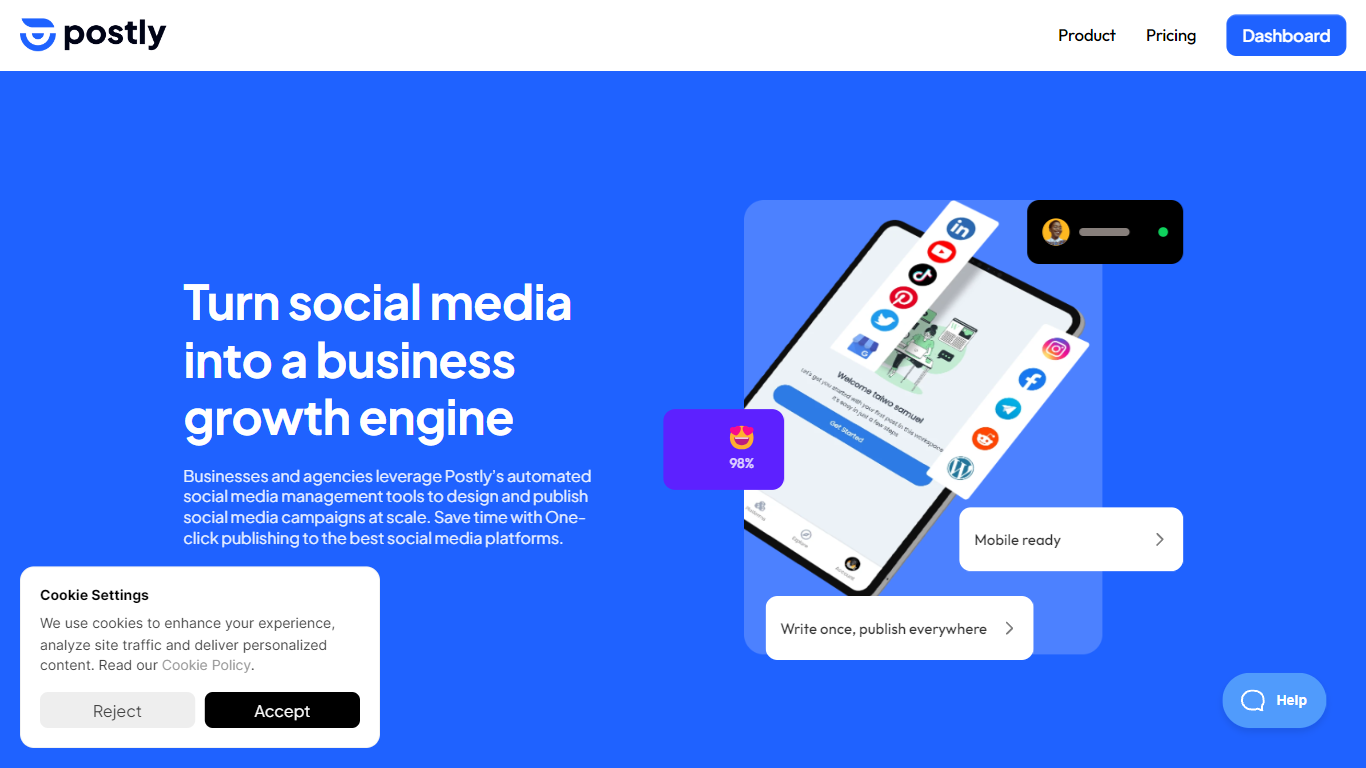
What is Postly?
Teams use Postly to plan campaigns, publish to social networks, messaging apps, blogs, and email from one calendar, and manage customer conversations without switching tools. The workspace bundles AI writing, platform-specific previews, approval queues, and analytics so every campaign carries context from draft to published post. Agencies run separate client workspaces with roles and notes, while marketers and creators handle multi-channel distribution from a single login.
Most schedulers stop at Instagram and LinkedIn. Postly treats blogs, email destinations, WhatsApp templates, and bio pages as first-class publish targets alongside 10 social networks. The per-channel pricing model also scales differently from flat-seat tools, so a team managing many profiles pays per connected destination rather than per user seat.
Marketing teams, agencies, and solo creators who publish across multiple channels benefit most. Postly CRM catches Facebook and Instagram comments and DMs, captures contact details, and exports qualified leads. Auto Post turns RSS feeds, YouTube videos, product catalogs, and documents into repeatable publishing workflows.
Bubble Upvotes
Postly Upvotes
Bubble Top Features
Switch between AI app generation and a drag-and-drop visual editor on the same project
Publish native iOS and Android apps from one platform alongside responsive web apps
Built-in database, workflow logic, API connector, and Stripe integrations without external backend setup
Free plan includes 50K workload units per month and one app editor for development
Growth plan adds premium version control with 10 custom branches and two-factor authentication
Marketplace with 8,000+ plugins plus templates for SaaS, marketplaces, and internal tools
Enterprise tier offers SOC 2 compliance, SSO, and custom hosting locations
Postly Top Features
Publish to 19+ destinations including Instagram, YouTube, WordPress, and Mailchimp
Pro includes 5 channels at $16 per month on yearly billing ($3.20 per channel)
Unlimited scheduled posts, team members, and workspaces on Pro
Postly CRM automates Facebook and Instagram comments and DM follow-up
100GB cloud storage and up to 10GB per video upload on Pro
API and MCP access included on Pro for agent-driven publishing
Bubble Category
- Social Media Assistant
Postly Category
- Social Media Assistant
Bubble Pricing Type
- Freemium
Postly Pricing Type
- Freemium