
Last updated 08-10-2026
Category:
Reviews:
Join thousands of AI enthusiasts in the World of AI!
Postly
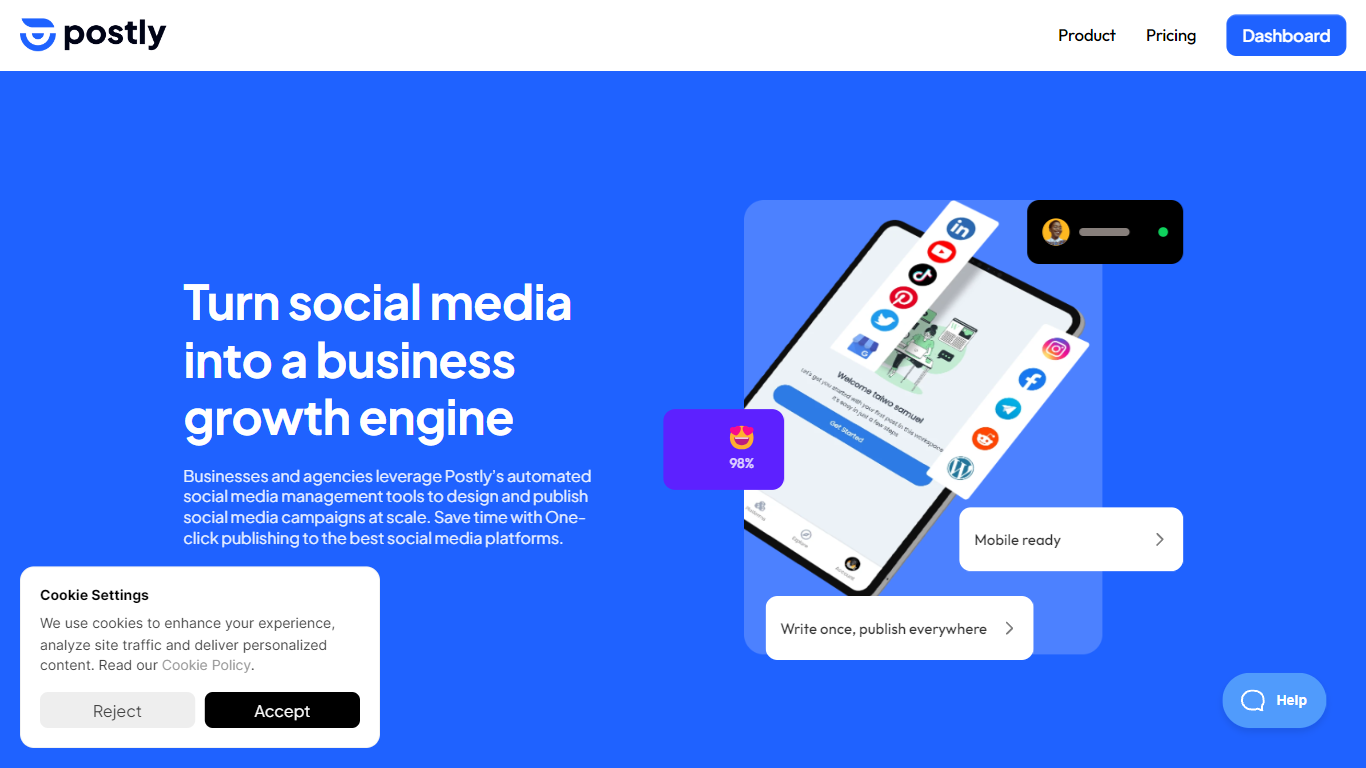
Teams use Postly to plan campaigns, publish to social networks, messaging apps, blogs, and email from one calendar, and manage customer conversations without switching tools. The workspace bundles AI writing, platform-specific previews, approval queues, and analytics so every campaign carries context from draft to published post. Agencies run separate client workspaces with roles and notes, while marketers and creators handle multi-channel distribution from a single login.
Most schedulers stop at Instagram and LinkedIn. Postly treats blogs, email destinations, WhatsApp templates, and bio pages as first-class publish targets alongside 10 social networks. The per-channel pricing model also scales differently from flat-seat tools, so a team managing many profiles pays per connected destination rather than per user seat.
Marketing teams, agencies, and solo creators who publish across multiple channels benefit most. Postly CRM catches Facebook and Instagram comments and DMs, captures contact details, and exports qualified leads. Auto Post turns RSS feeds, YouTube videos, product catalogs, and documents into repeatable publishing workflows.
Publish to 19+ destinations including Instagram, YouTube, WordPress, and Mailchimp
Pro includes 5 channels at $16 per month on yearly billing ($3.20 per channel)
Unlimited scheduled posts, team members, and workspaces on Pro
Postly CRM automates Facebook and Instagram comments and DM follow-up
100GB cloud storage and up to 10GB per video upload on Pro
API and MCP access included on Pro for agent-driven publishing
One workspace covers social, blogs, email, messaging, and bio pages
Per-channel pricing can cost less than flat-seat tools for multi-profile teams
Client workspaces with approvals suit agency workflows
Built-in AI writing and optional AI Studio for images and video
Performance-based scheduling recommendations from account history
Five-channel minimum on Pro even if you only need one profile
AI Studio for premium image and video generation costs $24 per month extra
WhatsApp publishing requires approved Meta templates only
Custom Telegram Bot branding costs $7.20 per month as an add-on
Does Postly offer a free trial?
Yes, Postly offers a 7-day free trial on the Pro plan before billing starts. The trial includes full Pro access with the 5-channel minimum so you can test scheduling, publishing, and integrations across your connected destinations.
How much does Postly Pro cost?
Postly Pro starts at $16 per month on yearly billing for 5 channels, which equals $3.20 per channel per month. Monthly billing starts at $20 per month for the same 5-channel minimum. Additional channels drop to $1.60 per channel between 11 and 100, and $0.80 per channel above 101.
What platforms does Postly publish to?
Postly publishes to X, Instagram, Facebook, YouTube, LinkedIn, TikTok, Pinterest, Google Business Profile, Bluesky, Threads, Telegram, Discord, WhatsApp, WordPress, Ghost, Hashnode, DEV.to, Blogger, five email platforms, and Bio Pages from one workspace.
Does Postly include a CRM?
Yes, Postly CRM manages Facebook and Instagram comments, DMs, and reviews inside the same workspace. It captures phone and email details with consent, filters conversations by lead status, and exports qualified contacts for follow-up.
What counts as a channel on Postly?
On Postly, a channel is one publishable destination such as a Facebook Page, Instagram profile, LinkedIn Page, X account, YouTube channel, Google Business Profile location, Pinterest board, Telegram channel, WhatsApp account, blog, or supported email destination.
Does Postly support API and MCP access?
Yes, Postly includes API access and MCP AI agent support on the Pro plan at no extra charge. Teams can connect external software and AI agents to create, schedule, and publish content through Postly programmatically.